
Table of Contents
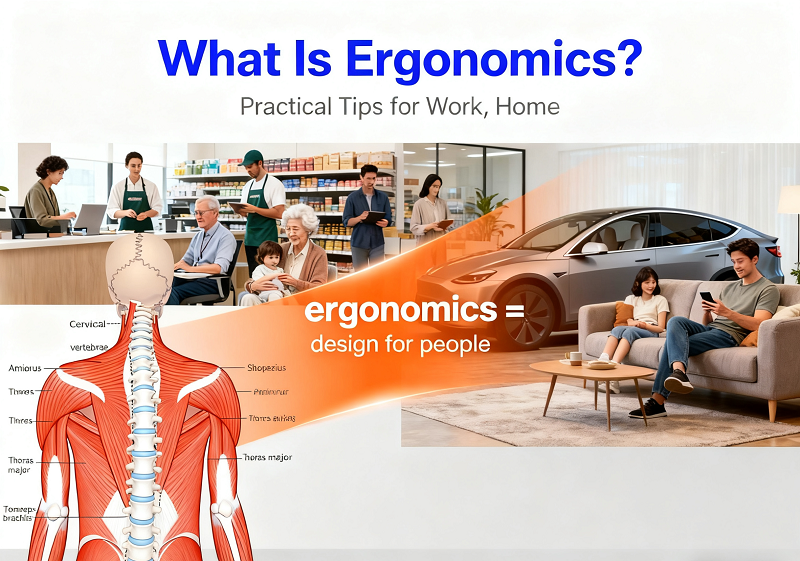
Walk into any office, and you’ll see “ergonomic” chairs or keyboards. But ergonomics isn’t just “comfortable gear.” It’s a science. It shapes how you interact with daily things—couches, phones, even cars. At its core, ergonomics is “design for people.” It rejects “one size fits all.” It adapts products, spaces, and habits to your body’s needs. Whether you’re a remote worker, a retail associate, a parent, or a senior—ergonomics keeps you healthy, efficient, and pain-free. Let’s break it down.
What is Ergonomics and Why is it Important?
Most people think ergonomics is “comfort.” But comfort is a side effect. Its real goal is to keep your body working right—even during long or repetitive tasks.
Ergonomics: Beyond “Comfort”
Ergonomics uses physiology, psychology, and biomechanics. It designs to fit human abilities.
For example:
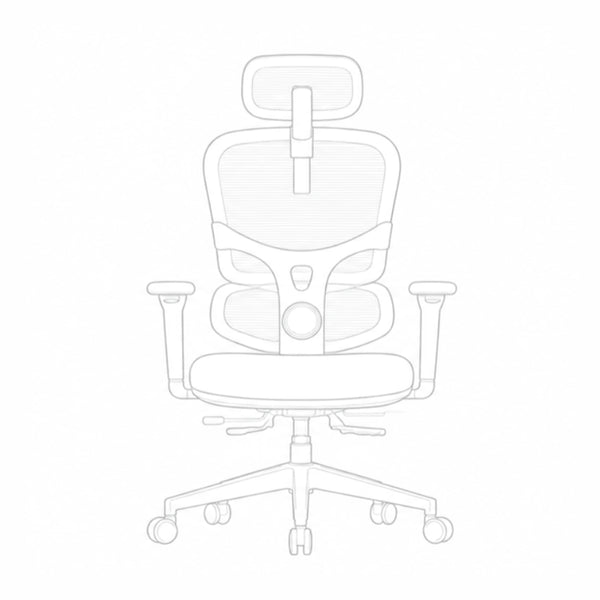
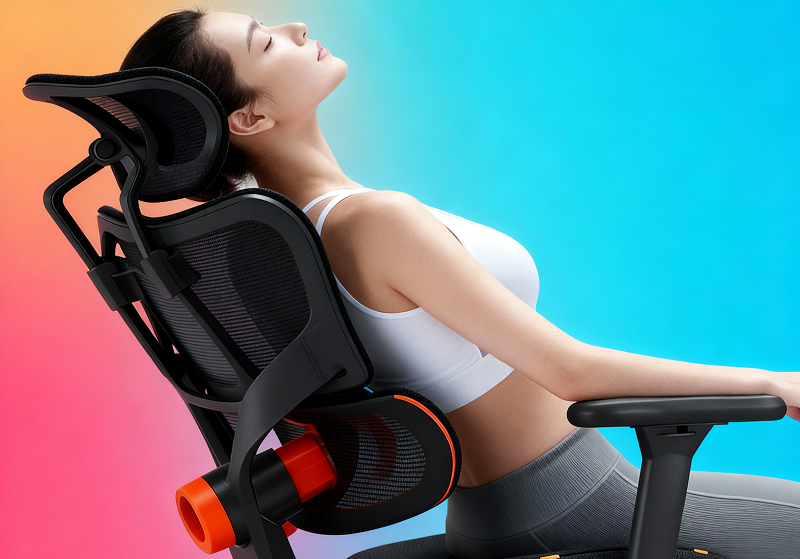
An ergonomic chair supports your spine’s natural S-curve. A flat chair adds 40% more pressure to your lower back.
A split keyboard stops wrist “bending.” This cuts carpal tunnel risk by half (OSHA data).
How it bridges needs and design
Most products are made for “average” people. No one is truly average.
A laptop is a good example:
Raise the screen to protect your neck—your wrists bend to type.
Lower it for straight wrists—your neck hunches. Ergonomics fixes this. Use a laptop stand, separate keyboard, and a mouse that fits your hand. A park bench works too:
A non-ergonomic bench is flat and hard. Sit 10 minutes, and your back aches.
An ergonomic bench has a curved back and padded seat. You can sit 30 minutes without strain.

Why it matters for everyone
Ergonomics isn’t just for desk workers. It’s for anyone who uses their body.
For desk workers
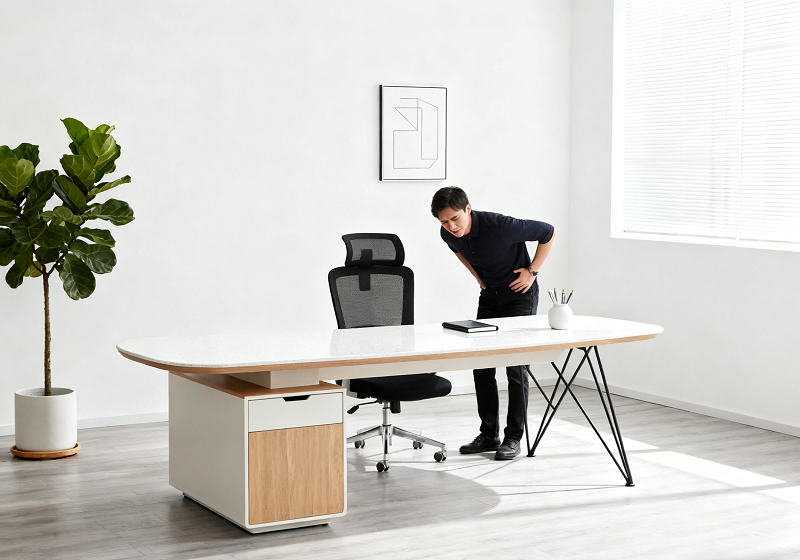
Sitting 8+ hours a day strains your body.
A 2023 study found:
80% of desk workers have lower back pain.
45% have wrist discomfort. Fixes:
Keep your screen 20-28 inches from your face. Top 1/3 at eye level.
Elbows bent 90° when typing.
Use a footrest if your feet don’t reach the floor. These changes cut back pain by 50% (OSHA).
For physical laborers
Construction, retail, or healthcare work has obvious risks.
A warehouse worker bending to lift boxes is 70% more likely to herniate a disc (NIOSH).
Nurses lifting patients face high back injury risks.
Fixes:
Use lifting straps or carts.
Stand on anti-fatigue mats.
Store items at waist height. Ergonomic patient lifts cut nurse back injuries by 65% (American Nurses Association).
For everyday people
Simple tasks can cause strain. Slouching on the couch while scrolling adds lumbar pressure.
Standing at a kitchen counter for an hour strains your upper back.
Fixes:
Use a lumbar pillow on the couch.
Keep kitchen tools at waist height.
Adjust your car seat so knees are slightly bent. A 2022 survey found these tweaks boost energy by 25%.
What is the Definition of Ergonomics?
Origin of the term
“Ergonomics” comes from Greek: “ergon” (work) + “nomos” (law). It was coined in the 1940s. Back then, it focused on workplace efficiency—like designing tools for soldiers. Today, it’s bigger. It’s not just about work. It’s about all human-environment interactions.
Modern definition
The International Ergonomics Association defines it as:
“The science of optimizing human well-being and system performance through design.”
In plain words: Make every interaction with things (phones, mugs, strollers) work with your body.
Examples:
Wide mug handles (no finger cramps).
Grippy phone cases (no drops). · Padded yoga mats (no knee pain).
What is the Goal of Ergonomics?
Ergonomics has 3 core goals. They work together.
The 3 core goals
Goal 1: Reduce health risks
Poor ergonomics causes two issues:
Acute injuries (pulled muscles, wrist sprains).
Chronic pain (back pain, “text neck”).
Ergonomics uses “neutral positions” to prevent this. For example:
Straight wrists cut carpal tunnel risk by 80% (Mayo Clinic).
Natural spine curves reduce back pain by 55%.
Goal 2: Boost efficiency
When things fit your body, you waste less energy.
Examples:
A chef with an ergonomic knife chops 20% faster.
A remote worker with dual monitors saves 30 minutes a day (no tab-switching).
Goal 3: Improve satisfaction
Ergonomics makes life easier.
Examples:
A student with an ergonomic lamp studies 2 hours without eye strain.
A parent with an ergonomic baby carrier walks 1 hour without back pain. A 2023 study found ergonomic users have 40% less fatigue.
How the goals work together
Take an ergonomic office chair:
- Reduces risk: Supports your spine, no back pain.
- Boosts efficiency: No shifting, so you focus longer.
- Improves satisfaction: You leave work pain-free.
The Advantages of Ergonomics
Health advantages
Fewer RSIs: Ergonomic mice cut wrist pain by 45%. 1-minute stretches every 20 minutes lower neck tightness by 45%.
Better posture: Monitor risers improve neck posture by 70%. Anti-fatigue mats reduce back pressure by 30%.
Improved sleep: Lumbar pillows cut nighttime back pain by 40%. Eye-level phones help you fall asleep 15 minutes faster.
Efficiency advantages
Faster tasks: Ergonomic keyboards let typists work 15% faster. Adjustable carts move 20% more boxes hourly.
Fewer mistakes: Glare-free dashboards cut driving errors by 30%. Clear screens reduce data entry typos by 25%.
Less downtime: Companies with ergonomic programs cut sick days by 40% (SHRM).
Economic advantages
| Group | Savings Examples |
|---|---|
| Businesses | - $20B/year spent on ergonomic injury claims (OSHA).- Ergonomic programs cut these costs by 30-50%.- 25% lower turnover (workers stay longer). |
| Individuals | - (10,000 average cost to treat carpal tunnel.- )150 for an ergonomic mouse/keyboard avoids this.- $1,200/year saved on medical bills (2021 report). |
Types of Ergonomics
Ergonomics has 4 main types. Each focuses on a different need.
| Type | Focus | Examples |
|---|---|---|
| Physical | Body-object interactions | Ergonomic chairs, split keyboards, padded yoga mats. |
| Cognitive | Brain-information interactions | Simple app menus, clear car dashboards, grocery store signs. |
| Organizational | Workflows and schedules | Hourly breaks, separate work/relax spaces, 30-minute meetings. |
| Environmental | Surroundings (light, noise, temp) | Adjustable office lights, 65°F bedrooms, moderate restaurant noise. |
Ergonomics Examples

Workplace examples
Adjustable standing desks: Cut back pain by 35% (OSHA).
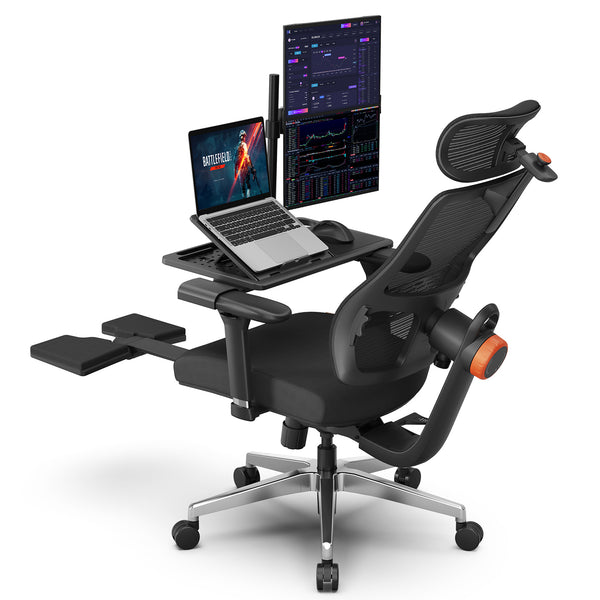
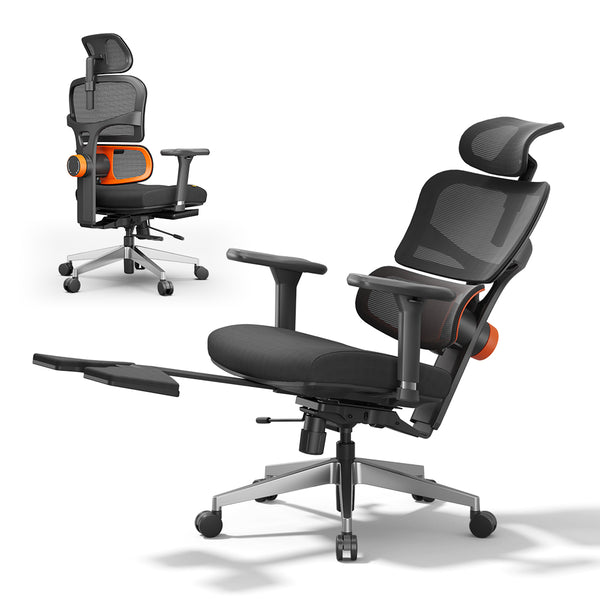
Newtral NT002 ergonomic office chair: 50% less back pain (American Chiropractic Association).
Monitor risers: $20, cuts neck pain by 60%. For physical jobs:
Lifting straps: 70% lower back injury risk. · Anti-fatigue mats: 40% less foot pain.
Home examples
Lumbar couch pillows: 30% less “couch back.”
Adjustable kitchen stools: No standing strain while cooking.
Phone stands: 50% less neck tension (Journal of Physical Therapy Science).
Public space examples
Transit seats: Curved backs cut back pain by 35%. Armrests help 80% of seniors stand.
Shopping carts: Padded handles reduce hand pain by 40%.
Park benches: Armrests make standing easier for seniors.
What is Ergonomics in the Workplace?
For desk-based jobs
Chair: Feet flat, lumbar support gentle on lower back.
Monitor: 20-28 inches away, top 1/3 at eye level.
Breaks: Stand/stretch every 45 minutes. Remote workers: These tweaks cut back pain by 50% and boost productivity by 20% (2023 Remote Work Association study).
For physical jobs
Lift with knees, not waist. Hold items close to your body.
Stand on anti-fatigue mats. Shift weight every 10 minutes.
Wear supportive shoes: 30% less foot pain for construction workers.
For hybrid jobs
Convertible desks: Switch between sitting/standing.
Portable lumbar pillows: For uncomfortable meeting chairs.
Backpacks: Even weight distribution, 50% less shoulder strain.
Blog18
blog18
Can Ergonomic Hazards Exist in All Work Environments?
Yes. Even “easy” jobs have risks. Use this table to spot and fix them:
| Workplace Type | Hidden Hazards | Risks | Fixes |
|---|---|---|---|
| Desk/Remote Work | Screen glare, unadjustable chairs, long sitting | Neck strain, back pain, carpal tunnel | Monitor filters, towel lumbar support, 45-minute breaks |
| Physical Labor | Heavy lifting, hard floors, overhead reaching | Herniated discs, foot pain, shoulder injuries | Lifting straps, anti-fatigue mats, waist-high storage |
| Sedentary Jobs (Driving) | Awkward seats, vibration, phone holding | Hip pain, back pain, neck strain | Lumbar pillows, seat cushions, headsets |
| Hybrid Jobs | Heavy bags, uncomfortable chairs, long standing | Shoulder strain, back pain, foot pain | Rolling carts, portable lumbar pillows, small rugs |
Practical Ergonomics Tips
Low-cost hacks
- Monitor riser: Stack books.
- Lumbar support: Rolled towel or pillow.
- Wrist rest: Folded sweater.
- Phone stand: Coffee mug.
- Anti-fatigue mat: Bathroom rug. These cost \(0-\)5. They cut pain by 30-40% (2022 survey).
5-minute daily check
- Feet: Flat on floor/footrest? Adjust chair.
- Neck: Head straight? Tilt monitor.
- Wrists: Straight when typing? Reposition keyboard.
- Back: Supported? Add towel.
- Breaks: Reminder set for 45-minute stretches?
This cuts injury risk by 50% (OSHA).
Ergonomics in Everyday Life

For relaxation
Watching TV: Feet flat, lumbar pillow, TV at eye level. · Reading: Book stand at 45°, chair with armrests.
Scrolling phone: Eye-level hold, 10-minute breaks. 70% of adults have “text neck.” These fixes reduce it.
For hobbies & sports
Gaming: Ergonomic controller, 10-minute breaks hourly.
Cooking: Tools at waist height, padded rug.
Gardening: Long-handled tools, kneeling mat. Gamers with ergonomic controllers have 40% less finger pain (2023 survey).
For commuting
Driving: Seat tilted 100-110°, elbows 90° on wheel.
Bus/train: Feet shoulder-width, use handrails.
Walking: Supportive shoes, head up (no phone). Commuters using these tips arrive 25% less tired (2022 study).
FAQ
Common Myths (Busted!)
Myth 1: “Ergonomic gear is expensive.”
Bust: Use household items. Budget gear costs \(10-\)30.
Myth 2: “Only people with pain need it.”
Bust: It’s preventive. Stop pain before it starts.
Myth 3: “Set up once, done.”
Bust: Adjust every 3 months (body changes).
Myth 4: “Standing desks fix all.”
Bust: Switch every 30 minutes. Standing all day is bad.
For specific groups
Pregnant people: Lumbar pillow, footrest, no heavy lifting. · Older adults: Grab bars, firm chairs with armrests.
Kids: Adjustable desks, 30-minute device limits.
People with disabilities: Voice-controlled software, wheelchair-accessible desks.
Spot red flags
Body: Shoulder tightness, wrist tingling, eye dryness. · Environment: Glare, unadjustable tools.
Habits: Hunching, sitting 2+ hours. Fix small issues first. See a doctor if pain lasts 2 weeks.


Leave a comment
All comments are moderated before being published.
This site is protected by hCaptcha and the hCaptcha Privacy Policy and Terms of Service apply.