

Table of Contents
You bought a nice office chair, but your back still aches by 3 PM. It’s a frustrating situation that many of us face. The truth is, even the most expensive ergonomic chair won’t help if it isn’t fitted to your body.
The most critical adjustment is the lumbar support. When you adjust lumbar support office chair settings correctly, you bridge the gap between your spine and the backrest. This takes the pressure off your muscles and lets you focus on your work instead of your back pain.
Here is a simple, step-by-step guide to finding your sweet spot.
Why Lumbar Support Matters for Everyday Sitting
Your spine naturally curves like the letter "S." When you stand, your lower back curves inward. However, when you sit down, gravity tends to flatten that curve out.
Without support, your body naturally slumps into a "C" shape. This puts massive strain on your discs and muscles. Proper lumbar support fills that empty space in your lower back. It acts like a gentle hand, holding your spine in its natural shape so your muscles can finally relax.
blog18
Start With Your Sitting Position
Before you touch any knobs or levers on the backrest, you need to set your foundation. If your posture is wrong, adjusting the lumbar support won’t help.
- Sit All the Way Back: Slide your hips as far back into the chair as they will go. Your tailbone should be touching the back of the seat.
- Plant Your Feet: Keep your feet flat on the floor. If they dangle, the angle of your pelvis changes, which throws off your spine. Use a footrest if you need to.
- Check the Seat Depth: There should be a gap of about 2–3 fingers between the back of your knees and the edge of the seat.

How to Adjust Lumbar Support on Your Office Chair
Once you are sitting correctly, follow these steps to dial in your comfort.
Step 1: Find the Lumbar Control
Every chair is different. Look for a knob on the side of the backrest, a sliding handle on the back, or a dial underneath the seat. Some chairs allow you to slide the entire backrest up and down. Locate your controls first.
Step 2: Adjust the Height
This is the most common mistake people make.
- Reach behind you and feel for the curve in your lower back. This is usually right around your belt line or just opposite your belly button.
- Move the lumbar support up or down until the most prominent part of the cushion aligns perfectly with this curve.
- If it sits too high, it will push your ribs and make you hunch. If it’s too low, it will push your hips forward.
Step 3: Adjust the Depth or Firmness
If your chair allows you to change how far the support sticks out (depth), start gentle.
- Reset the tension to the lowest setting (flattest).
- Slowly dial it up until you feel the support touching your back.
- The Rule of Thumb: It should fill the gap comfortably. It should feel like firm padding, not like a fist or a hard rock poking into your spine.
Step 4: Test the Setup
Sit back and relax for a minute. Does your back feel neutral?
The Gap Test: Try to slide your hand behind your lower back. If you can slide it through easily, you need more depth.
The Pressure Test: If you feel a specific pressure point causing pain, reduce the depth or slightly adjust the height.
blog18
Blog18
Quick Tips for Long-Term Comfort
Even a perfectly adjusted chair can't save you if you stay frozen in one spot for eight hours.
- The 30-Minute Rule: Stand up or stretch every 30 minutes. This resets your posture.
- Re-check Weekly: Knobs can slip and cushions can settle. Give your chair a quick check every Monday morning.
- Engage Your Core: Try not to rely 100% on the chair. keeping your core slightly engaged helps protect your back.
When to Rethink Your Chair
Sometimes, no amount of adjusting fixes the problem. If the cushion is completely flattened, the mechanisms are wobbly, or the chair is just the wrong size for your body frame, it might be time to move on.
The biggest issue with standard ergonomic chairs is that they are static. You might adjust the lumbar support perfectly for sitting upright, but the moment you lean forward to type or reach for your coffee, a gap opens up between your back and the chair. That gap is where the pain starts.
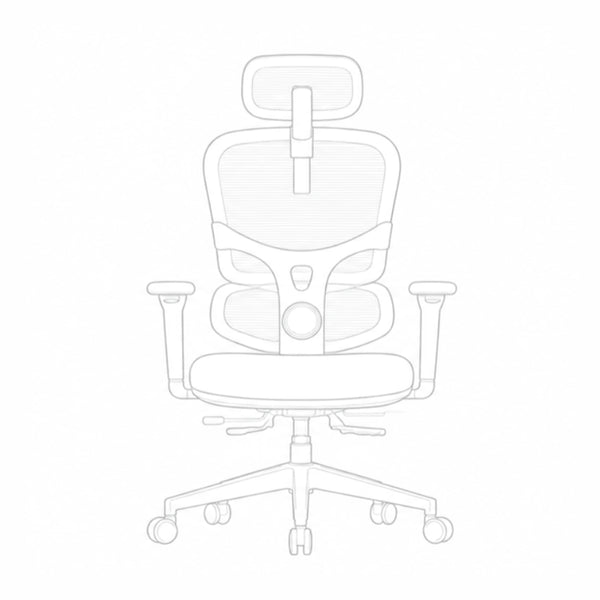
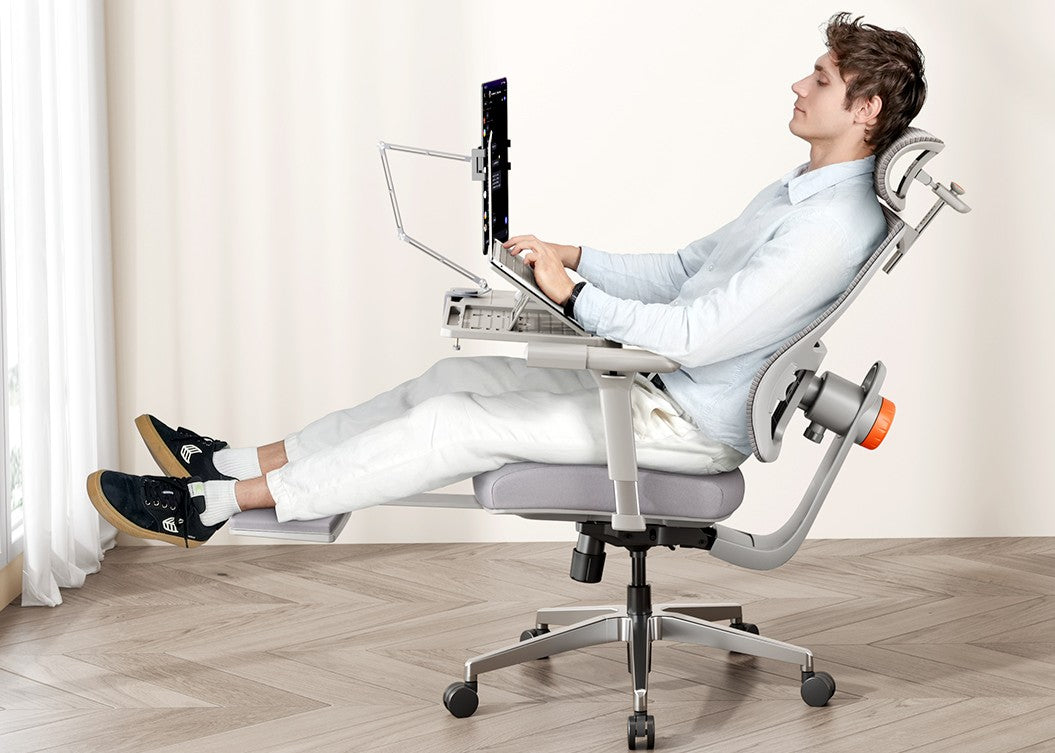
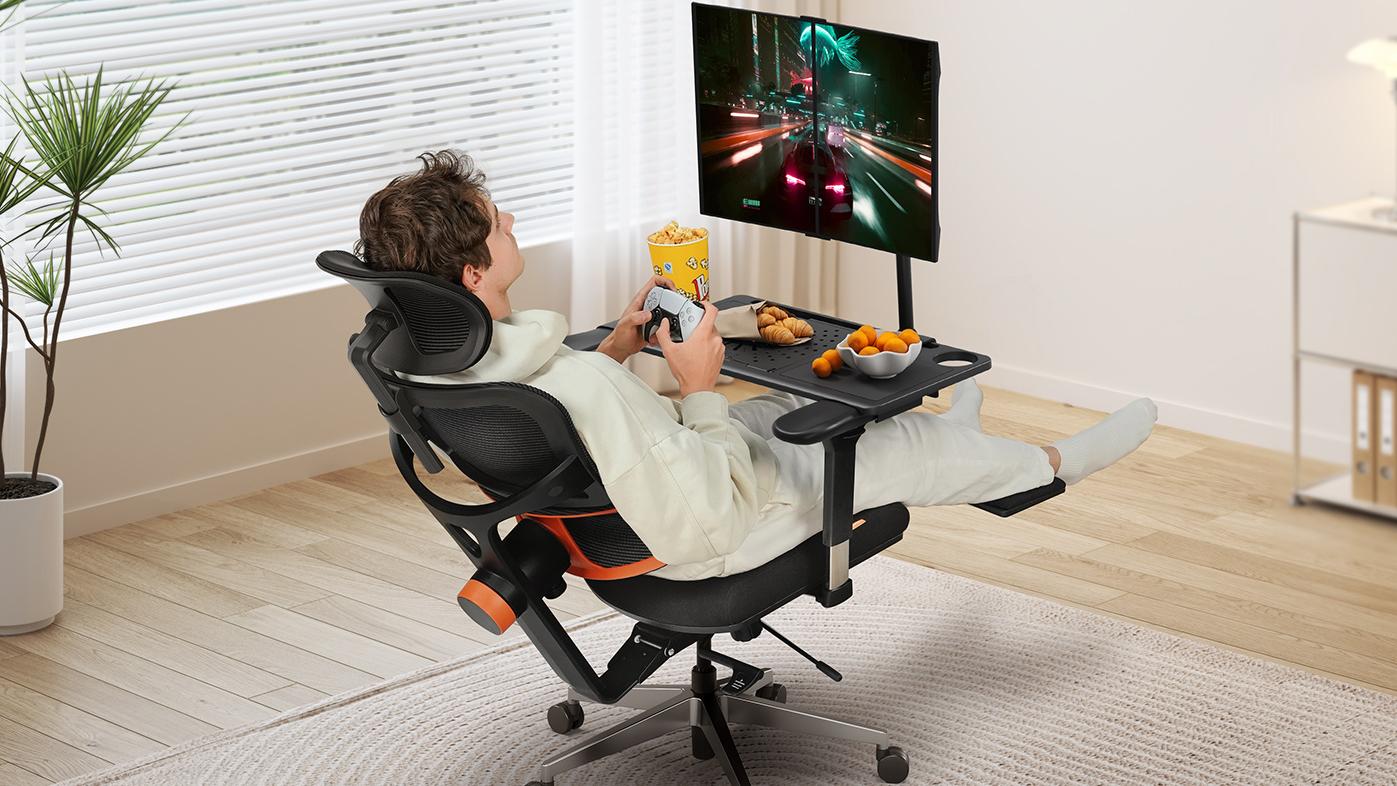
If you are looking for a solution that solves this problem permanently, we recommend the Newtral NT002.
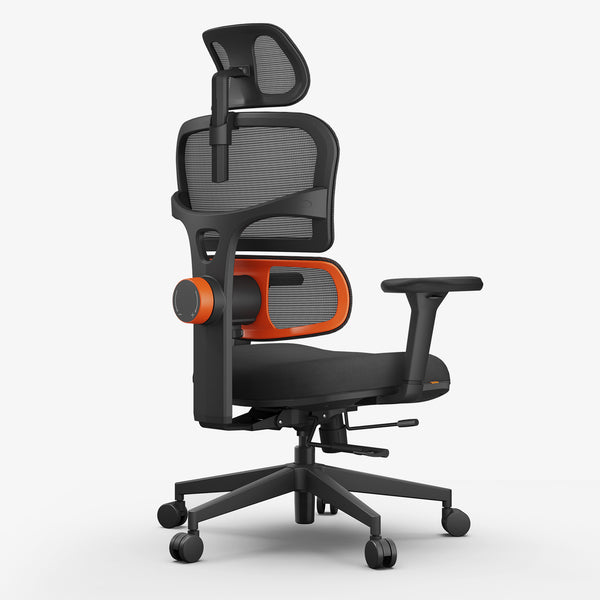
Unlike traditional chairs where the backrest stays still, the Newtral NT002 is designed with a unique Auto-Following Lumbar Support system. Here is why that matters:
-
Continuous Support: The lumbar mechanism automatically moves forward and backward with your body. Whether you are leaning forward to focus or reclining to relax, the support "chases" your lower back, ensuring there is never a gap.
-
Pressure Relief: By maintaining constant contact, it significantly reduces pressure on your lumbar discs helping to prevent that end-of-day soreness.
-
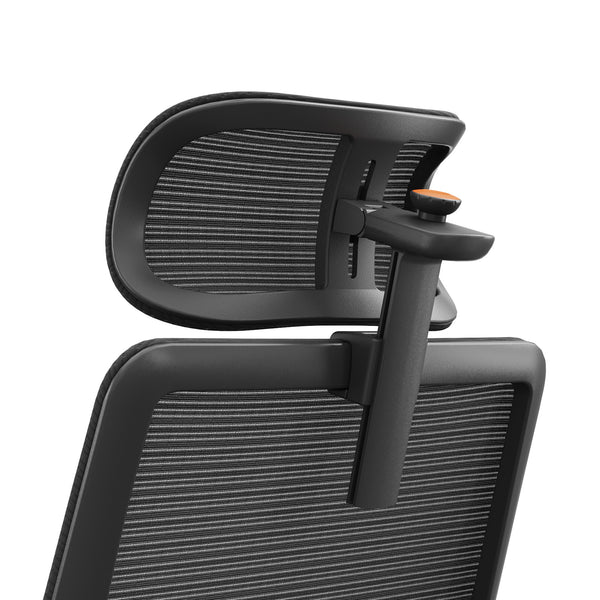
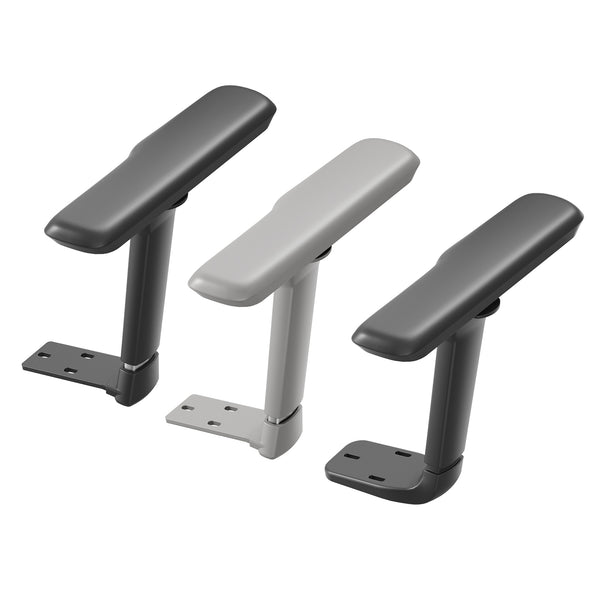
Total Customization: Following the advice in this guide is easy with the NT002 because almost every part is adjustable. It features a fully adjustable headrest, 4D armrests, and seat depth adjustment, allowing you to dial in the perfect fit for your specific height and build.
-
Breathable Comfort: It uses a high-quality mesh back that keeps you cool, preventing the sweat and heat buildup common with foam chairs.
If you are tired of constantly re-adjusting your chair and still feeling pain, upgrading to a chair that adapts to you can make all the difference.
Check out the full details here: Newtral NT002 Ergonomic Office Chair.

Conclusion
Learning how to adjust lumbar support office chair settings correctly is one of the easiest ways to improve your workday health. It only takes a few minutes to find that belt-line sweet spot, but the payoff is less pain and better focus. Take a moment right now to check your chair—your back will thank you.
blog18
blog18
Blog18
FAQs About Adjusting Lumbar Support
Where should lumbar support be placed exactly?
Place it in the natural curve of your lower back, usually just above your waist. It should fill the gap between your back and the chair without pressing too high into your mid-back.
How firm should the lumbar support feel?
It should feel supportive but gentle. If it feels like it’s pushing your spine forward or creating pressure pain, it’s too firm. Start lighter and increase slowly.
Is lumbar support necessary for everyone?
Most people benefit from it, especially if they sit for long hours. But comfort matters most. If lumbar support feels uncomfortable, small adjustments often fix it. If it still feels wrong, your chair might not match your back shape.
Can I add lumbar support if my chair doesn’t have it?
Yes. You can use a lumbar cushion, a small pillow, or a lumbar roll. The goal is the same: support the natural curve of your lower back while you sit all the way back in the chair.
Keep reading:





Leave a comment
All comments are moderated before being published.
This site is protected by hCaptcha and the hCaptcha Privacy Policy and Terms of Service apply.