
Table of Contents
If you spend a lot of time at your desk for work, gaming, or both, your chair matters more than most people expect. With so many options, it’s easy to get stuck choosing between an office chair and a gaming chair. This guide breaks it down in a simple way so you can pick what fits your body, your routine, and your space.
What This Comparison Is Really About
This decision is not just about style. It’s about how your chair supports you during long sitting sessions. If you sit for hours, the wrong chair can lead to back pain, shoulder tension, and tired legs. The right chair can help you stay comfortable, focused, and less sore at the end of the day.
Key Differences Between Office Chairs and Gaming Chairs
Design and Look
Office chairs usually have a clean, neutral design that blends into a home office or workplace. Gaming chairs often have bold colors, a race-inspired shape, and a high back that stands out more.
Comfort and Support
Office chairs are usually built around upright support and long work sessions. Many focus on lumbar support and posture-friendly sitting.
Gaming chairs often feel plush and supportive at first because they have thicker padding and a high back. They also tend to include head and lumbar pillows. The catch is that pillows do not always fit your body well, and the seat shape can feel restrictive for some people.
Adjustability and Features
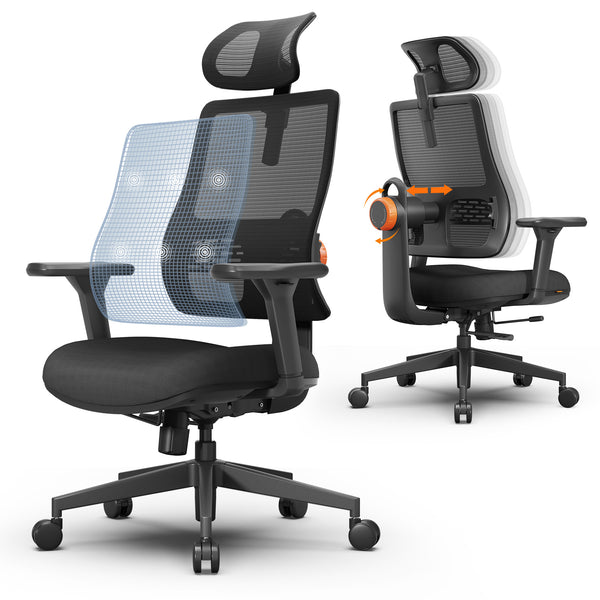
Many good office chairs offer practical adjustments like seat height, armrest height, tilt tension, and sometimes seat depth and lumbar position.
Gaming chairs often focus on features like deep recline and rocking. Some have adjustable armrests, but budget models may have fewer real ergonomic adjustments.
Materials and Breathability
Office chairs often use mesh or breathable fabric, which helps if you sit for long hours or get warm easily.
Gaming chairs commonly use PU leather or faux leather. It looks sleek, but it can trap heat and feel sticky during long sessions.
Price and Value
Both chair types range from cheap to expensive. The biggest difference is what your money goes toward. Some gaming chairs put more value into looks and padding, while office chairs often invest more into ergonomic support and long-term comfort.
Blog18
Which One Fits Your Daily Use Best
For Work and Productivity
If you work at a desk for several hours a day, an office chair is usually the safer pick. It is more likely to support an upright posture that helps with typing, meetings, and focused tasks.
For Gaming Sessions
If gaming is your main use and you like to recline often, a gaming chair can feel comfortable. This is especially true if you play with a controller and lean back more.
For Mixed Use (Work and Play)
If you need one chair for both, focus on support first. A chair that feels great while reclining but feels awkward for typing can make workdays harder. Look for a chair that supports upright sitting and still offers enough comfort for gaming after work.
Choosing the Right Chair for Your Body
A chair can be popular and still be a bad fit for you. Use these quick checks:
- Seat height: Your feet should rest flat on the floor.
- Knee angle: Aim for about a 90-degree bend at the knees.
- Seat depth: You should have about two fingers of space between the seat edge and the back of your knees.
- Lumbar support: It should sit in the curve of your lower back, not in the middle of your spine.
- Armrests: Your shoulders should stay relaxed. If you feel like you are shrugging, the armrests are too high.
Common fit mistakes include buying a chair that is too tall, choosing a seat that is too deep, or picking a bucket-style gaming seat that pushes your shoulders forward.
Blog18
Blog18
Quick Tips for Picking the Right Chair
Here are simple steps you can use right away:
1. Pick based on your main use.
If you work more than you game, lean toward an ergonomic office-style chair. If you mostly game and recline a lot, a gaming chair may be fine.
2. Prioritize lumbar support and seat comfort.
A chair can look great but still cause pain after two weeks. The seat cushion and lower back support matter most.
3. Make sure the chair works with your desk.
Armrests that block you from getting close to the desk can ruin your posture. If possible, choose armrests that adjust up and down and move in or out.
4. Watch for heat problems.
If you get warm easily, choose mesh or fabric instead of faux leather.
5. Check return policy and sizing before you buy.
Chairs are hard to judge online. Clear dimensions and an easy return option reduce risk.
Our Top Pick: A Great Ergonomic Chair for Work and Play
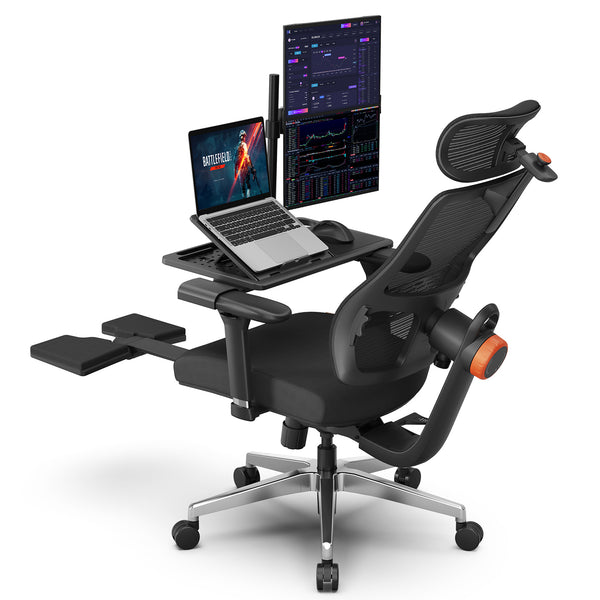
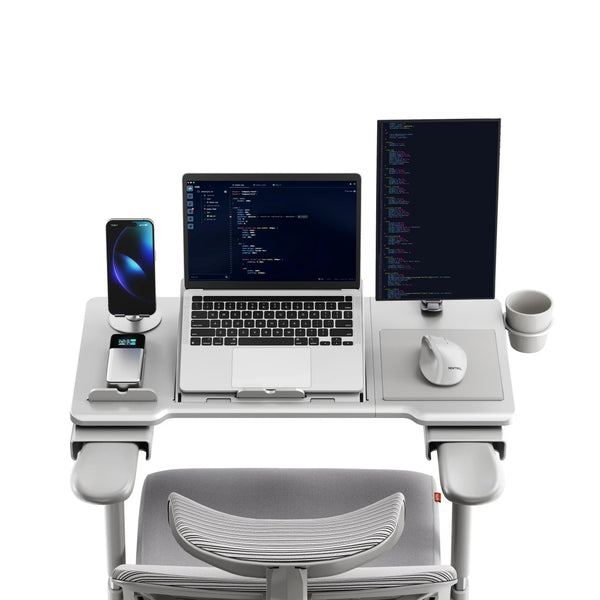
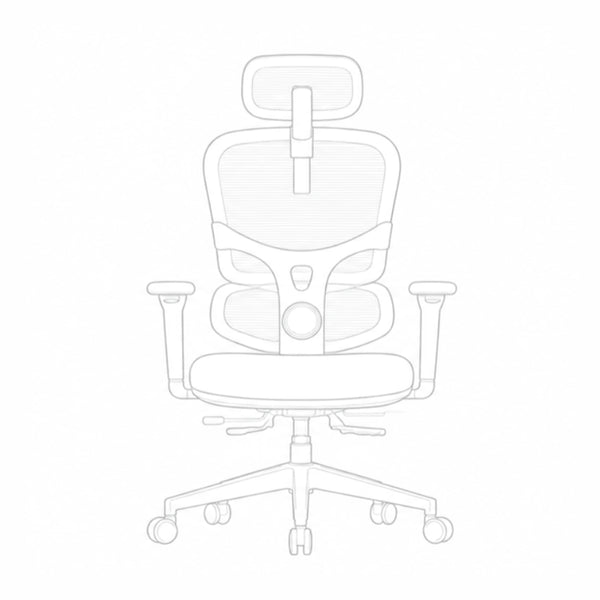
If you want one chair that works well for both office work and gaming, we recommend the Newtral NT002 Ergonomic Chair. This chair has a strong set of comfort and support features that make it a good choice for long desk hours or extended gaming sessions.
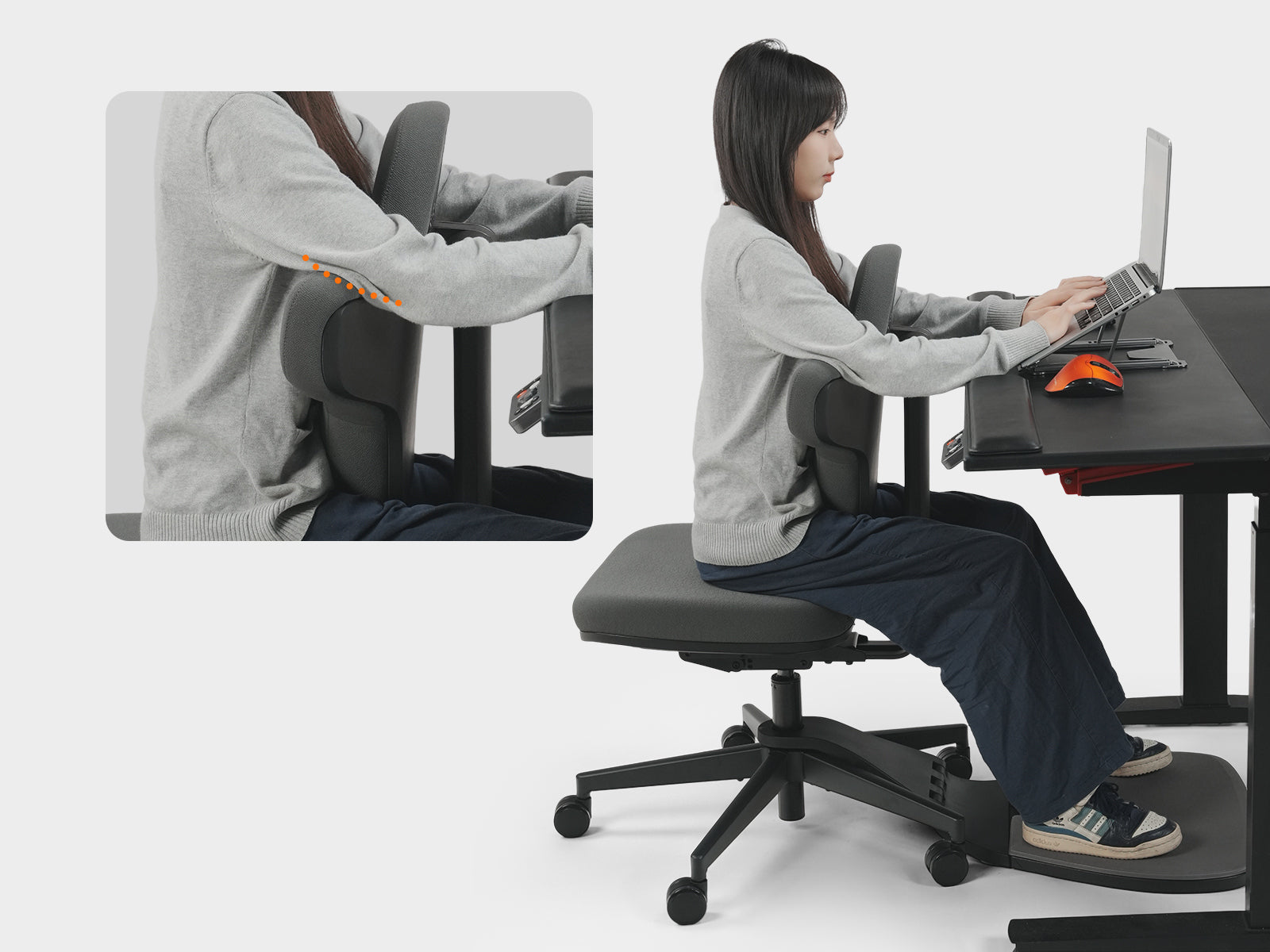
It includes adaptive lumbar support that automatically moves with your lower back to give continuous support whether you are leaning forward or sitting upright. This helps reduce pressure on your spine and keeps your posture stable while you work or play.
The chair has a breathable mesh back that improves airflow so you feel cooler even during long periods of sitting. It also offers seat height and depth adjustments, which help you find a fit that matches your body size and desk setup.
You get 4D adjustable armrests that move up and down, forward and backward, side to side, and rotate slightly. This lets you position your arms comfortably for typing, mouse use, or handheld gaming.
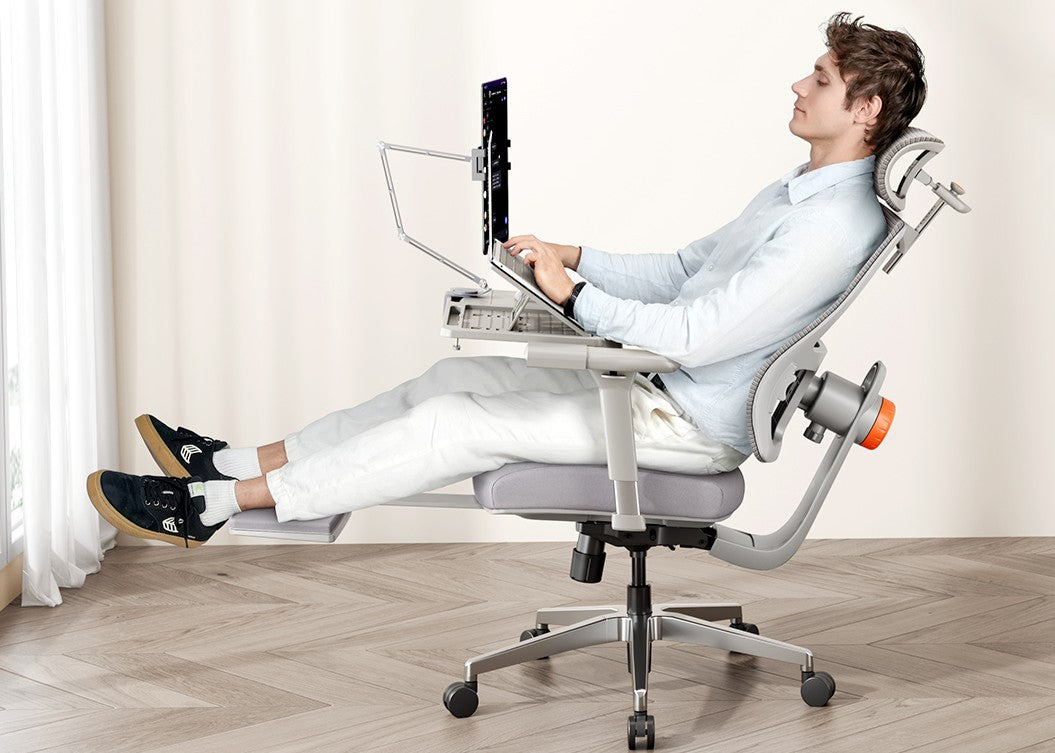
This chair also includes a recline function with multiple lockable angles and a footrest to support your legs when you want to relax for a moment.
Overall, this option blends the ergonomic support you need for serious work with the comfort features that make longer gaming sessions more enjoyable.

Final Thoughts
Office chairs are usually better for long workdays because they focus on posture and adjustability. Gaming chairs can be comfortable for casual use and reclining, but the fit and material can be hit or miss.
If you sit for long hours and want one chair to do everything, a well-built ergonomic chair is often the safest choice.
FAQs
Can a gaming chair be used for work?
Yes, but it depends on the chair and your body. Many gaming chairs work fine for short tasks, but some lack the adjustments needed for all-day typing.
Are office chairs better for your back?
In many cases, yes. A solid office chair with real lumbar support and good adjustments is usually better for posture during long work sessions.
Is it okay to use one chair for both work and gaming?
Yes. Many people do. The key is picking a chair that supports upright sitting and still feels comfortable for longer play sessions.
What should I avoid when buying a chair online?
Avoid chairs with missing measurements, vague feature descriptions, or poor return policies. Also watch out for cheap faux leather if you sit for long hours.
Recommended reading:




Leave a comment
All comments are moderated before being published.
This site is protected by hCaptcha and the hCaptcha Privacy Policy and Terms of Service apply.