
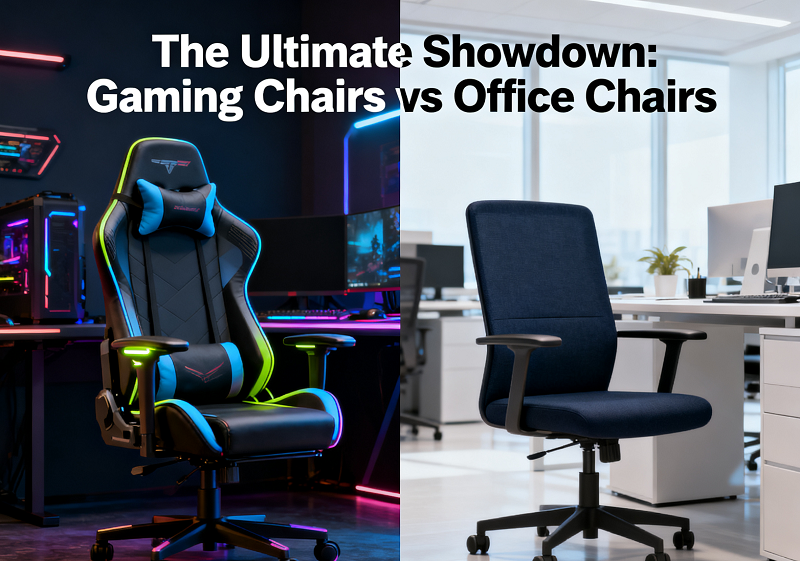
Spending long hours at a desk makes your chair one of the most consequential decisions in your setup. This guide offers a clear, honest comparison to help you choose with confidence, whether you work, game, or do both at the same desk.
The Core Design Difference
1. Why Gaming Chairs Look Like Race Car Seats
Gaming chairs draw their design cues from motorsport bucket seats. The tall wraparound backrest, pronounced side bolsters, and bold colorways are borrowed from racing car interiors, based on the idea that the focus and endurance demands of competitive gaming mirror those of professional drivers.
The bucket seat shape limits sideways movement, which makes sense when bracing against cornering forces. At a desk, however, the rigid side bolsters can press against the hips and thighs, particularly for users whose body shape does not match the chair's fixed dimensions.
2. How Ergonomic Office Chairs Think About Posture
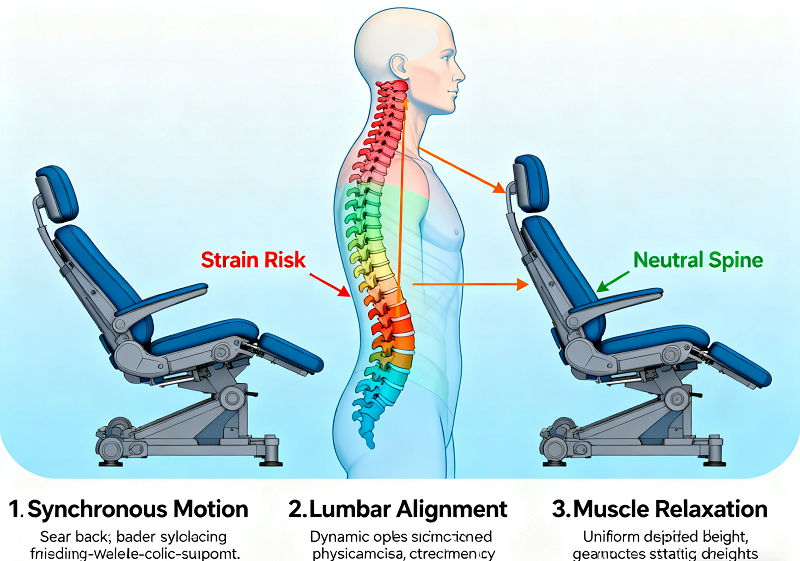
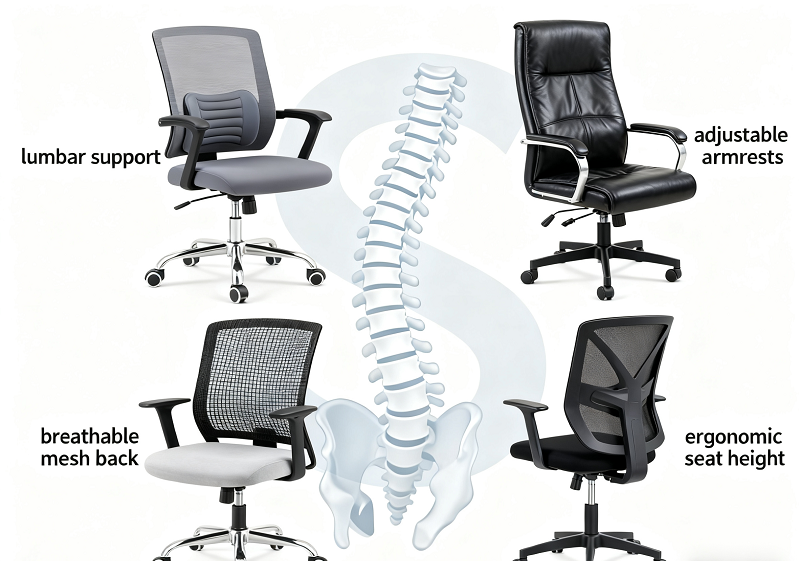
Ergonomic office chairs are built around adaptability. Rather than holding the body in a fixed position, they are designed to support the spine's natural S-curve while allowing natural movement throughout the day, because sustained static sitting places more stress on the body than shifting position regularly.
Adjustable lumbar support, variable seat depth, and multi-axis armrests accommodate different body types and working postures. BIFMA, the leading safety and performance standards body for office furniture in North America, evaluates chairs specifically against these adaptability benchmarks.
|
Feature |
Gaming Chair |
Ergonomic Office Chair |
|
Backrest shape |
Fixed wraparound bolsters |
Contoured, adapts to body |
|
Lumbar support |
Removable external pillow |
Built-in adjustable mechanism |
|
Seat pan |
Fixed bucket seat |
Adjustable depth and tilt |
|
Armrests |
2D to 4D depending on model |
4D standard on quality models |
|
Recline range |
Up to 135 to 180 degrees |
Typically up to 120 to 136 degrees |
|
Primary design goal |
Comfort during relaxed sessions |
Support during sustained upright work |

Ergonomics and Back Health
How Each Chair Supports Your Spine
A well-designed chair supports the spine's natural S-curve without forcing it into an unnatural position. This is where gaming chairs and ergonomic office chairs diverge most significantly.
Gaming chairs rely on external lumbar pillows strapped to the backrest. These sit in a fixed location, so they either align with your lower back or they do not, depending on your height and build. The moment you lean forward to type, pull closer to your desk, or shift your weight, the pillow loses alignment and stops providing meaningful support.
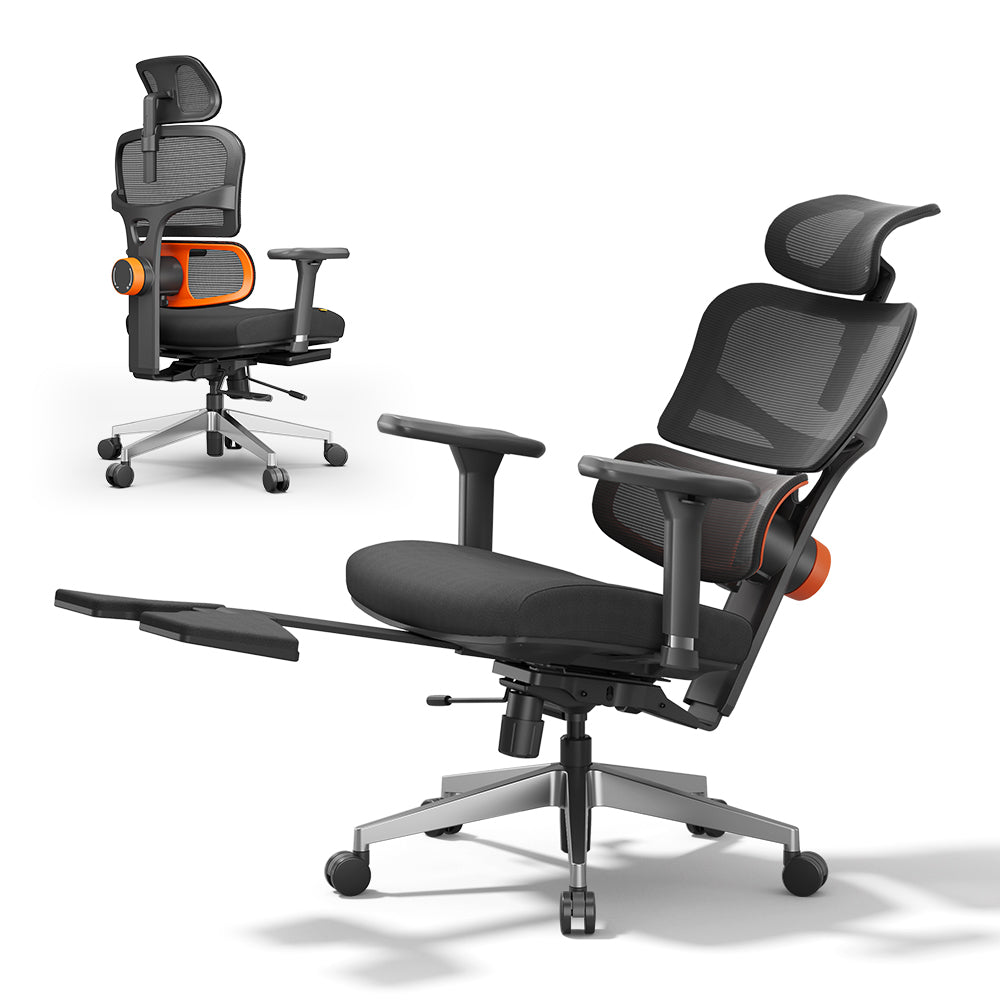
Ergonomic office chairs use built-in mechanisms adjustable in height, depth, and tension. The Newtral NT002 features an auto-following lumbar system with a 5cm tracking range, meaning the support moves with your body as you shift position rather than requiring you to hold a fixed posture for it to remain effective.
People who spend more than six hours a day seated are at elevated risk of lower back discomfort regardless of chair type, but design affects both severity and how quickly it sets in. The following groups tend to feel the limitations of a gaming chair most acutely:
- People with existing lumbar sensitivity or a history of lower back pain
- Users who are notably shorter or taller than average and cannot adjust the lumbar position to match their build
- Anyone splitting time between gaming and focused desk work throughout the same day
Why Reclined Posture Hurts Your Work
A reclined sitting position pushes the head and neck forward relative to the shoulders in order to face the screen, increasing load on the cervical spine. Sustained over a full workday, this forward head posture leads to neck stiffness, upper back tension, and accumulated fatigue. Productive desk work generally requires a more upright seated position, which gaming chairs are not specifically engineered to support.

Adjustability: What Actually Matters
Seat Depth and Why It's Often Missing
Seat depth adjustment determines how much of the thighs are supported when sitting fully back, directly affecting circulation and comfort during extended sessions. A well-fitted seat should leave roughly two to three finger-widths of clearance between the front edge and the back of the knees. Without this, shorter users experience pressure behind the thighs while taller users find the seat edge cutting into their legs.
The NT002 and Magic H-Bpro include 5cm and 5.5cm of seat depth adjustment respectively, a feature absent on most gaming chairs in a comparable price range.
Armrest Range Compared
Poorly positioned armrests force the shoulders upward or leave the arms without support, both of which cause tension in the upper trapezius over time.
NT002 armrest specs:
- 4D adjustment
- 8cm height range
- 4cm front-to-back travel
- 20 degrees of rotation
Magic H-Bpro armrest specs:
- 4D adjustment
- 7cm height range
- 5cm front-to-back travel
Budget gaming chairs often ship with fixed or 2D armrests, significantly limiting how well the chair can be matched to your posture and desk height.
Tilt and Recline Explained
Gaming chairs typically use a center-tilt mechanism that raises the front of the seat as you recline, increasing pressure under the thighs. Quality ergonomic chairs use a synchronized-tilt mechanism where the seat and backrest move together in a coordinated ratio, keeping the feet naturally on the floor and reducing thigh pressure. Both the NT002 and Magic H-Bpro recline up to 136 degrees, sufficient for a comfortable break or relaxed gaming posture without compromising desk-work ergonomics.
Price and Material
The price gap between gaming chairs and ergonomic office chairs is narrower than most people expect, and at equal spend, ergonomic chairs consistently deliver more adjustability and better long-term support. Material choice also plays a significant role in both daily comfort and how long a chair holds up. PU leather, common on gaming chairs, tends to crack within two to three years, while quality mesh used in ergonomic chairs can last five to ten or more.
US customers purchasing qualifying ergonomic chairs for back and spinal health support may also be eligible for HSA or FSA reimbursement. Full details are on the Newtral HSA/FSA.

Can You Use a Gaming Chair for Work All Day?
The Posture Problem
Gaming typically involves a relaxed, slightly reclined posture with hands loose on a controller or keyboard. Office work demands sitting more upright, with arms at desk height and eyes roughly level with the screen. A gaming chair holds the hips back and slightly reclined, making it harder to maintain an upright position without actively engaging the core throughout the day.
The first two to three hours often feel comfortable. Around hour four, several problems tend to surface simultaneously:
- The fixed lumbar pillow has shifted out of position
- The bucket seat creates pressure on the outer thighs
- The forward head position caused by the reclined angle begins straining the neck and upper back
Taller users tend to fare better since they fill the seat dimensions more naturally. Shorter users frequently find that their feet do not sit flat on the floor at the correct seat height, or that the lumbar pillow lands too high to provide meaningful lower back support.
When a Gaming Chair Can Work
A gaming chair is a workable office solution when sessions stay under four hours, movement breaks are built into the day, and a separate adjustable lumbar cushion compensates for the fixed pillow. Those who primarily game and only do occasional light desk work will find it a sensible choice. The calculation changes considerably across a full eight-hour workday.
Choosing the Right Chair
You Mainly Work
An ergonomic office chair is the clear choice. Adjustable lumbar support, seat depth control, and a proper tilt mechanism consistently outperform a gaming chair at a comparable price point for sustained desk use. When evaluating options, look for chairs certified to standards such as BIFMA, SGS, or ISO 9001, which verify independently tested performance rather than marketing claims. The Newtral ergonomic office chairs cover a range of budgets, with full certification documentation on Certification.
You Mainly Game
A gaming chair is a reasonable fit for dedicated gaming use. The plush padding, high recline range, and headrest support suit long gaming sessions well. Worth noting, an ergonomic chair with a generous recline range handles gaming just as comfortably while offering significantly more flexibility if usage habits shift toward desk work over time. The Newtral ergonomic gaming chairs cover a range of price points and build preferences.
Work and Game at the Same Desk
This is the most common scenario for remote workers and freelancers, and also the most nuanced decision. A gaming chair compromises work posture. An overly rigid office chair may feel too stiff for long gaming sessions. The practical solution is an ergonomic chair that combines sufficient recline range and cushioning for gaming with the lumbar adjustability and seat depth control needed for productive work.
Newtral's NT and MagiC series are designed with this overlap in mind. Both lines include auto-following lumbar support, 4D armrests, seat depth adjustment, and up to 136 degrees of recline. The NT vs MagiC comparison breaks down the specific differences between both lines to help identify the right fit for your setup and budget.
You Have Existing Back Pain
A gaming chair is not the right choice here. Managing back pain requires a chair with independently adjustable lumbar support, seat depth control, and a tilt mechanism that keeps the spine supported through natural movement. Prioritize chairs with verifiable ergonomic certifications over marketing claims, and consult a doctor or physiotherapist about specific requirements before purchasing.
In Summary
Gaming chairs are built for comfort and style during relaxed sessions. Ergonomic office chairs are built for spinal support and long-term health during sustained sitting. The longer your workday, the more that difference matters.


Leave a comment
All comments are moderated before being published.
This site is protected by hCaptcha and the hCaptcha Privacy Policy and Terms of Service apply.