

Table of Contents
It won’t be an exaggeration if I say most people spend a lot of their time sitting at their desk but never really think of buying a quality chair unless their back starts to hurt. If you’ve ever tried to upgrade your chair to an ergonomic one and couldn’t really make a decision, wonder know exactly the difference between regular vs. ergonomic office chairs. In this article, we’ll see these differences and whether you should invest in an upgrade or not.
What Is an Ergonomic Chair?
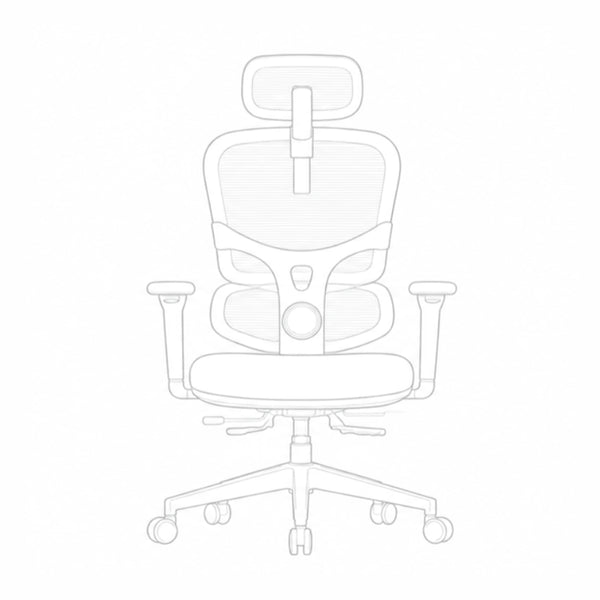
An ergonomic chair comforts and supports your body during the work. Unlike a regular chair that has a flat seat and a flat back, ergonomic chairs are flexible and adjust to your body curves. The whole point is to keep your spine healthy and avoid any twisting or ,even worse, posture fatigue or body aches.
Key Differences between Regular and Ergonomic Chairs
You might think that, basic and ergonomic options, are chairs afterall, so what’s the big deal? Try to sit down on each of them and after a while, you’ll notice these differences between regular vs. ergonomic office chairs:
Adjustability
Regular Chairs: Most basic office chairs have very few customization options available, usually just a height adjustment of 3 to 4 inches. Armrests and backrests are usually fixed; thus, the chair cannot accommodate a different body type.
Ergonomic Chairs: These ones are highly adjustable. They have around 5 to 9 adjustment points. You can fine tune seat depth, tilt tension, and even 4D armrests. The technical setup means you're distributing your weight over 16 to 20 square inches of seat. The wider distribution of ergonomic seats can decrease localized pressure points by almost 50%.
Lumbar Support and Posture
Regular Chairs: A standard regular chair has a flat backrest but your spine is not flat. It has an S-shaped curve. It doesn’t give your back proper lumbar support. Your back is forced to flatten out which causes the lower back muscles to fatigue.
Ergonomic Chairs: The defining feature is the adjustable lumbar support, which supports the spine. This keeps the spine curved perfectly in an S-shape. Data from ergonomics labs claim that properly supported seating can reduce reports of back and neck pain by up to 84%. It helps to maintain a proper sitting gesture.
Long-Term Comfort
Regular Chairs: Regular chairs have their seats made up of simple “cut foam”. It’s soft for about the first 15 minutes of you sitting on it and then it starts to feel hard. Moreover, these seats lose around 40% of their thickness after 2 years of use.
Ergonomic Chairs: High-end models use high-density molded foam or high-tension breathable mesh. Molded foam maintains 95% of its shape after five years of everyday use. In a mesh chair, there is “dynamic suspension” that allows adjustments even on a micro level.
|
Aspect |
Regular Chairs |
Ergonomic Chairs |
|
Adjustability |
Few adjustments, usually height only |
5-9 adjustment points, fine-tune seat depth, tilt, armrests |
|
Lumbar Support & Posture |
Flat backrest, no lumbar support |
Adjustable lumbar support, maintains natural S-curve |
|
Long-Term Comfort |
Simple foam, gets hard and flattens over time |
High-density foam or breathable mesh, retains shape and comfort |
Who Actually Needs an Ergonomic Chair?
Not everybody needs a high-tech seat, but for some, it is a must. The following people will probably need more advanced seating:
- Full-Time Workers: Sitting 8-10 hours daily puts over 2,000 hours of pressure on your spine each year, and standard chairs can't handle this, leading to lasting muscle fatigue and stiffness.
- Taller or Shorter People: Average-sized chairs don't fit everyone. If you're outside the typical height range, you need a chair with adjustable seat height, leg length, and armrests.
- Freelancers and Gamers: Poor circulation from prolonged sitting causes fidgeting. Proper ergonomic support eliminates physical distractions, helping you stay focused longer.
-
Pain Patients: For those with a history of slipped discs, sciatica, or neck strain, a regular chair risks reinjury. You need one that holds you in a healthy, supported position.
Can You Get Away with a Regular Office Chair?
Regular chairs are “okay” if you work on your computer for just a few hours every day. But if you are a remote worker whose chair and desk setup is basically their office, you can not afford treating your body with bad postures. Bad chair support means serious health problems in the long run, so investing in a quality ergonomic chair is an investment in your health as well, not just your work.
How to Choose the Right Chair for Your Setup
Finding the right seat is more than just going and watching it and purchasing it without a trial. You need to check several factors, such as whether the dimensions are right for your body and your desk space.
Measuring for the Perfect Fit
First, measure your desk height. When you sit, your elbows should form a 90-degree angle, and your feet should stay flat on the floor. If it is too high, your legs will be dangling, and it will cause disturbance in blood circulation.
Checking Seat Depth and Width
A wide seat won't keep you comfortable, so checking the depth is more important. Sit back all the way so your back is so your hips are touching the backrest of the seat. Then see the other edge of the seat that is on your leg side, it should have about two inches of distance from the seat edge to your knees.
Testing Key Adjustments
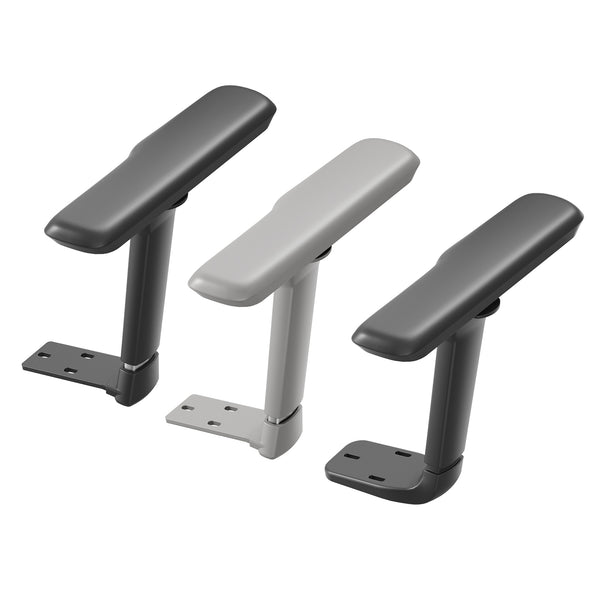
Check if the armrests can be adjusted according to your height. If your armrests are set too high, they will keep your elbow up, causing your shoulder to shrug all the time and creating disturbance. Check the backrest. It should also recline so you are able to change positions.
Blog18
The 10-Minute Comfort Test
You should sit in the chair for at least 10 minutes for a trial before buying. If you feel any pressure down your spine or low back, just in those 10 minutes, it will get worse if used for 8 hours a day.

Looking for a Reliable Ergonomic Office Chair Option?
Want a chair that can be adjusted according to your needs? Newtral has two top-tier options that end the back pain game for good.
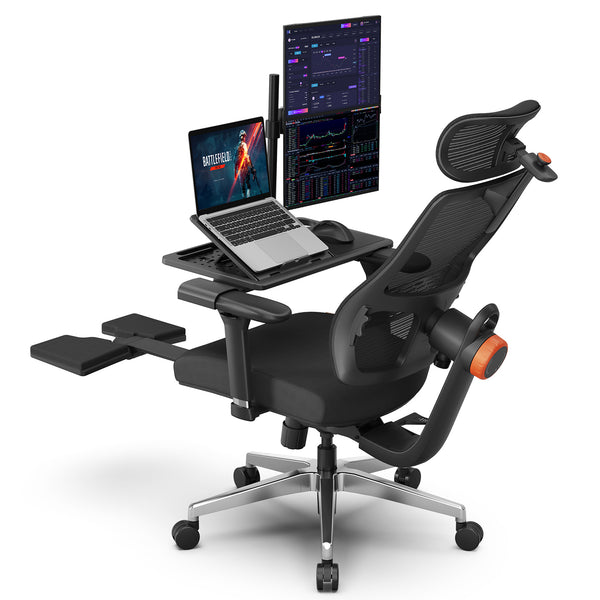
Newtral NT002
The Newtral NT002 is for anyone tired of stiffness in the lower back. It has a patented auto follow lumbar support that stretches with you, so your spine never gets stiff. It has a 136-degree lockable recline, built-in footrest, and 4D armrests for your shoulders. The 300-pound weight capacity and solid aluminum base make this chair strong and reliable for use.
Blog18
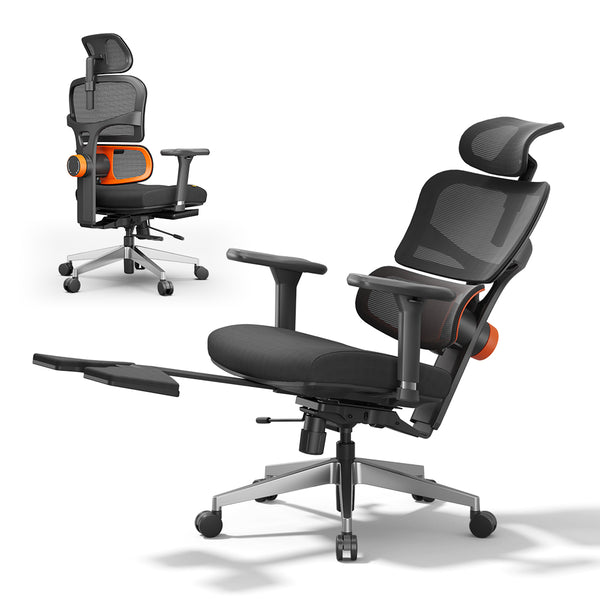
Newtral Magic H
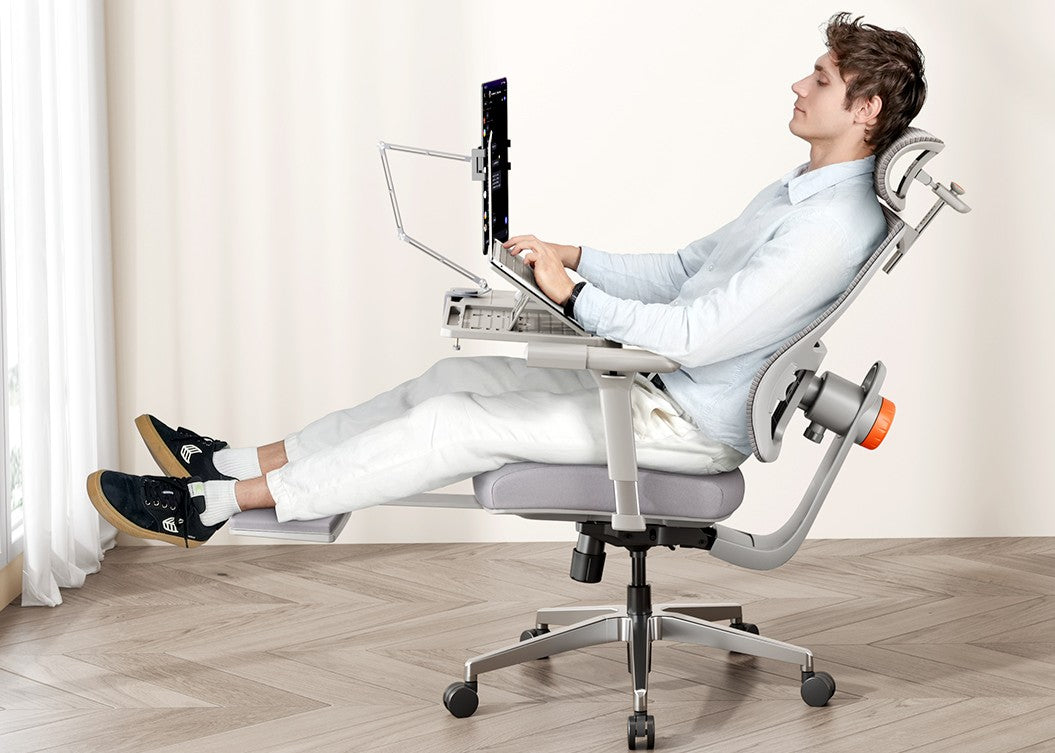
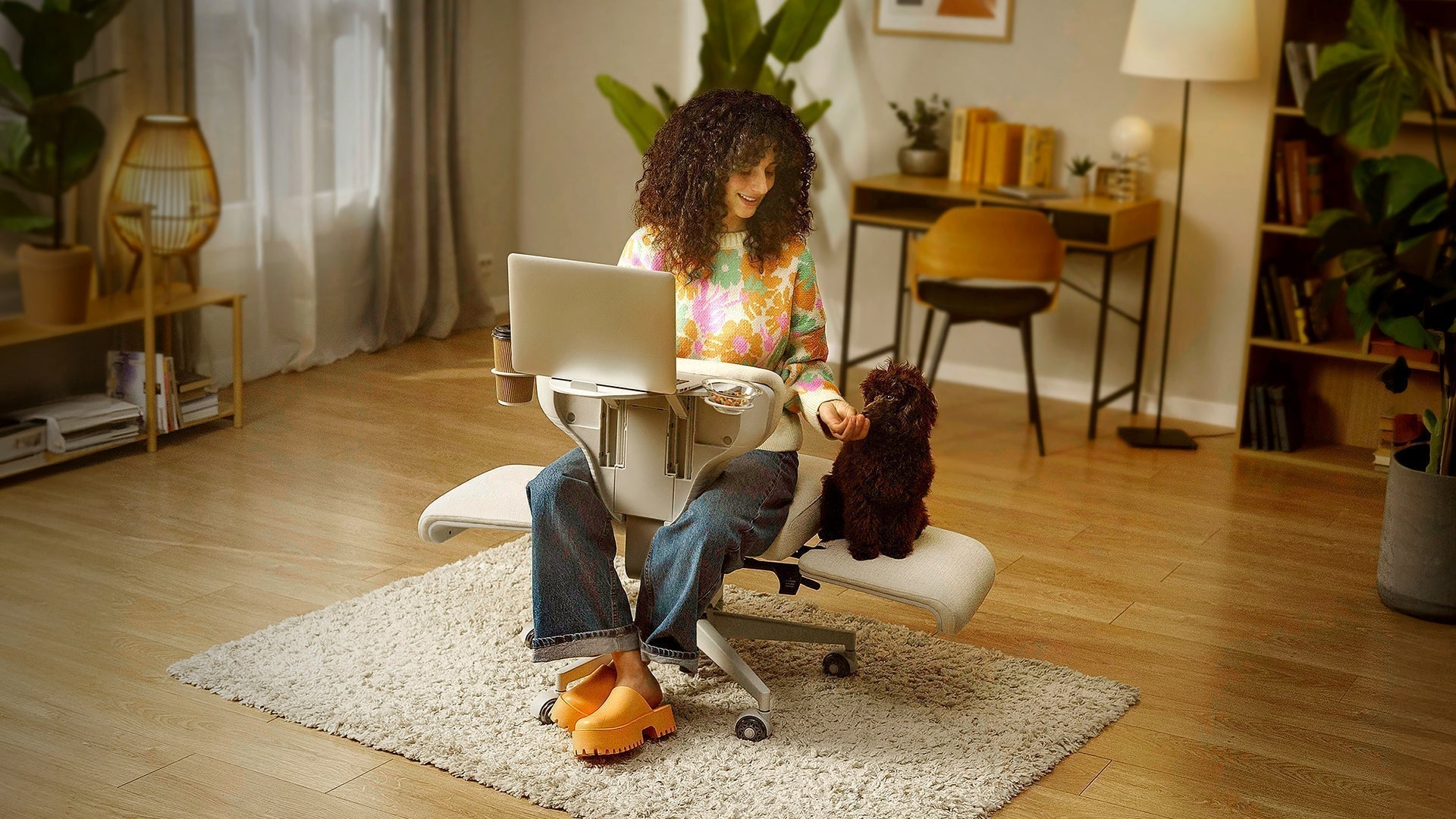
For those needing total neck and back relief, the Newtral Magic H is the chair for you. It has an auto-following backrest that can reduce spinal pressure by 50%. The 5D headrest adjusts according to your neck movement. It also has a detachable laptop table and foldable footrest for long work, which can also be used as a lunch table.
These chairs also come with a 5-year warranty and a 60-day return policy, which means you can upgrade your setup worry-free.
blog18
Final Words
The choice between regular vs. ergonomic office chairs ultimately comes down to one thing: how many hours you’re going to spend with it each day. If you use a chair occasionally, a basic chair will work just fine. But if you work on your computer for long hours, you absolutely need the advanced support of an ergonomic chair like Newtral NT002 and Newtral Magic H.
FAQs
1. Is an ergonomic chair worth it for work from home?
Yes. It is a necessary investment for home offices. It prevents back pain and poor posture caused by sitting positions in unspecialized chairs.
2. Can a regular chair be made more ergonomic?
You can add a lumbar roll or seat cushion. But these fixes cannot match the adjustable engineering inside a dedicated ergonomic seat.
3. What is the one feature that matters most?
The most important is the adjustable lumbar support. It keeps your spine natural and curvy, the only way to avoid muscle strain and long-term disc damage.
Related reading:




Leave a comment
All comments are moderated before being published.
This site is protected by hCaptcha and the hCaptcha Privacy Policy and Terms of Service apply.