
Table of Contents
If you’ve ever finished a workday feeling like your neck is in a vice or your lower back is made of concrete, you aren’t alone. Most of us spend upward of eight hours a day tethered to a desk. Naturally, we look for a solution and the "ergonomic chair" is usually the first thing that pops up. But can a fancy chair really undo years of slouching? Let’s dive into the reality of postural health.
Why Posture Matters for Your Health
Posture isn't just about sitting up straight to look professional; it’s about how your bones, muscles, and ligaments work together to support your weight against gravity. When your alignment is off, your body pays the price in ways you might not expect.
The connection between posture and pain
When you slouch, you aren't just relaxing; you're overstretching some muscles while keeping others chronically shortened. This imbalance leads to what experts call "referred pain." That nagging headache you get at 3:00 PM? It might actually start in your tight shoulders. That sharp lower back ache? It could be from your pelvis tilting the wrong way for hours on end.
How poor posture affects daily life
Bad posture is a quiet energy thief. When your body is misaligned, it has to work twice as hard just to keep you upright. This leads to "focus fatigue," where you find it hard to concentrate because your body feels restless or pained. Over time, chronic slouching can even affect your digestion and lung capacity because you’re literally compressing your internal organs.
What Makes an Ergonomic Chair Different?
A standard kitchen chair or a cheap "executive" seat is usually designed for looks or short-term comfort. An ergonomic chair, however, is designed for the reality of long-term work.
Key features of ergonomic chairs
High-quality ergonomic chairs aren't just "comfortable" they are adjustable. Key features typically include:
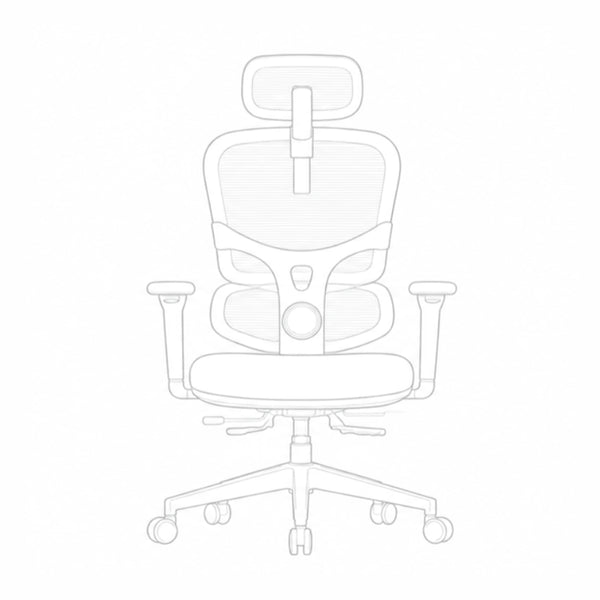
- Adjustable Lumbar Support: A curve in the backrest that fits into the natural arch of your lower spine.
- Seat Depth Adjustment: This allows you to slide the seat forward or back so it doesn't cut off circulation behind your knees.
- 4D Armrests: These move up, down, left, right, and even pivot to support your arms while typing, taking the weight off your shoulders.
How ergonomic chairs help with posture
These chairs don't magically "fix" you, but they remove the obstacles to sitting correctly. By filling the gaps between your body and the seat, they provide a physical template for your spine to stay in its natural S-curve rather than collapsing into a C-shape.

Do Ergonomic Chairs Actually Fix Posture?
The short answer is: they are a powerful tool, but they aren't a cure-all. Here is what you can realistically expect.
Blog12
The short-term benefits
Immediately, a good chair reduces the "mechanical load" on your sit-bones and lower back. You’ll notice you can sit for longer periods without needing to squirm or "reset" your position every ten minutes. The immediate relief of supported lumbar muscles can be a game-changer for daily comfort.
The long-term effects
Over months, using a proper chair can help retrain your "muscle memory." Your body gets used to being supported in an upright position, which makes it easier to maintain good posture even when you aren't in the chair, like when you're standing in line at the grocery store or sitting on the couch.
Limits of ergonomic chairs
A chair cannot strengthen weak muscles. If you have "dormant glutes" or a weak core from lack of exercise, even a high-end chair won't stop you from eventually leaning forward and "hunting" for the screen. The chair supports you, but your muscles still have to do some of the work.
How to Set Up Your Ergonomic Chair for Best Results
Buying the chair is only half the battle; you have to "tune" it to your specific body dimensions.
Adjusting seat height and lumbar support
Start with your feet. Adjust the seat height until your feet are flat on the floor and your thighs are parallel to the ground. Then, move the lumbar support up or down until it rests right in the curve of your lower back. If it feels like it’s poking you uncomfortably, it’s probably a bit too high or too low.
Maintaining good posture while sitting
Keep your head balanced directly over your shoulders. A common mistake is "poking" the chin forward toward the monitor. Try to keep your elbows at a 90-degree angle and your wrists neutral (not bent up or down) while typing. Sit all the way back so the chair can actually do its job.

Featured Recommendation: The Newtral NT002 Ergonomic Chair
The biggest challenge with most chairs is that they only support you when you sit perfectly still. The Newtral NT002 changes that with a design that focuses on "active" support.
blog18
The World’s First Auto-Following Lumbar Support
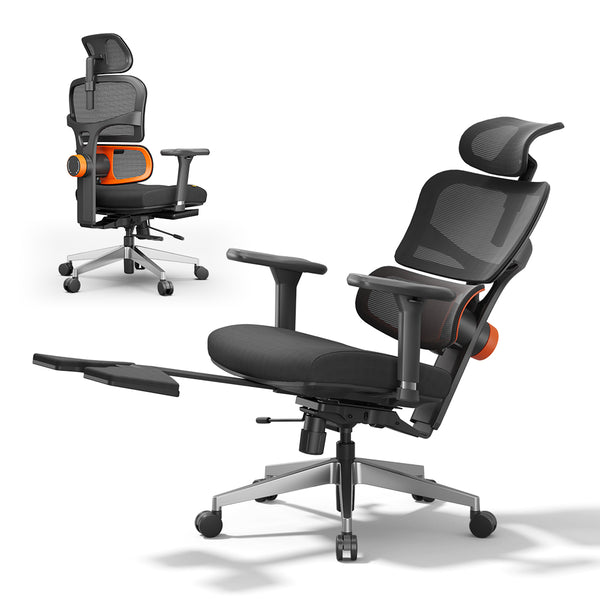
The "star of the show" with the NT002 is its adaptive lumbar support. Instead of a static cushion, the backrest actually moves with you. Whether you are leaning forward to type or reclining to take a call, the support stays locked into the curve of your lower back. This constant contact helps prevent the "slump" that usually happens an hour into your workday.
Fully Adjustable for a Custom Fit
Posture isn't "one size fits all," and the NT002 reflects that with several highly adjustable features:
-
4D Armrests: You can move these in four different directions to ensure your wrists and elbows stay at that crucial 90-degree angle.
-
Adjustable Neck Support: The headrest adjusts in both height and angle, which is a lifesaver for preventing "tech neck" during long sessions.
-
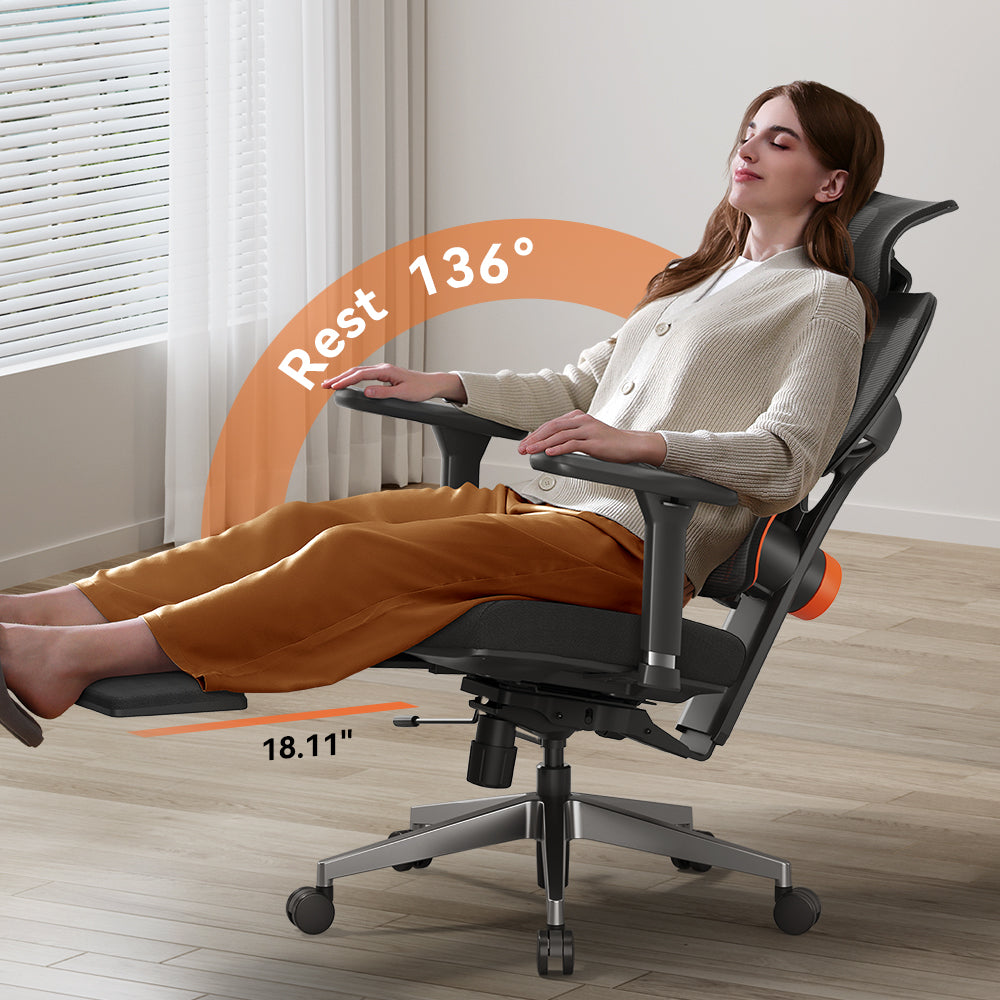
Integrated Footrest: Remember how we mentioned the importance of movement? The fold-out footrest allows you to recline and stretch out during breaks, improving circulation and giving your back muscles a much-needed rest.
Built for All-Day Comfort
Beyond the posture-fixing tech, the chair is built with a high-density sponge seat and breathable mesh back. This keeps you cool and comfortable, so you aren't constantly squirming to find a better position. With a weight capacity of up to 330 lbs and American BIFMA safety certification, it’s a sturdy, long-term investment for your home office.
Additional Steps to Improve Posture
Ergonomics is a team sport. Your chair needs help from the rest of your environment and your daily habits.
Incorporating movement into your day
The best posture is your next posture. No matter how great your chair is, sitting still for hours is inherently stressful for the body. Stand up every 30 to 60 minutes. Set a timer to do a quick "doorway stretch" or a few standing calf raises to get your blood moving again.
Complementing ergonomics with a good workspace setup
Ensure your monitor is at eye level. If you’re looking down at a laptop screen on a desk, you’re guaranteed to have neck pain regardless of your chair. Use a laptop riser or an external monitor to bring the work to your eyes, rather than bringing your eyes down to the work.
Final Thoughts
An ergonomic chair is a fantastic investment in your long-term health. It provides the foundation to sit correctly, reduces physical strain, and helps prevent the repetitive stress injuries that come with modern office work.
At the end of the day, a chair is a tool, not a doctor. True postural health comes from a combination of the right equipment, consistent movement, and the mindfulness to catch yourself when you start to slouch. A great chair doesn't just fix your posture, it gives you the support you need to fix it yourself.
Frequently Asked Questions
Will an ergonomic chair fix my back pain instantly?
While you might feel some immediate relief from better support, it usually isn't an overnight "fix." If your muscles are used to slouching, sitting correctly might actually feel a bit strange or even tiring at first. Give your body a week or two to adjust to the new support.
I have an ergonomic chair but my neck still hurts. What am I doing wrong?
The most common culprit is your monitor height. Even with a perfect chair, if your screen is too low, you’ll instinctively tilt your head down. This creates "tech neck." Try raising your monitor so the top third of the screen is at eye level.
Is a standing desk better for posture than an ergonomic chair?
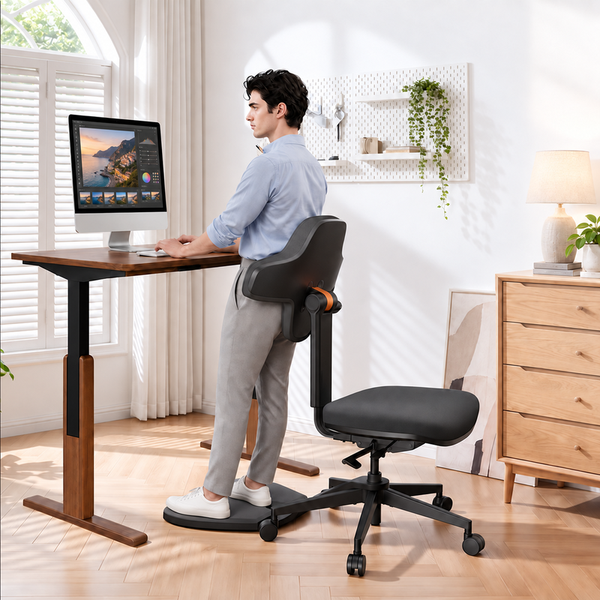
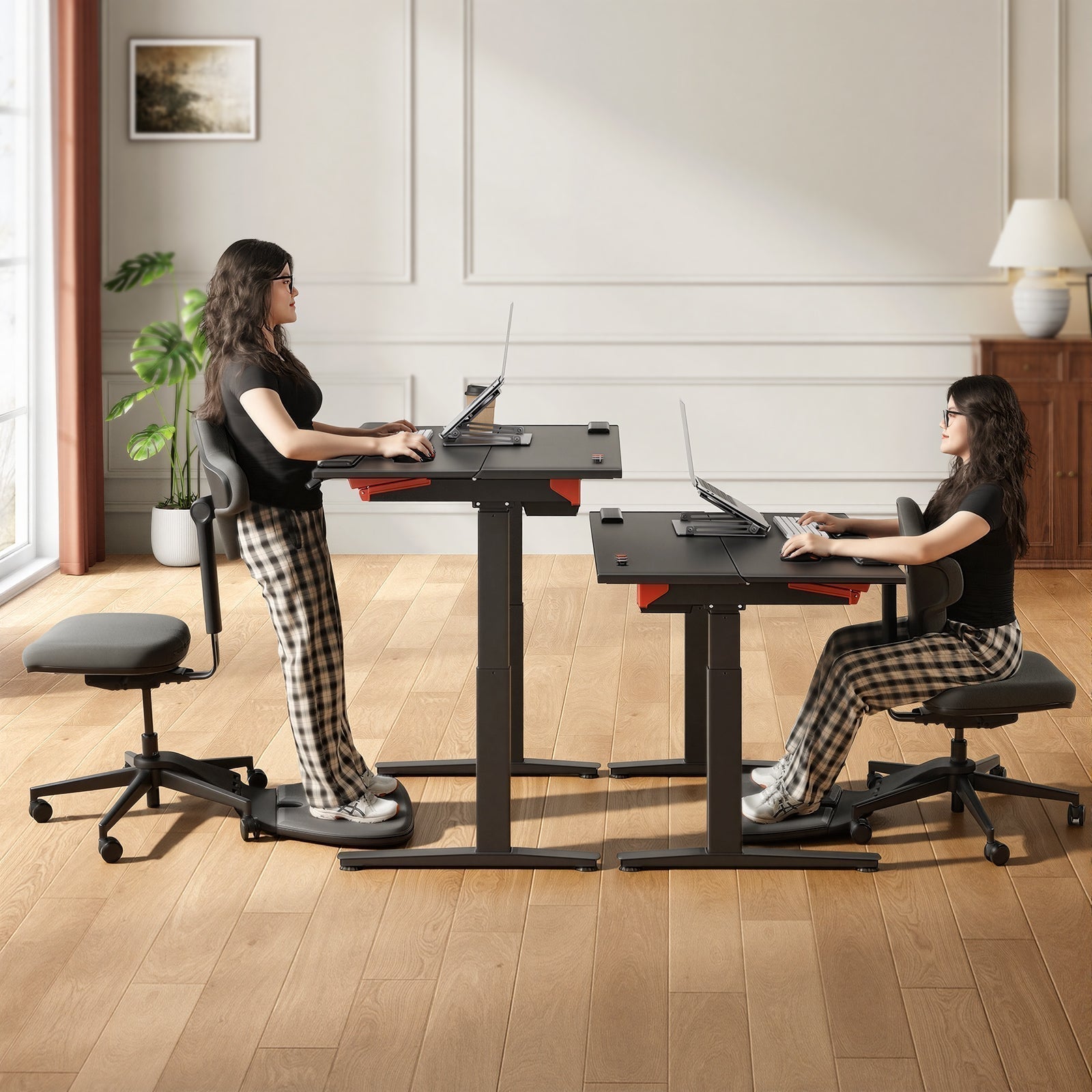
Neither is "better" on its own. The best approach is a mix of both. Standing all day can be just as hard on your body as sitting all day. Ideally, you should switch between sitting and standing every 30 to 60 minutes to keep your muscles engaged and blood flowing.
Can I use a yoga ball instead of an ergonomic chair?
Yoga balls can be great for short bursts of "active sitting" to engage your core, but they lack the back support needed for a full 8-hour workday. Without a backrest, your muscles will eventually tire out, and you’ll likely end up slouching even worse than before.
blog18
Blog12
Further reading:




Leave a comment
All comments are moderated before being published.
This site is protected by hCaptcha and the hCaptcha Privacy Policy and Terms of Service apply.