
Table of Contents
Back pain, afternoon fatigue, and the constant urge to shift in your seat. These are not just signs of a bad day. Often, they point to the wrong chair. This guide breaks down the real differences between ergonomic office chairs and kneeling chairs, so you can choose the one that actually works for your body.
What Is a Kneeling Chair?
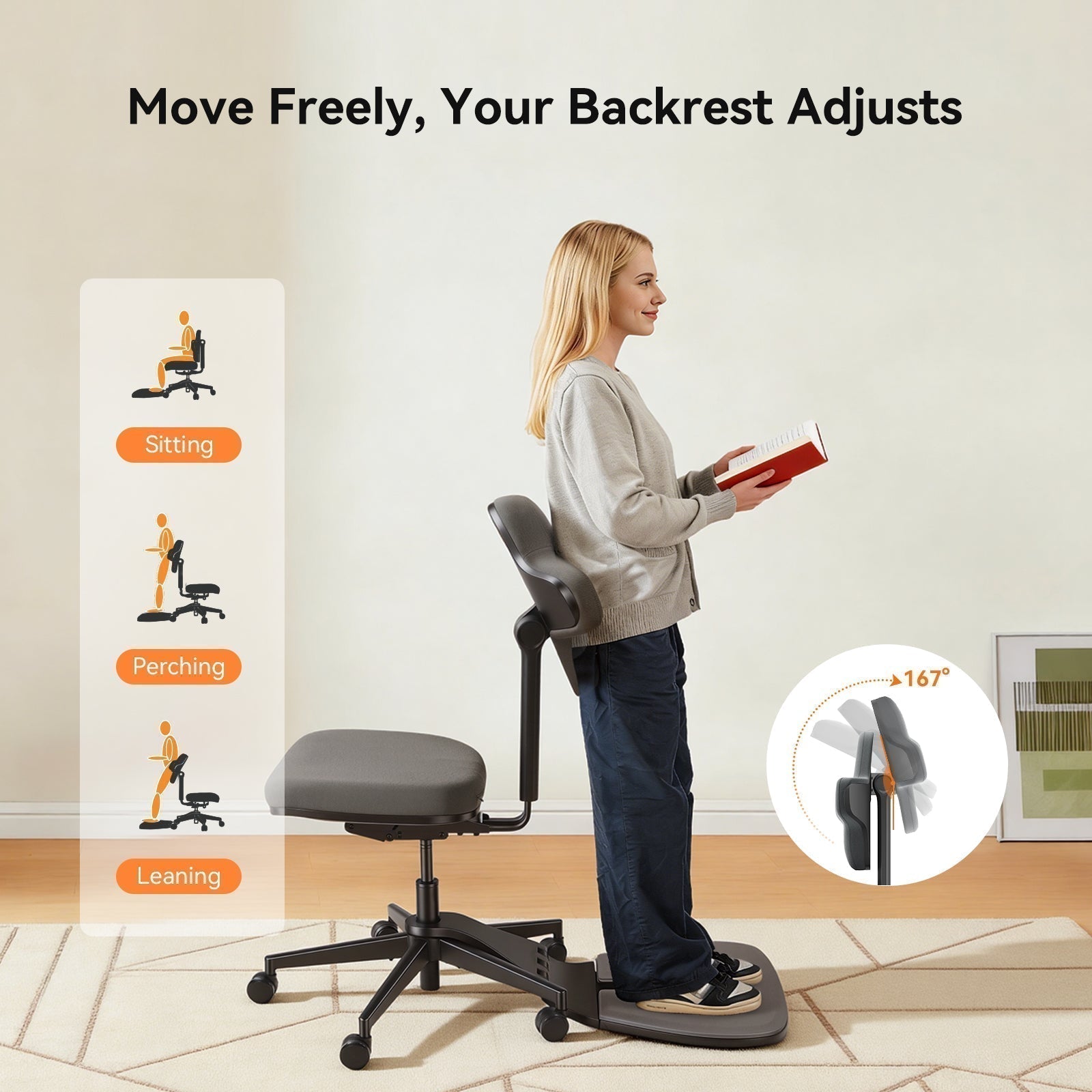
A kneeling chair looks quite different from a conventional seat. It has a forward-tilted seat pad and a shin rest in place of a footrest, positioning the body at an open hip angle of around 110 to 120 degrees.
How It Works
When you sit in a kneeling chair, your weight is distributed between your seat bones and your shins. The forward tilt encourages the pelvis to rotate slightly forward, which naturally straightens the lower back and reduces the tendency to slouch. This position also opens the angle between your torso and thighs, which can relieve some disc pressure in the lumbar spine compared to a conventional 90-degree seated posture.
Who It's For
Kneeling chairs appeal to people who want to actively engage their core, those seeking postural variety throughout the day, or individuals who find that a forward-leaning position supports their concentration. They are also popular among people with certain types of lower back discomfort and those who prefer compact, minimal furniture.

What Is an Ergonomic Office Chair?
An ergonomic office chair is engineered around the natural curves of the human body. Unlike standard office chairs, ergonomic models are built to support proper spinal alignment, reduce muscle fatigue, and minimize strain during extended periods of sitting.
Key Features
Most ergonomic office chairs include:
- Adjustable lumbar support to maintain the spine's natural S-curve
- Height-adjustable seat and armrests
- Seat depth adjustment for proper thigh support
- Recline function with adjustable tension control
- Breathable mesh backrest for airflow during long sessions
Higher-end models go further, offering dynamic lumbar systems that move with your body, multi-dimensional armrests, and synchronized tilt mechanisms calibrated to your body weight.
Who It's Designed For
Ergonomic office chairs suit a wide range of users, including office workers, remote workers, students, and anyone who spends four or more hours a day at a desk. They are particularly beneficial for people experiencing lower back pain, neck tension, or hip discomfort from prolonged sitting.
A wide selection of ergonomic office chairs is available to suit different body types, work styles, and budgets.

Key Differences
|
Feature |
Ergonomic Office Chair |
Kneeling Chair |
|
Posture and Spinal Alignment |
Supports the full spine, including lumbar, mid-back, and neck, through adjustable components |
Promotes a forward pelvic tilt that straightens the lower back but provides no upper back or neck support |
|
Weight Distribution |
Distributes weight across the seat, backrest, and armrests to reduce pressure on any single point |
Splits weight between the seat bones and shins, which can create pressure on the knees and shins over time |
|
Adjustability |
Highly adjustable: seat height, depth, armrests, recline angle, lumbar position, and headrest |
Minimal adjustability; some models allow seat angle and height changes, but options are limited |
Posture and Spinal Alignment
An ergonomic office chair supports the spine passively through adjustable components, without requiring continuous muscular effort. A kneeling chair takes a different approach: it changes the pelvic angle to reduce lumbar flexion rather than supporting the spine directly. The upper back and neck receive no support, and over longer sessions the sustained muscular demand produces fatigue that a well-fitted ergonomic chair avoids.
Weight Distribution
In an ergonomic chair, body weight is spread across the seat cushion and backrest, with armrests further reducing load on the shoulders and neck. A kneeling chair introduces new load on the knees and shins. While this can ease tailbone pressure, it becomes a meaningful limitation across a full workday.
Adjustability
Ergonomic office chairs offer fine-tuned control over seat height, depth, lumbar position, recline tension, and armrest angle, allowing the chair to accommodate a wide range of body types. Kneeling chairs offer little beyond height adjustment, and if your proportions fall outside the chair's assumed range, there is generally no way to compensate.
blog18
Kneeling Chair: Pros and Cons
|
Pros |
Cons |
|
Encourages active posture and core engagement |
No back support; postural muscles must work continuously |
|
Opens the hip angle, reducing lumbar disc pressure |
Shin and knee discomfort during extended use |
|
Compact and lightweight |
Not suitable as a standalone chair for long hours |
|
Can improve focus for some users |
Limited adjustability |
|
Works well as a secondary seating option |
Not appropriate for users with knee or shin conditions |
Ergonomic Office Chair: Pros and Cons
|
Pros |
Cons |
|
Full spinal support from lumbar to neck |
Quality models come at a higher cost |
|
Highly adjustable to suit different body sizes |
Can encourage passive sitting if posture habits are poor |
|
Suitable for long working hours |
Requires more space than a kneeling chair |
|
Wide range of styles and price points |
Initial setup and adjustment can take time |
|
Supports recovery from back pain and muscle fatigue |
Lower-end models may lack meaningful ergonomic features |
Which Is Better for Back Pain?
For most people dealing with chronic or recurring back pain, an ergonomic office chair is the more practical and evidence-supported choice. The American Chiropractic Association identifies proper lumbar support as one of the most important factors in reducing back pain during seated work. A well-designed ergonomic chair maintains the lumbar curve passively, so the back stays supported regardless of whether you are focused on a task or taking a brief rest.
Kneeling chairs can offer some relief for lower back conditions by reducing lumbar flexion, but they shift physical demand onto the core and shin muscles. Without regular breaks, this redistribution of load tends to generate its own fatigue and discomfort.
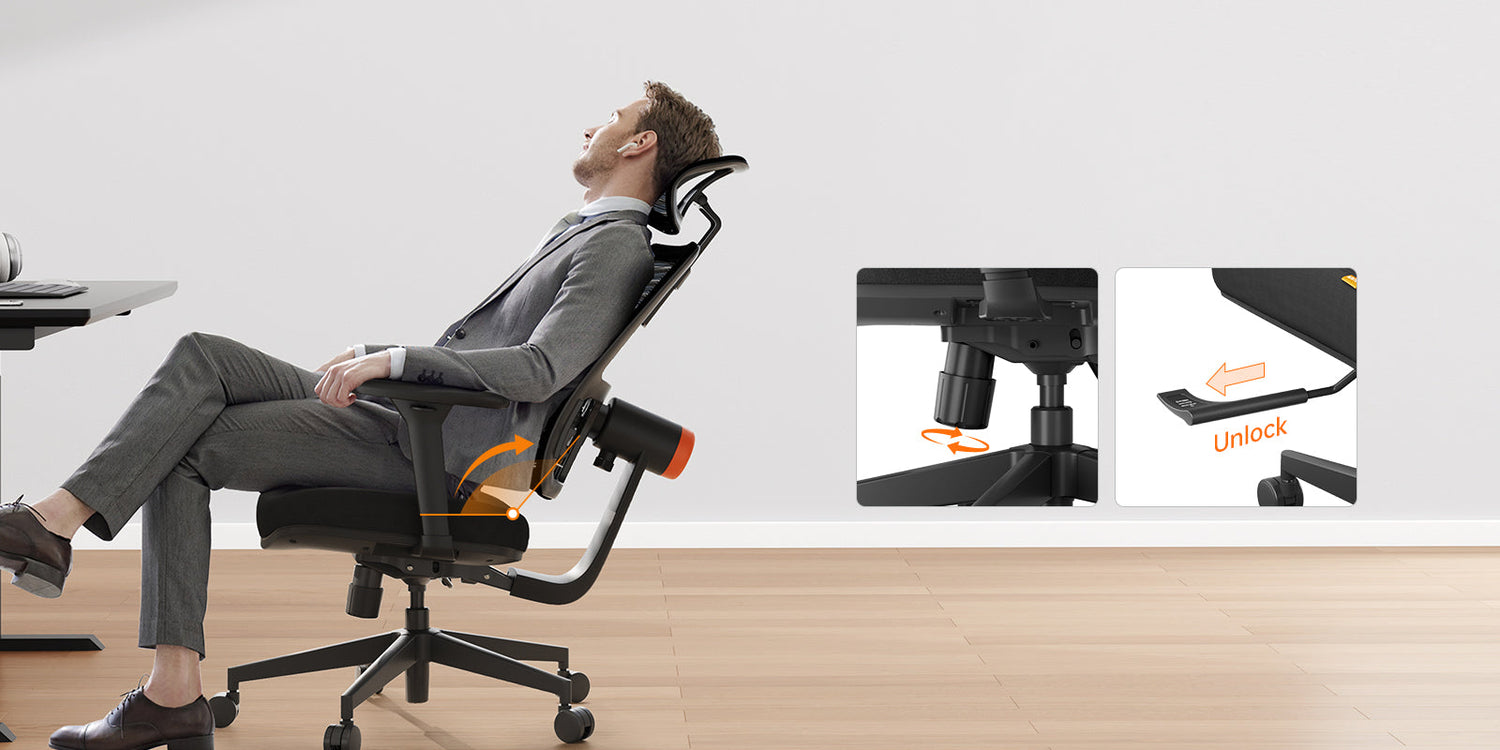
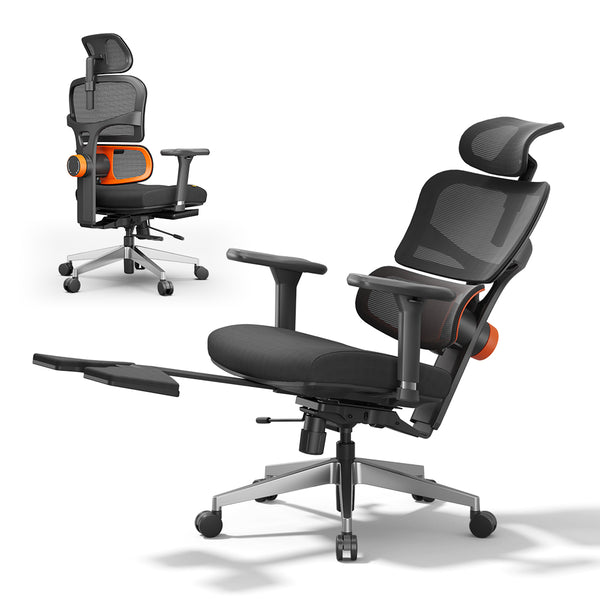
For back pain specifically, the Newtral NT001 office chair for back pain is a well-suited option. Its patented auto-following lumbar support tracks your back movements continuously, whether you are sitting upright, leaning forward, or reclining, maintaining consistent lumbar contact throughout. Key specifications include:
- Backrest height adjustable across five positions
- Recline range from 96° to 136°, lockable at any angle
- 4D armrests adjustable in four directions for precise arm and shoulder alignment
- Seat depth adjustable by up to 5 cm for proper thigh support
- Weight capacity of 300 lbs (136 kg)
- Suitable for users between 5'1" and 6'3" (155 to 191 cm)

Which Is Better for Long Hours?
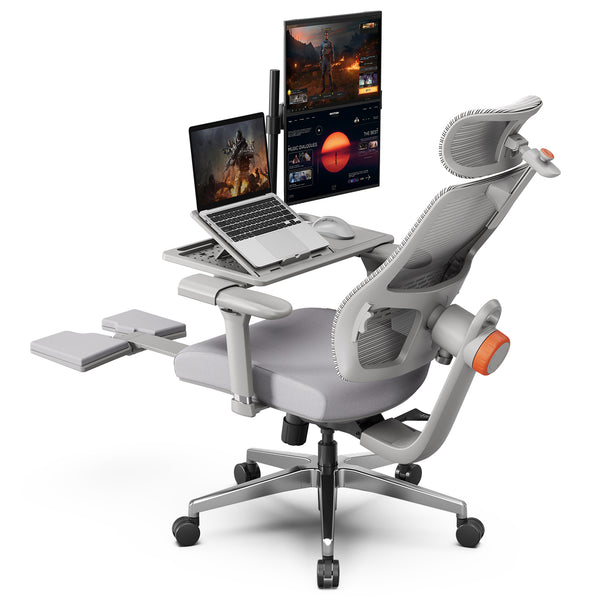
Without a backrest, there is no way to take a passive rest position when muscles need relief, which makes a kneeling chair an impractical choice for extended desk work. For those who regularly work six or more hours a day, the Newtral NT002 ergonomic chair for long hours is worth considering. It features an auto-following lumbar system that adapts to your posture as you move, along with a retractable footrest that lets you shift into a reclined rest position during breaks, relieving hip and leg pressure that accumulates through the day.
blog18
How to Choose?
The right chair depends on three practical factors: how long you sit, what you can spend, and your desk setup.
Work style and hours: If you sit for four or more hours a day, an ergonomic office chair is the more appropriate choice. A kneeling chair works better as a secondary seat for shorter, focused sessions. If you use a standing desk, pairing it with a kneeling chair can add postural variety, though an ergonomic chair should still cover the bulk of your sitting time.
Budget: Kneeling chairs typically fall between $100 and $300. Ergonomic office chairs range from around $150 for entry-level models to over $500 for premium options. A mid-range ergonomic chair with solid lumbar support and seat adjustability tends to offer the best long-term value.
Desk setup: Kneeling chairs sit lower than standard office chairs and work best with lower desk surfaces. If your desk height is fixed, check that the seat height range of your chosen chair is compatible before purchasing.
blog18
Blog18

Final Verdict
For most desk workers, an ergonomic office chair is the better long-term investment. Kneeling chairs work well as a secondary seat or posture-variation tool, but they are not a substitute for full-day back support. Properly adjusted to your body, a good ergonomic chair is the more sustainable and comfortable choice.
FAQs
Is a kneeling chair better than an office chair?
Not for most users. Kneeling chairs support posture awareness and reduce lumbar flexion, but they lack back support and become uncomfortable during long sessions. An ergonomic office chair offers broader, more adjustable support and is better suited for full workdays.
Are kneeling chairs good for posture?
Within limits, yes. The forward pelvic tilt discourages slouching and reduces lumbar flexion, but sustained use without breaks leads to core and back muscle fatigue since there is no passive spinal support.
How long should you sit in a kneeling chair?
Most ergonomists recommend limiting sessions to 20 to 30 minutes at a time, followed by a break or a switch to a different seat. Using a kneeling chair as a full-day primary seat is not advisable for most people, particularly those with existing knee, shin, or core weakness.
Can a kneeling chair cause knee pain?
It can, particularly with prolonged use. Kneeling chairs shift a portion of your body weight onto the shins and the area just below the knee, which these joints are not designed to sustain for long periods. For healthy users, short sessions of 20 to 30 minutes are unlikely to cause issues. Those with pre-existing knee conditions, poor lower-leg circulation, or limited core strength may experience discomfort more quickly. Regular breaks and adequate shin padding help reduce the risk.
Keep reading:




Laisser un commentaire
Tous les commentaires sont modérés avant d'être publiés.
Ce site est protégé par hCaptcha, et la Politique de confidentialité et les Conditions de service de hCaptcha s’appliquent.