
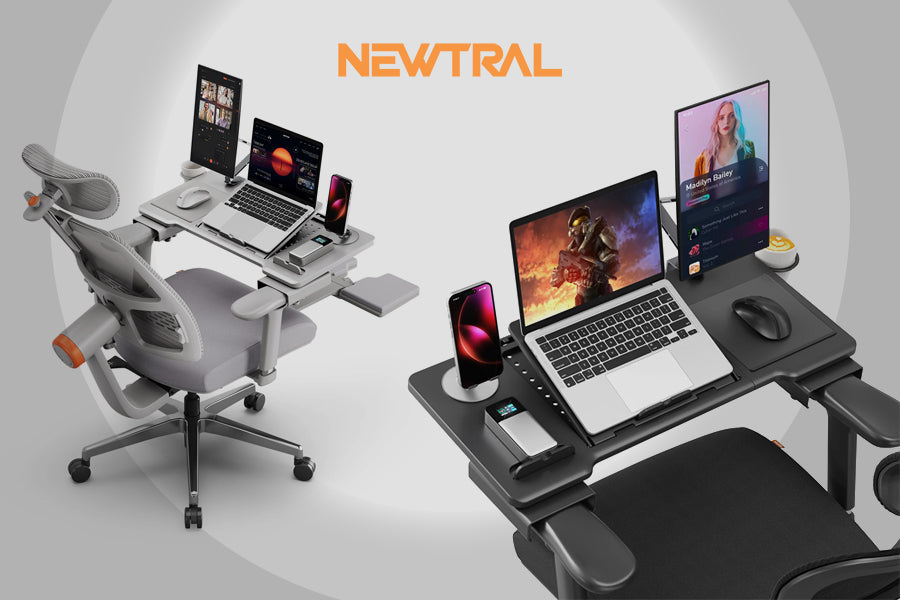

People work or study from home as a lifestyle. When your setup is wrong, comfort, posture, and productivity suffer. A separate laptop computer table is needed. The correct table keeps you productive and comfortable, whether using your laptop from a recliner, bed, or living room chair.
Why a Laptop Computer Table Is a Must-Have
A laptop computer table is essential for frequent laptop users. The reason:
- Better Ergonomics: A good table raises your screen to eye level, reducing neck and back strain. It's possible to sit up straight even during long sessions.
- Enhanced Productivity: Laptop, mouse, notebook, drink—everything in its place—frees up time for work. Having a table keeps your setup tidy.
- Ultimate Flexibility: This flexibility is perfect for remote workers, students, and those wanting a more relaxed environment.
How to Choose a Recliner Laptop Table
Consider these crucial qualities while buying a reclining laptop table:
- Adjustable height and tilt: The height and tilt can be adjusted. This allows you to adjust your laptop for comfort.
- A sturdy surface: A solid platform prevents wobbling or slipping on soft furniture like a recliner or bed.
- Design that promotes ventilation: To avoid overheating, laptops need ventilation underneath them.
- Portability: Choose lightweight, foldable ones that are easy to store and transfer.
- The surface is spacious: Laptops, mice, and phones should fit on a table.
A laptop chair desk is smarter than balancing your laptop on a cushion or your lap due to these qualities.
The Newtral Laptop Table is designed for comfort and productivity.
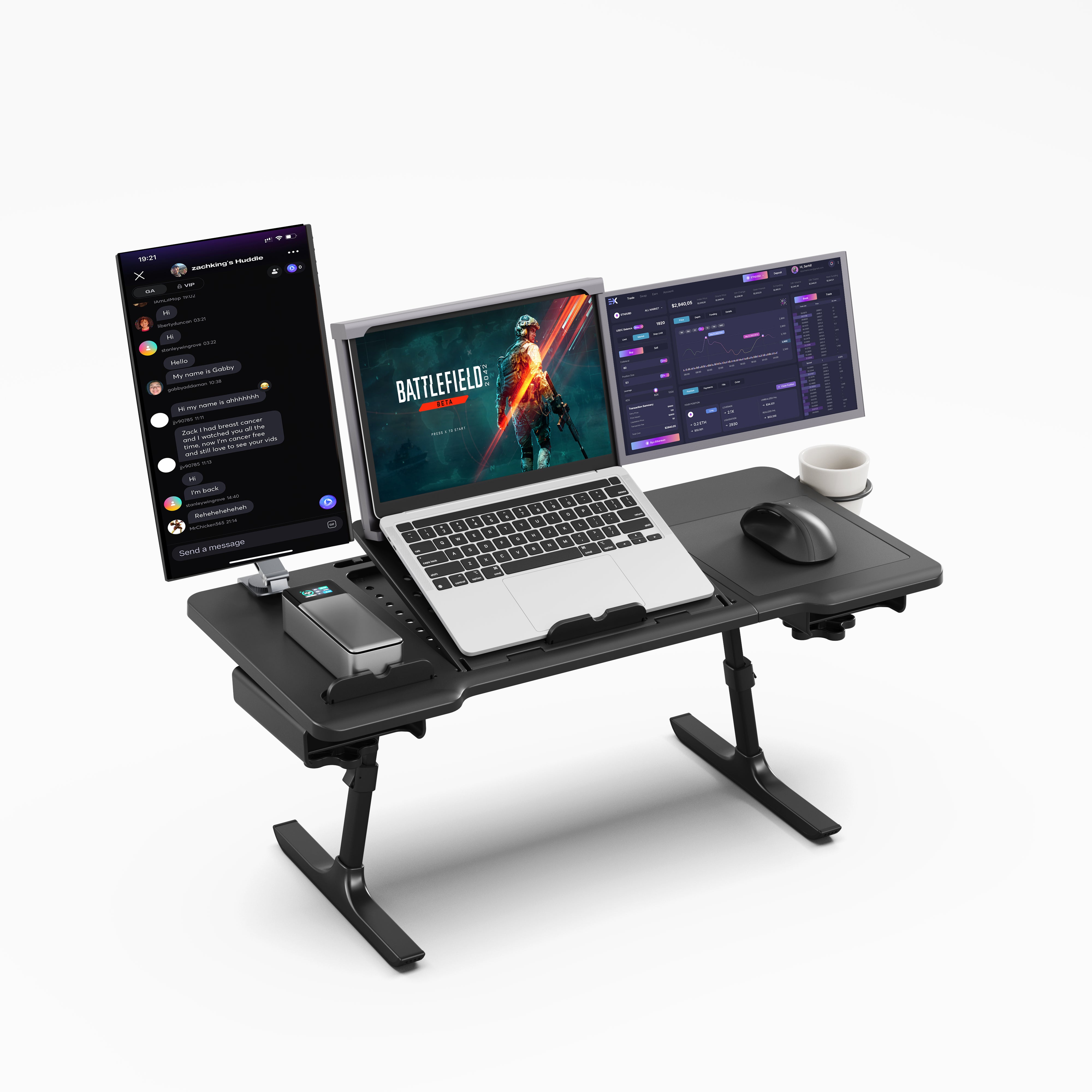
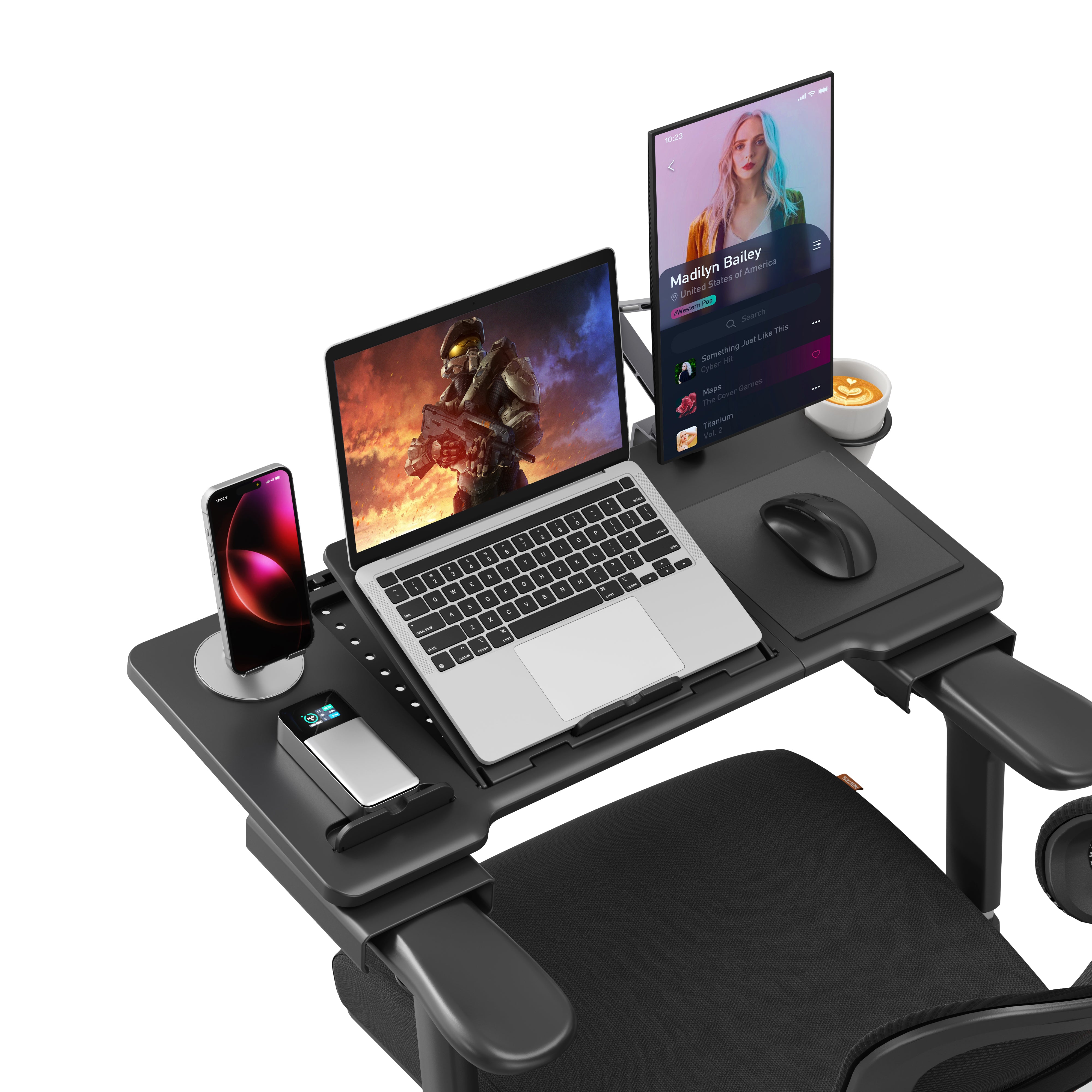
The Newtral Standard Lap Laptop Table on Chair is a quality home solution. It's a great pick because:
- Comfortable Adjustment: The table has several tilt angles to provide you with the best line of sight, whether you're sitting upright or reclined.
- Recliner-Compatible: It functions with various seats and recliners, offering you a professional workspace in relaxed circumstances.
- Improved cooling: Airflow underneath your laptop prevents overheating after lengthy use due to its raised design.
- Large Workspace: It can be used as a laptop desk with a chair because its huge surface fits a laptop, mouse, phone, and more.
- Stable and Secure: The non-slip surface keeps your laptop in place even when you move or work on a soft surface.
The Newtral table is utilitarian and designed for work-from-home environments with these qualities.
Setting Up Your Laptop Chair Desk for Maximum Comfort
Follow these methods to maximise your laptop chair desk:
- Eye Level Adjustment: Avoid neck discomfort by placing your screen just below eye level.
- Neutral wrists: If needed, utilise an extra keyboard or mouse to keep hands neutral.
- Maintain a 90-degree angle: For comfort and circulation, keep elbows and knees at 90 degrees.
- Use Proper Lighting: Light your workspace—preferably with natural light—to reduce eye strain.
- Take breaks: Stand, stretch, and walk every 30–60 minutes to stay active.
- Benefits of a Laptop Desk with Chair Setup
- Less back and neck strain
- Move or alter stance more freely
- Better ergonomics improve attentiveness.
- Space-saving design for small apartments and rooms
The correct laptop desk with chair can make a big impact for remote workers, online students, and internet users.
Some final thoughts
The finest laptop computer table for home use depends on your needs: flexibility, ergonomics, and workspace design. If you work from a recliner or soft chair, you'll need something adaptable and customised.
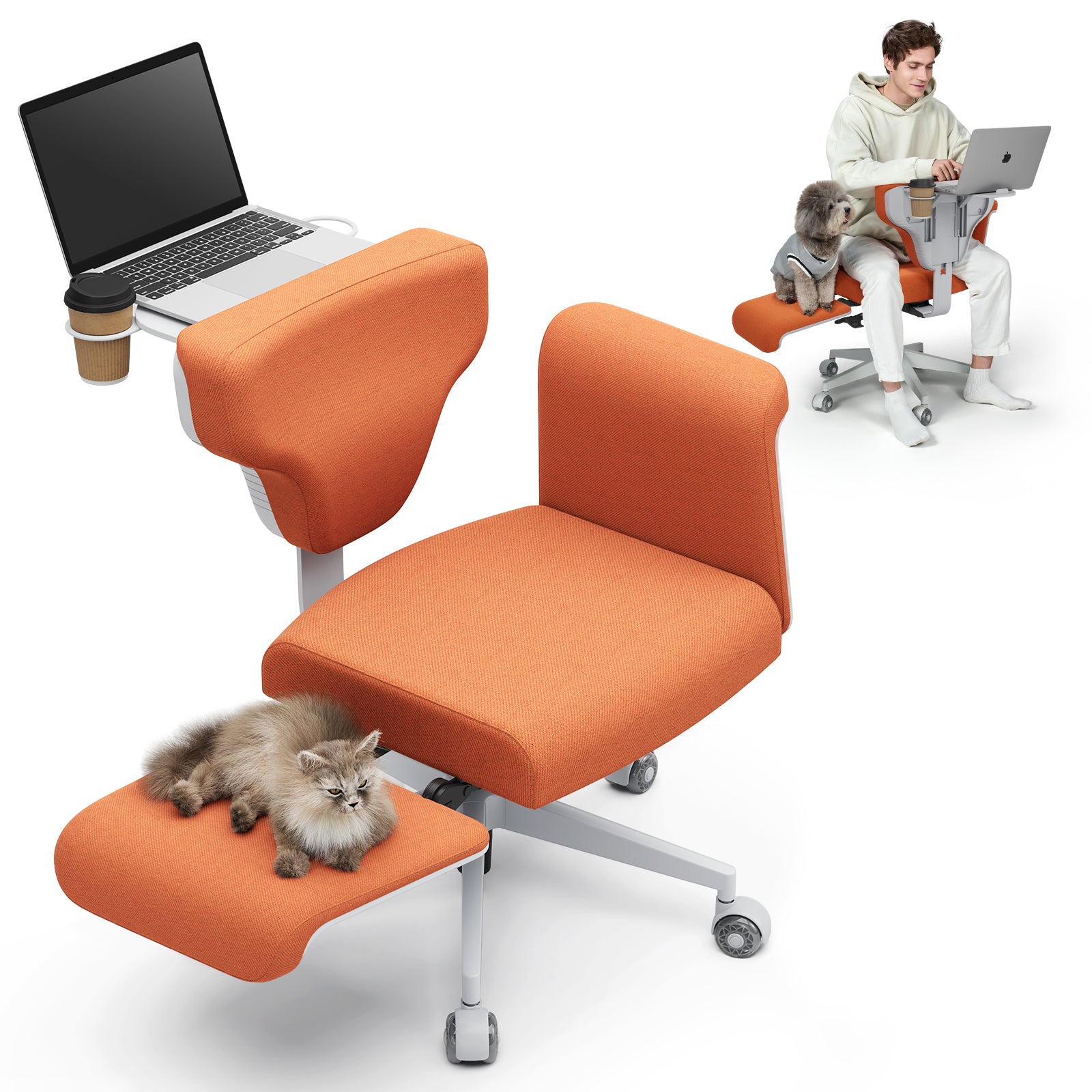
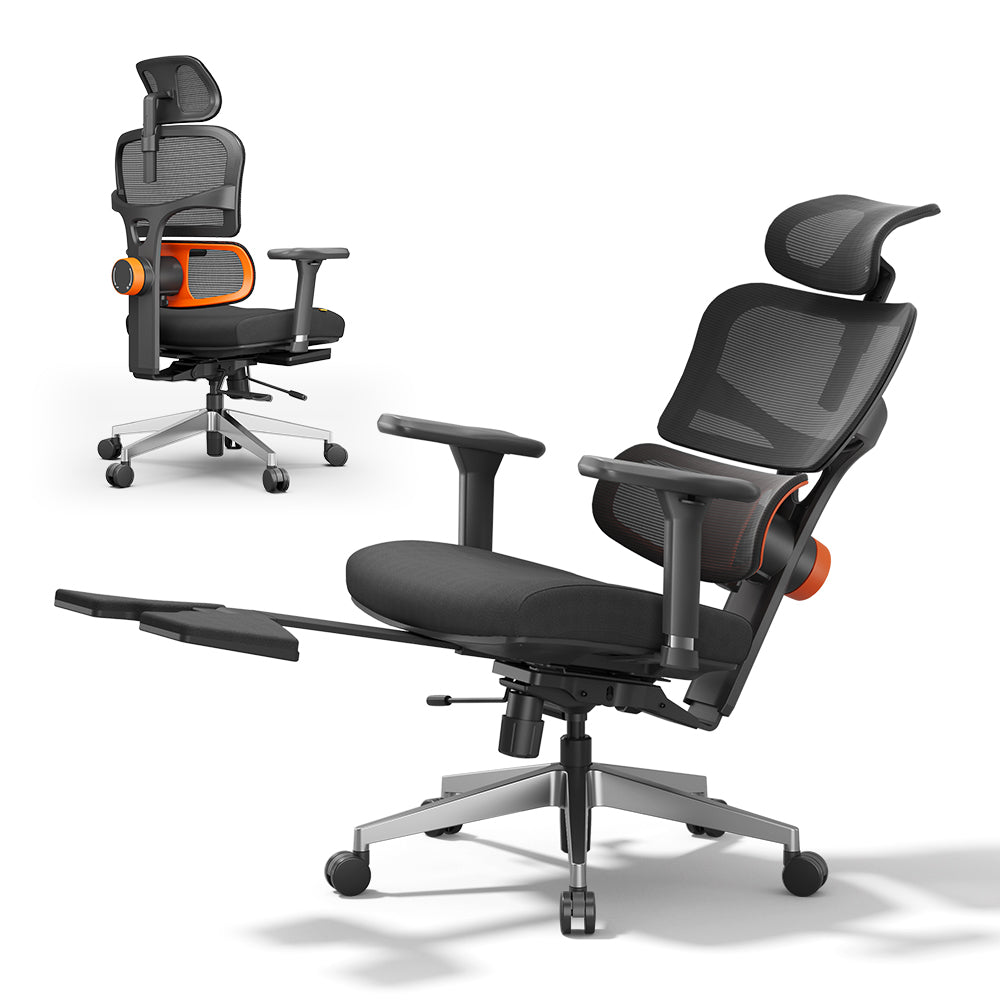
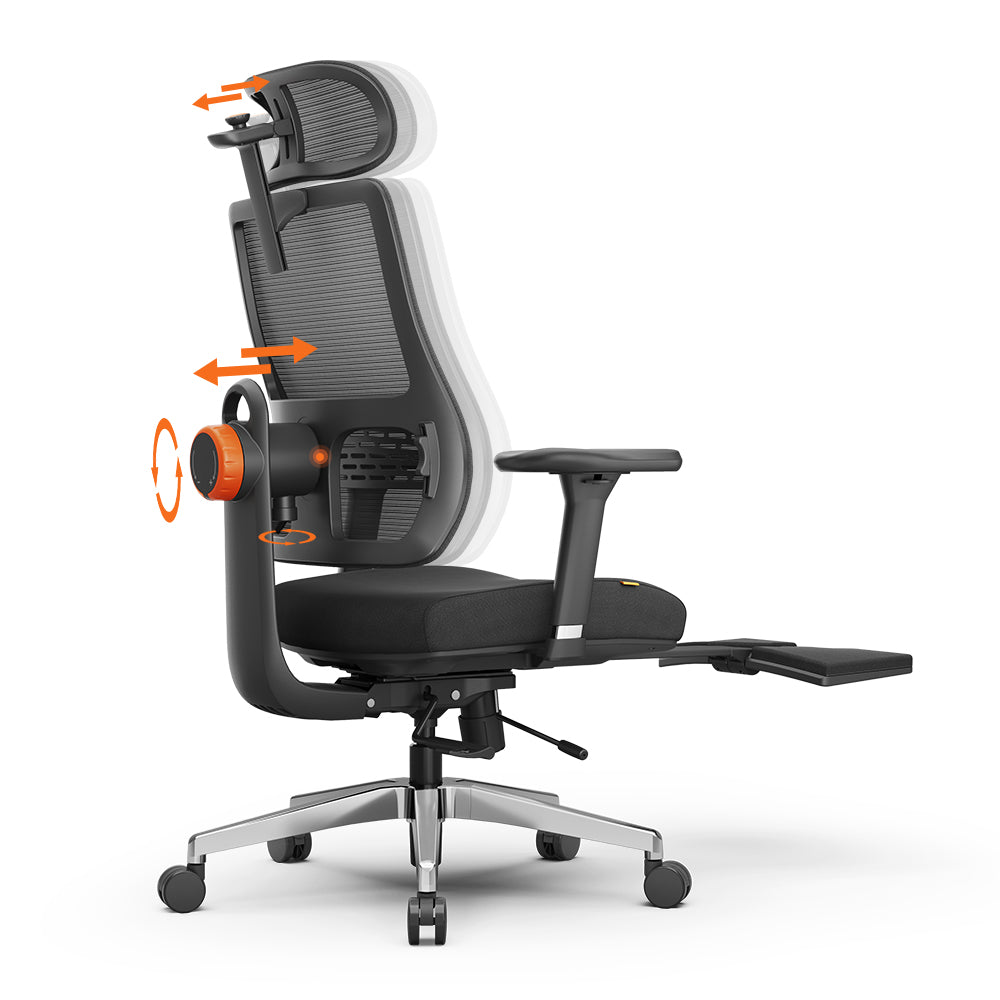
Its ergonomic support and practical design make Newtral's laptop table a top choice for comfort and functionality. Buying the proper table will make your day more productive, organised, and comfortable.





Leave a comment
All comments are moderated before being published.
This site is protected by hCaptcha and the hCaptcha Privacy Policy and Terms of Service apply.