
Table of Contents
Even with a well-configured ergonomic chair, a carefully positioned monitor, and a properly placed keyboard, many people still reach the end of the workday with tired legs, lower back tension, or that uncomfortable numbness in their feet. More often than not, the missing piece is not the chair itself but what is happening below your knees.
This guide walks you through exactly when a footrest is worth adding and when you can confidently skip it.
The Short Answer
Whether you need a footrest comes down to one question: when your chair is at the correct height for typing, do your feet rest flat on the floor?
|
You need a footrest if… |
You don't need a footrest if… |
|
Feet dangle or barely touch the floor at the correct chair height |
Feet rest flat on the floor at the correct chair height |
|
Your desk is fixed and too high to compensate with chair height |
Your chair adjusts low enough without compromising arm position |
|
You experience lower back or hip discomfort despite a proper chair setup |
Your knees are already at 90° with feet naturally supported |
|
You are shorter than average and cannot lower the chair any further |
You use a height-adjustable desk |
How Feet Affect Your Posture
The foot-spine connection
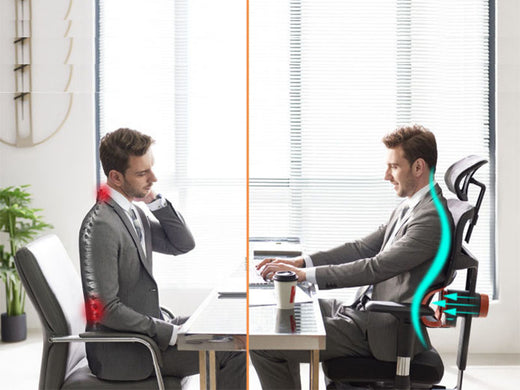
Most people think about posture from the back, shoulders, or neck upward. Posture, however, starts at the floor. Your feet are the foundation of your entire seated position. When they make solid, supported contact with a surface, your pelvis sits level, your lumbar spine maintains its natural inward curve, and the muscles along your back can relax rather than constantly compensate.
The OSHA ergonomics guidelines recommend a seated posture where feet are flat on the floor or supported by a footrest, with knees at approximately 90 degrees. This alignment distributes body weight evenly and prevents concentrated strain from accumulating over a workday.
What happens without foot support
When your feet hang without a stable surface beneath them, even a small gap triggers a chain of postural problems:
- The edge of the seat presses into the backs of your thighs, restricting circulation to your lower legs.
- Your pelvis gradually tilts backward, flattening the lumbar curve.
- Your upper back rounds in response, and your shoulders drift forward.
Over time, these shifts produce lower back fatigue, hip tightness, and ankle swelling by the end of the day. These are not signs of a poorly made chair. They are signs of feet with nowhere to land.
Signs You Need a Footrest
Sign 1: Your feet dangle or barely touch the floor
This is the clearest indicator. Sit in your chair and set the height so your elbows are at desk level and your wrists stay neutral while typing. Then look down. If your feet are hanging freely, resting only on your toes, or the backs of your thighs are pressing hard against the seat edge, a footrest is what your setup needs.
Sign 2: You feel lower back or hip discomfort
Persistent lower back or hip tension during desk work often traces back to unsupported feet. When your feet lack a stable surface, your pelvis tilts and transfers the load directly to your lumbar spine. A footrest restores a level pelvic position and relieves that compensatory strain.
Sign 3: Your desk height is fixed and too high
Standard office desks are typically built at a fixed height of 28 to 30 inches. If your desk sits at the higher end of that range and cannot be lowered, you may need to raise your chair to keep your elbows and wrists at a comfortable typing position. That upward adjustment can lift the seat high enough that your feet no longer reach the floor. When the desk height is non-negotiable, a footrest compensates for what the chair alone cannot fix.
Sign 4: You're shorter than average
People under roughly 5'4" often find that standard ergonomic chairs, even at their lowest setting, cannot simultaneously keep feet flat on the floor and arms at the correct typing height. A footrest raises the effective floor level to meet your feet, removing the need to compromise between arm comfort and foot support.
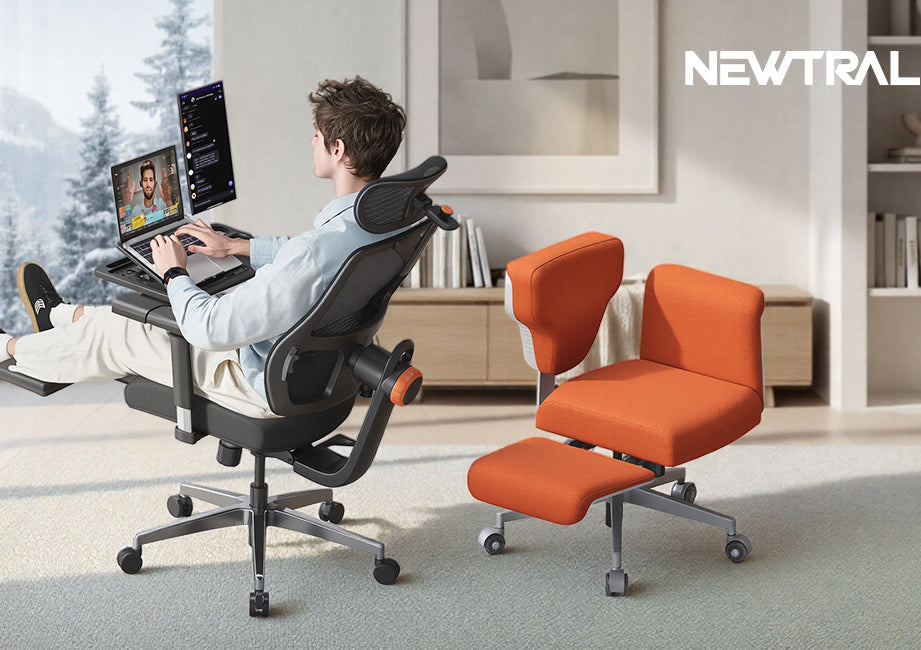
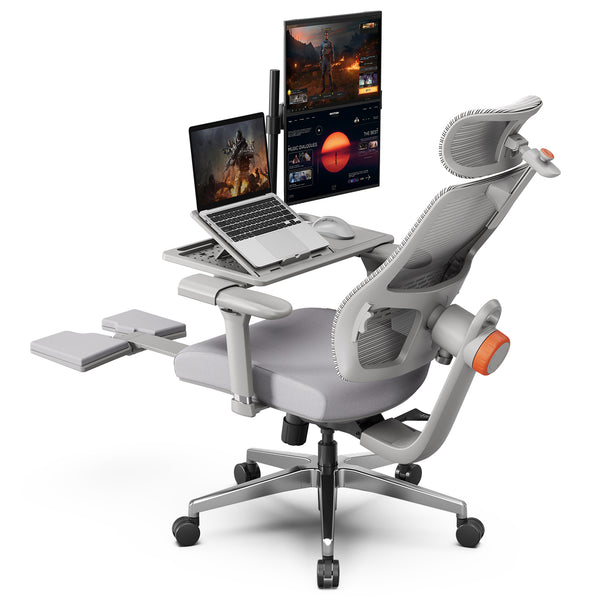
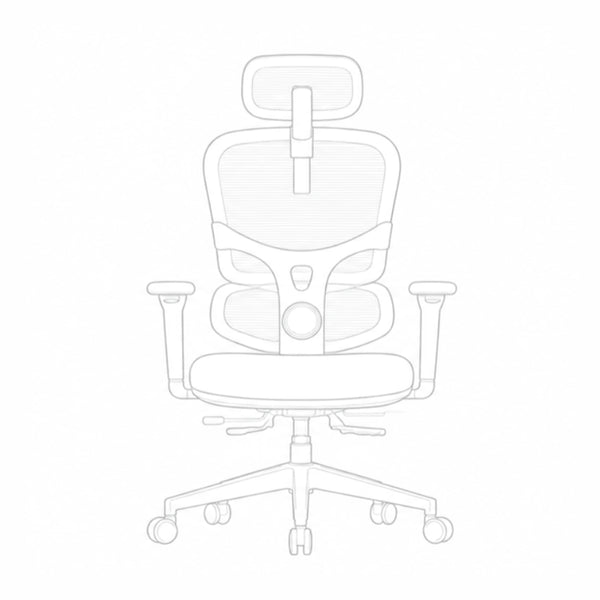
If you identify with any of the signs above, a chair with a built-in footrest is a practical all-in-one solution. The Newtral NT002 features an extendable footrest designed to support your legs and promote circulation, directly addressing what unsupported feet do over time, alongside auto-following lumbar support that moves with your spine rather than staying fixed in one position.
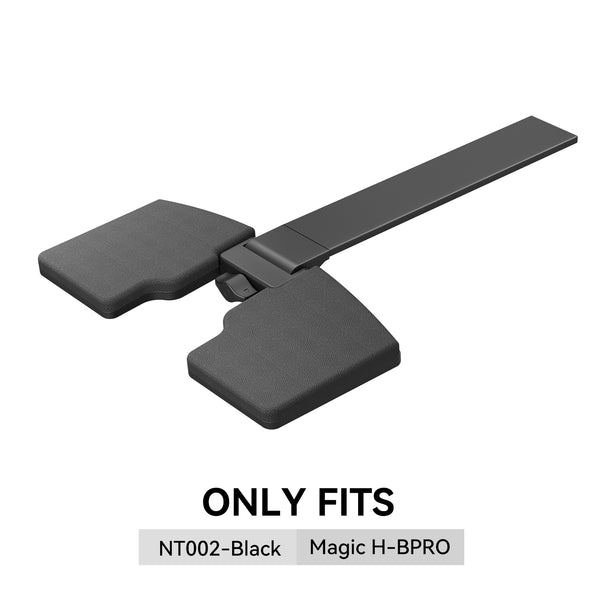
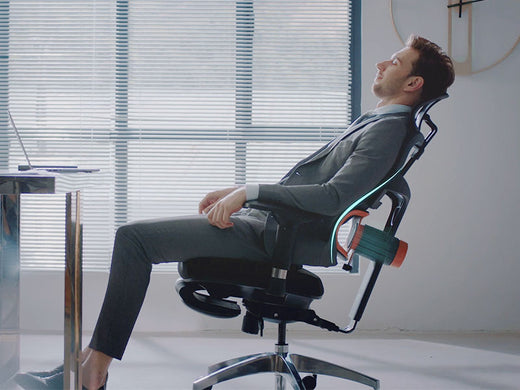
For those who recline frequently, the Newtral MagicH-BPro pairs a foldable footrest with a lockable 136-degree recline, so your back angle stays fixed while your legs are supported, giving you a stable rest position rather than a shifting one. Both models accommodate users from 5'1" to 6'3".

Signs You Don't Need One
Your chair adjusts to the right height
The ANSI/HFES 100 standard for computer workstation ergonomics recommends a knee angle of approximately 90 degrees with thighs roughly parallel to the floor. If you can lower your chair until your feet rest flat, your knees reach that angle, and your elbows stay at the correct height for your desk, you are already in a neutral seated position. Adding a footrest here would push your legs above their natural angle and potentially create new pressure points.
You have a height-adjustable desk
A sit-stand or height-adjustable desk lets you bring the work surface down to match your chair height, rather than forcing the chair up to meet the desk. If your desk lowers enough to allow a comfortable seated position, your feet will reach the floor naturally.
Footrest vs. Lowering Your Chair
Adjust the chair first
Before reaching for a footrest, spend a few minutes setting up your chair correctly. Start by adjusting the seat height so your elbows rest at around 90 degrees with your wrists neutral while typing. Then check whether your feet sit flat on the floor.
The Newtral Ergonomic Chair Height Calculator removes the guesswork from this step. Enter your height, select your working position, and receive personalized recommendations for seat height, armrest height, lumbar support placement, and desk height in seconds. If your feet remain unsupported after adjusting to these settings, a footrest is the right next step.
When a footrest is the better fix
Proper chair setup is always the starting point, but it cannot solve every situation on its own. When dedicated leg support is what your setup genuinely calls for, browsing chair with footrest lets you compare built-in options across models and price points, making it straightforward to find one that fits your sitting style, workspace, and daily working hours.
Blog18
Blog18

In Summary
Chair setup comes first. Use the Newtral Ergonomic Chair Height Calculator or adjust manually until your elbows, wrists, and feet are all in the right position. If everything aligns, no footrest is needed. If your feet still have no firm surface after a proper setup, that is the signal to add one.
FAQs
Do I Need a Footrest on a High Chair?
In most cases, yes. A high chair, or a chair set at or near its maximum height, typically places your feet well above the floor. Without support, the edge of the seat presses against the backs of your thighs, reducing circulation to your lower legs and disrupting your posture. A footrest set at the correct height restores a 90-degree knee angle and keeps you comfortable during extended sitting periods.
How Do I Add a Footrest to a High Chair?
The most practical option is a standalone adjustable footrest placed beneath your desk. Look for a model with a height range that covers the gap between the floor and your feet when seated correctly, with knees at approximately 90 degrees. If you are using an ergonomic task chair rather than a stool, a chair with a built-in retractable footrest is a cleaner solution that removes the need for a separate accessory.
How Do I Assemble a Newtral Gaming Chair with Footrest?
Step-by-step assembly and adjustment video tutorials for each model are available on the Product Assembly. For both the NT002 and MagicH-BPro, the footrest extends and retracts via a pull-release mechanism at the base of the seat. For any questions during setup, contact service@newtralchair.com directly.





Leave a comment
All comments are moderated before being published.
This site is protected by hCaptcha and the hCaptcha Privacy Policy and Terms of Service apply.