
Table of Contents
Standing in front of a wall of computer chairs, or scrolling through an online store trying to pick one, most people run into the same question: chair with armrests, or without? It seems like a minor detail, but it actually affects posture, comfort during long work sessions, and even how much space a setup takes up. This guide breaks down both options to help you decide based on how you actually sit, work, and use your space.
How does Armrest Work?
Armrests are often treated as an afterthought, but they play a bigger role in daily comfort than most people realize.
Role in Posture
When set at the correct height, armrests support a more upright, relaxed posture by giving the arms a stable resting point instead of leaving them to hover over the keyboard. Over the course of a workday, this small adjustment can noticeably reduce how tired the upper body feels by the end of the day.

Common Complaints
Armrests are not always a clear win, though. Fixed or poorly designed ones can sit too high, forcing the shoulders up, or too low, offering no real support at all. This inconsistency is one of the main reasons some people prefer skipping armrests altogether.
Benefits of Armrests
For many desk workers, a well built armrest is genuinely one of the most useful features a chair can have.
- Shoulder and neck support: Resting the arms on a stable surface lightens the load carried by the shoulders and neck, which matters most during repetitive tasks like typing or using a mouse for extended periods.
- Adjustable for desk height: Armrests that move up, down, or side to side can be matched to a specific desk and keyboard setup, which helps when switching between tasks or when more than one person uses the same chair.
-
Better support for long hours: For anyone spending six or more hours a day at a desk, armrests give the arms somewhere to rest during breaks, calls, or reading tasks, which helps prevent fatigue from constant unsupported sitting.

Benefits of No Armrests
Armless chairs are not a step down. They are simply built for a different kind of comfort and movement.
- Freedom of movement: Without armrests in the way, it is easier to pull the chair fully under the desk, turn sideways, or tuck the legs up, which is a big reason armless designs are popular with people who shift positions often.
- Smaller footprint: Armless chairs tend to take up less space, making them a practical choice for compact home offices, dorm rooms, or shared workspaces where every inch counts.
- Better for cross legged sitting: Sitting cross legged, tucking one leg under, or curling up while working all get harder with armrests in the way. Armless chairs leave the open space needed to sit however feels natural.

Armrests vs. Armless
Here is a side by side look at how the two options compare across the factors that matter most.
|
Factor |
With Armrests |
Without Armrests |
|
Comfort for typing |
Reduces shoulder and neck strain |
Requires more core engagement to sit upright |
|
Posture support |
Helps maintain a relaxed shoulder position |
Encourages a more active, varied posture |
|
Space and mobility |
Slightly bulkier, less flexible for tucking legs |
Compact, easier to move and reposition |
For a closer look at how different armrest styles compare across a full chair lineup, see the comparison of Freedom-X collection.

How to Choose?
There is no single right answer. It comes down to how a person works, sits, and uses their space.
For Office Work
For long stretches of typing, video calls, or focused desk work, a chair with adjustable armrests is usually the better fit. The added support helps maintain comfort through back to back tasks without needing to shift constantly. Getting the armrest height right also depends on how it lines up with the desk and keyboard, which is where the ergonomic chair height calculator can help confirm the correct setup before making a purchase.
Armrest design also varies by chair. Some models, like the NT002 Ergonomic Home Office Chair, use 3D adjustable armrests that move up, down, forward, and sideways for finer control, while others use simpler flip-up armrests that fold away when not needed. Trying both styles helps clarify which type of adjustability actually matters for a specific desk setup.

For Gaming
Gamers often benefit from armrests as well, especially during long sessions where the hands stay in a fixed position for extended periods. Adjustable armrests allow the height to be fine tuned so the wrists and forearms stay relaxed rather than tense.
For Multi Posture Sitting
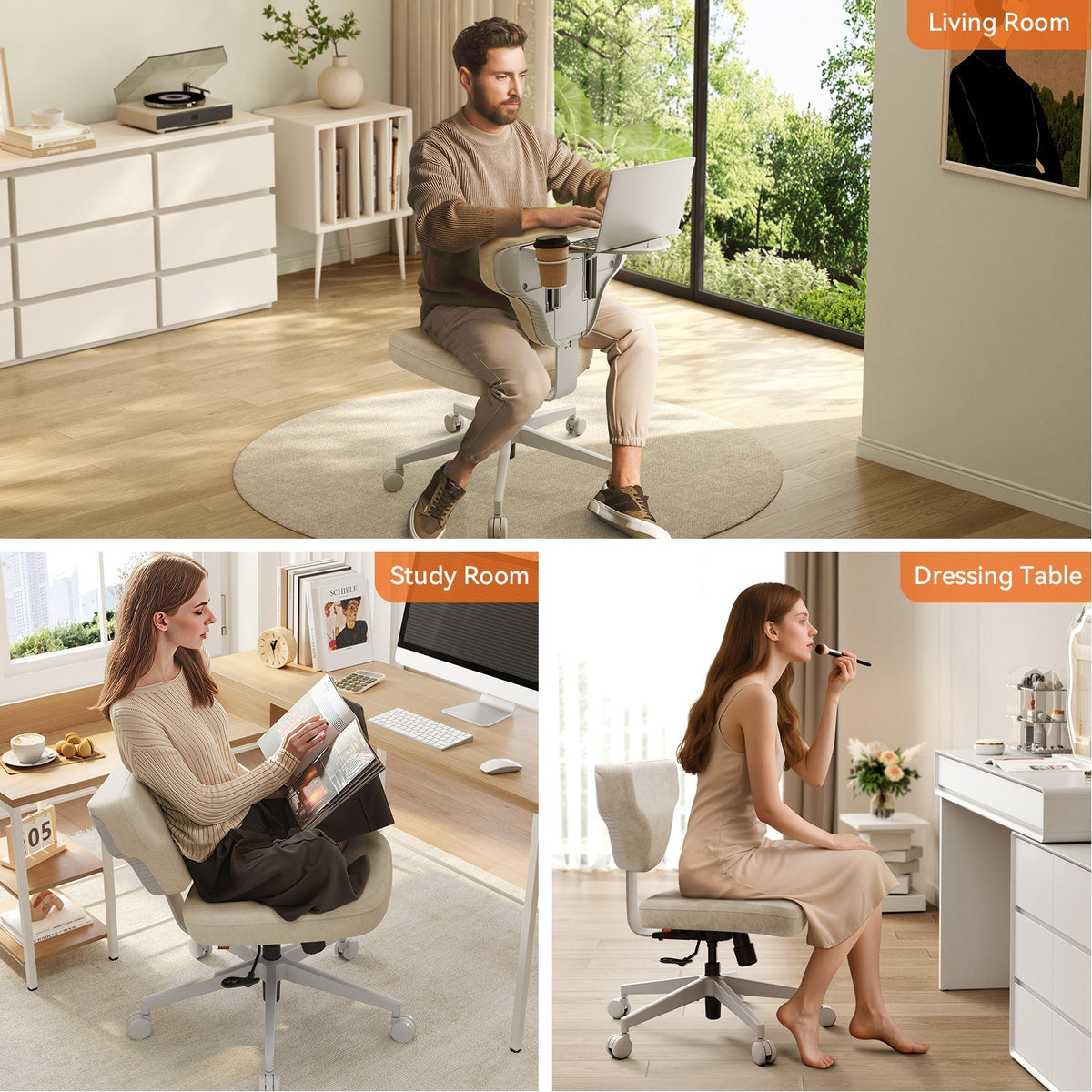
For anyone who likes to change positions throughout the day, sitting cross legged, leaning sideways, or pulling the knees up, an armless chair allows that freedom without obstruction. It is the better match for a chair that doubles as a flexible space rather than a strict desk seat.
NEWTRAL Options
Newtral’s ergonomic computer chairs include both armrest and armless designs, making it possible to compare styles directly rather than guessing from photos alone.
NT002 With Armrest
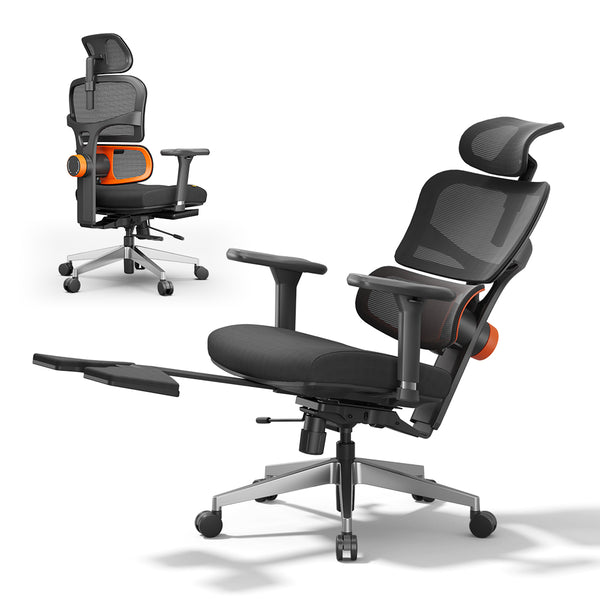
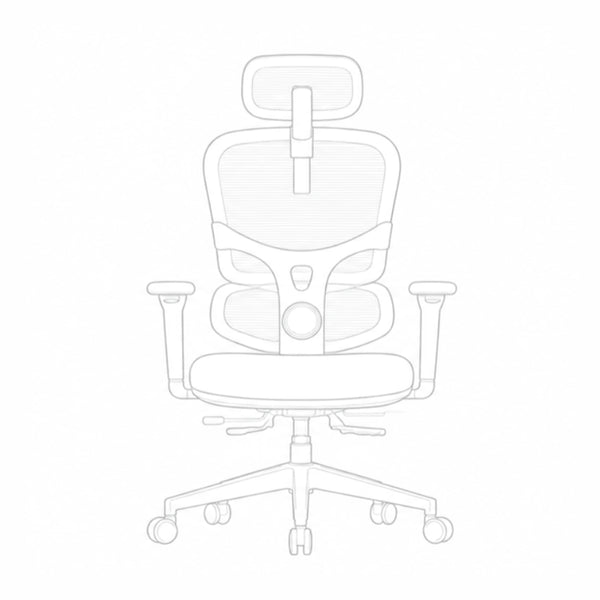
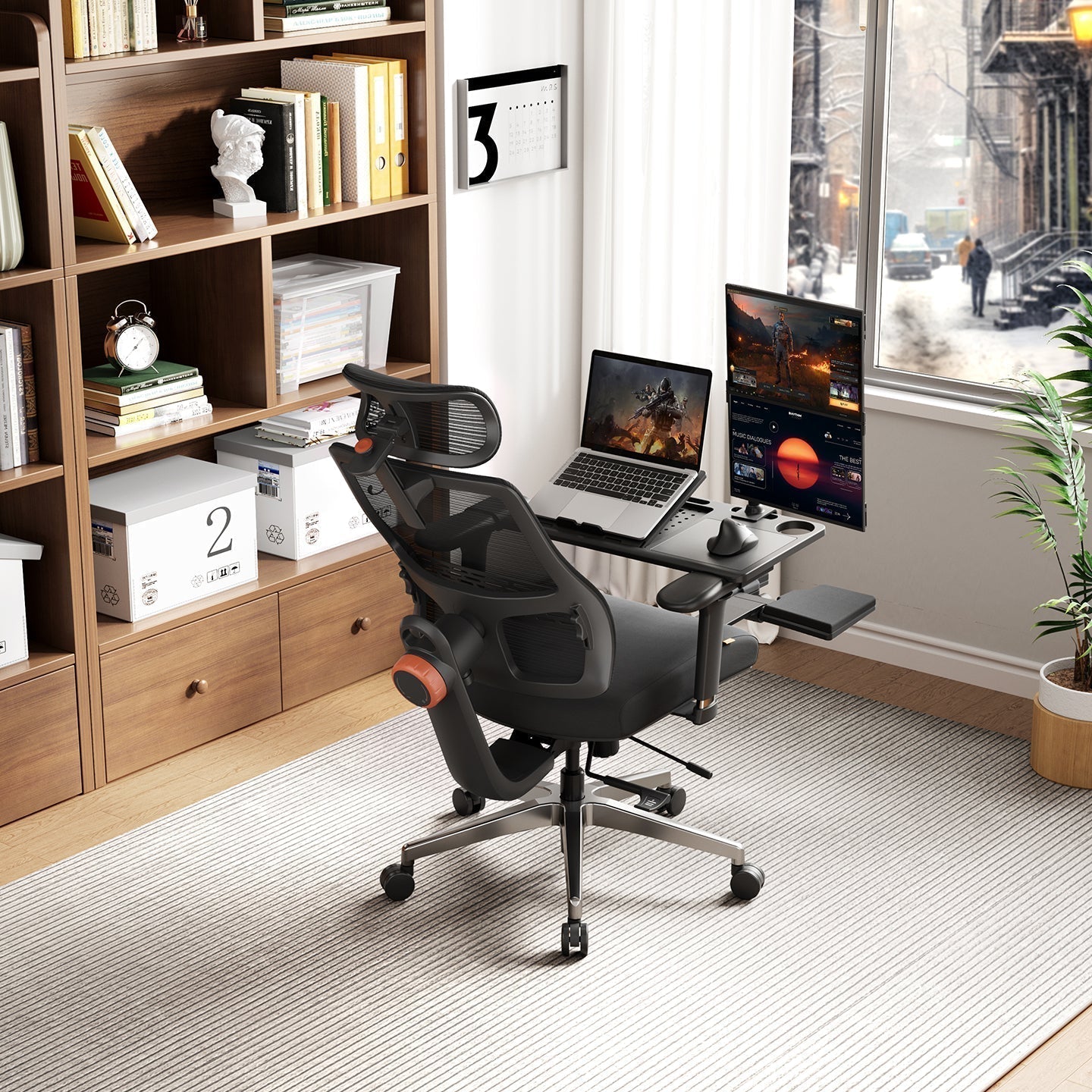
The NT002 Ergonomic Home Office Chair follows a standard desk chair build, with a breathable mesh back and 3D adjustable armrests that move up, down, forward, and sideways. It suits anyone who wants full armrest support for typing, calls, or other focused desk work throughout the day.
blog18
Freedom-X Without Armrest
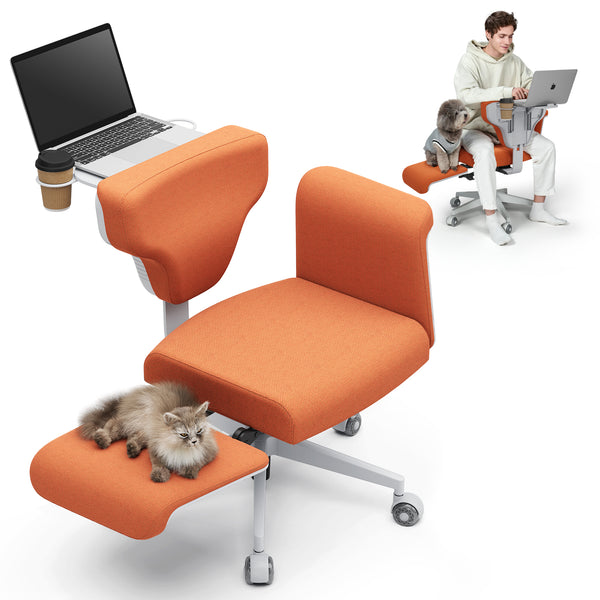
The Freedom-X Multi-Posture Cross Legged Chair without armrest skips armrests entirely to leave the seat fully open. It is part of a multi-posture design built for cross-legged sitting, reclining, and relaxed positions, so it looks different from a standard desk chair. It currently stands as the collection's dedicated armless option, and it suits anyone who prefers sitting cross legged, curling up, or shifting positions freely throughout the day.
Blog18
FAQs
Are armrests better for posture?
Armrests can support better posture when adjusted correctly, since they reduce pressure on the shoulders and upper back during long periods of typing or desk work. Posture also depends on seat height, lumbar support, and overall sitting habits, so armrests are one part of the picture rather than the whole solution.
Can armrests cause shoulder pain?
Yes, if they are set too high, too low, or cannot be adjusted at all. Armrests that force the shoulders up, or leave the arms unsupported, can create more tension than having no armrests at all. Choosing a chair with adjustable armrests helps avoid this issue.
Do armless chairs save desk space?
Generally, yes. Armless chairs tend to have a narrower profile, which makes it easier to tuck them fully under a desk or fit them into smaller rooms. They also allow more freedom to turn or shift in the seat without bumping into anything.
Can armrests be added to a chair later?
It depends on the chair. Some models are designed with removable or attachable armrests, while others are built without any mounting points for them. Checking the product specifications before purchase is the most reliable way to confirm whether armrests can be added afterward.
Does having armrests change the price of a chair?
In most cases, yes. Chairs with adjustable, multi-directional armrests typically cost more than armless models, since the added mechanism increases manufacturing complexity. The price difference is usually worth it for anyone who spends long hours at a desk and benefits from the extra support.




Hinterlasse einen Kommentar
Alle Kommentare werden vor der Veröffentlichung geprüft.
Diese Website ist durch hCaptcha geschützt und es gelten die allgemeinen Geschäftsbedingungen und Datenschutzbestimmungen von hCaptcha.