
Table of Contents
Working from a couch, a bed, or a cramped studio apartment often leads people to a chair with a built-in desk or laptop tray. It looks like a clever two-in-one solution, and for some people it genuinely is. For others, it turns into a source of neck strain and wrist discomfort within a few weeks. This guide breaks down what these chairs actually offer, where they fall short, and how to decide whether one belongs in your setup.
What Is a Computer Chair With a Desk Attached?
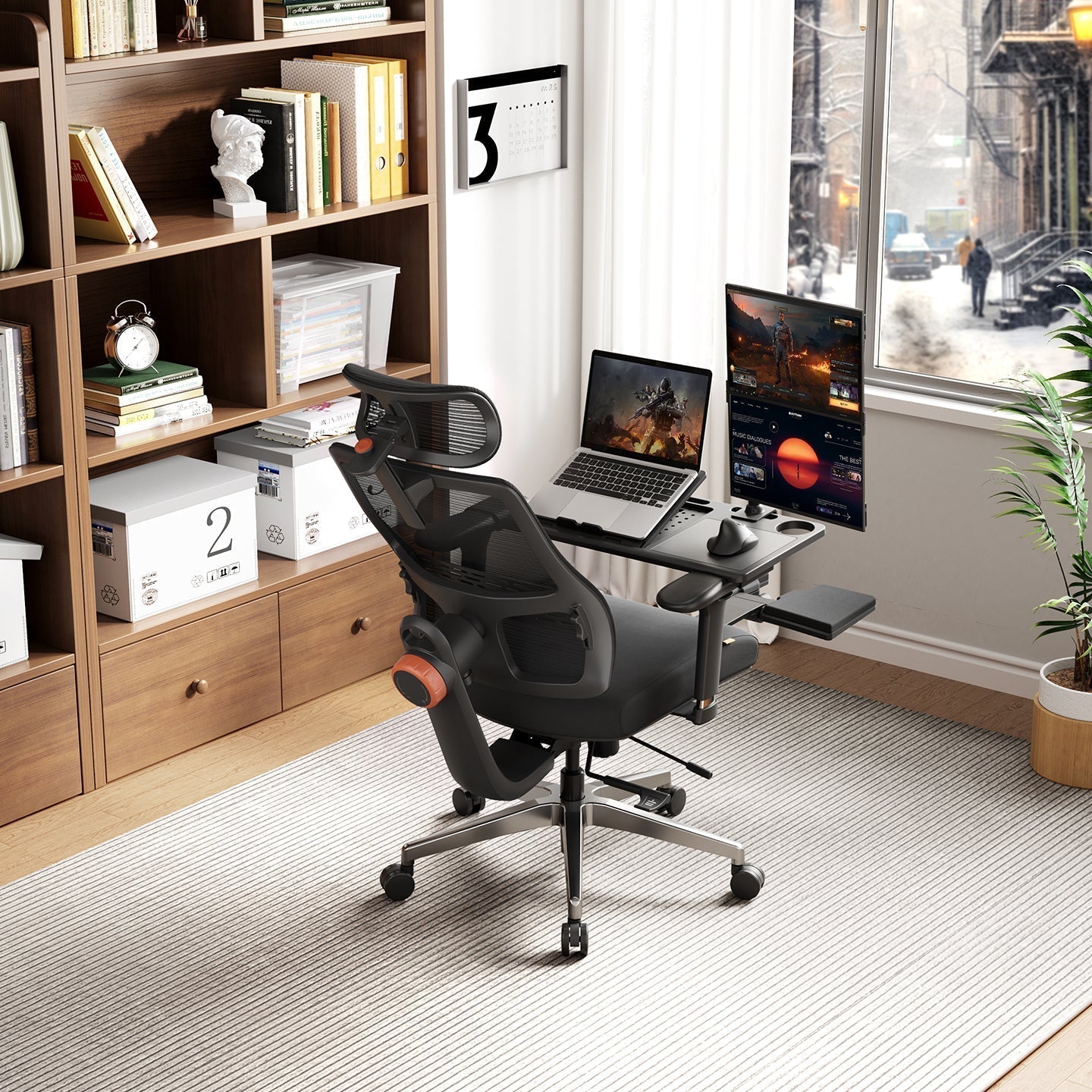
A computer chair with a desk attached is exactly what it sounds like: a chair with a small tray, table, or platform built into or mounted onto the frame, usually positioned in front of the seat or swinging over one armrest. The idea is to give you a flat surface for a laptop, tablet, or notebook without needing a separate desk.
How It Differs From a Regular Desk Setup?
A traditional desk and chair setup keeps the two pieces of furniture separate, so you can adjust desk height, monitor position, and chair height independently. With an attached-desk chair, the tray usually moves with the chair and has little or no adjustment of its own. You gain convenience and save floor space, but you give up some of the fine-tuning a dedicated desk allows.
Common Types on the Market
These chairs generally fall into three categories:
- Fixed swing-over tray chairs, where the table is permanently attached and swings across the seat
- Removable or foldable table chairs, where the tray can be taken off or folded away when not in use
- Standard ergonomic chairs with a laptop table accessory, where the table is a separate add-on rather than a built-in part of the frame
A full range of options can be found in the ergonomic computer chairs. Two models worth noting in the foldable table category are the Magic H-Gpro office chair with laptop table, which pairs a breathable mesh back with a foldable, swing-away tray, and the Magic H-BP office chair with laptop table, which offers the same swing-away tray design in a more compact frame. Both let the table swing out of the way when it isn't needed, which is a meaningful advantage over a fixed tray that can't be moved aside.

Pros of a Chair With an Attached Desk
- Saves space. This is the biggest draw. In a small apartment, dorm, or shared space, an attached-desk chair removes the need for a second piece of furniture, giving you a workstation with a single footprint.
- Easy to move and set up. No assembly is required beyond the chair itself, and most models roll on casters, so the workspace can be repositioned in seconds. This suits people who work from different rooms depending on the time of day.
- Good for laptops and light tasks. For checking email, browsing, watching a webinar, or working on a laptop for an hour or two, the tray size is usually more than adequate. It's a practical fit for short, casual sessions rather than a full workday.
-
Budget-friendly. Buying one piece of furniture instead of two often costs less than a separate chair and desk combination, which makes this a reasonable choice on a tight budget.
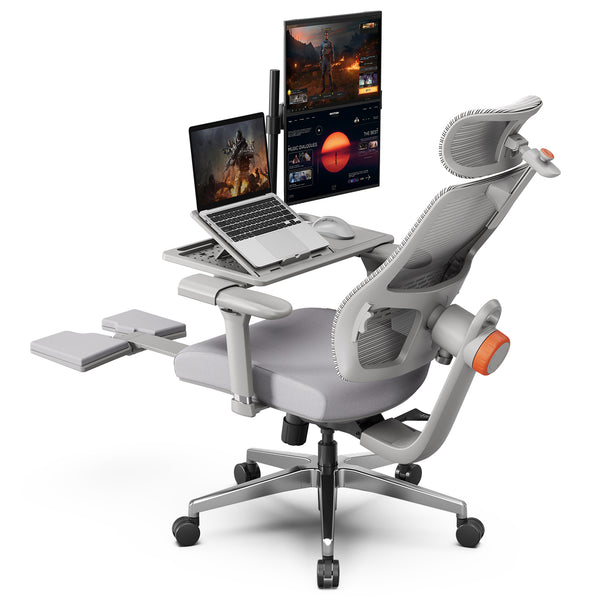 $379.00 $499.00Coupon:
Blog18Auto-Following Lumbar SupportPairs with detachable Laptop TableAdaptive 5D Headrest
Cons of a Chair With an Attached Desk
- Limited ergonomic adjustability. Most attached trays don't tilt, extend, or adjust in height independently from the chair, which leaves arm and wrist position largely fixed.
- Fixed tray height and angle. Because the tray height is tied to the seat height, taller or shorter users often end up with a surface that sits too high or too low relative to their elbows. Over time, this awkward angle can contribute to shoulder and wrist fatigue.
- Not ideal for long typing sessions. A tray built for a laptop rarely has room for a separate keyboard, mouse, and monitor stand. For jobs that involve several hours of continuous typing, the compact surface can start to feel restrictive.
- Stability and weight limits. Swing-over trays are generally rated for lighter loads than a standard desk and aren't built to support a heavy monitor or the full weight of a leaning arm.
|
Consideration |
Attached-Desk Chair |
Separate Desk and Chair |
|
Space needed |
Minimal |
Requires a desk footprint |
|
Tray or desk adjustability |
Limited |
Fully adjustable |
|
Best for |
Short sessions, laptop use |
Full workdays, multiple devices |
|
Typical cost |
Lower |
Higher (two pieces of furniture) |
|
Long-term ergonomic support |
Limited |
Strong, when set up correctly |
Who It's For
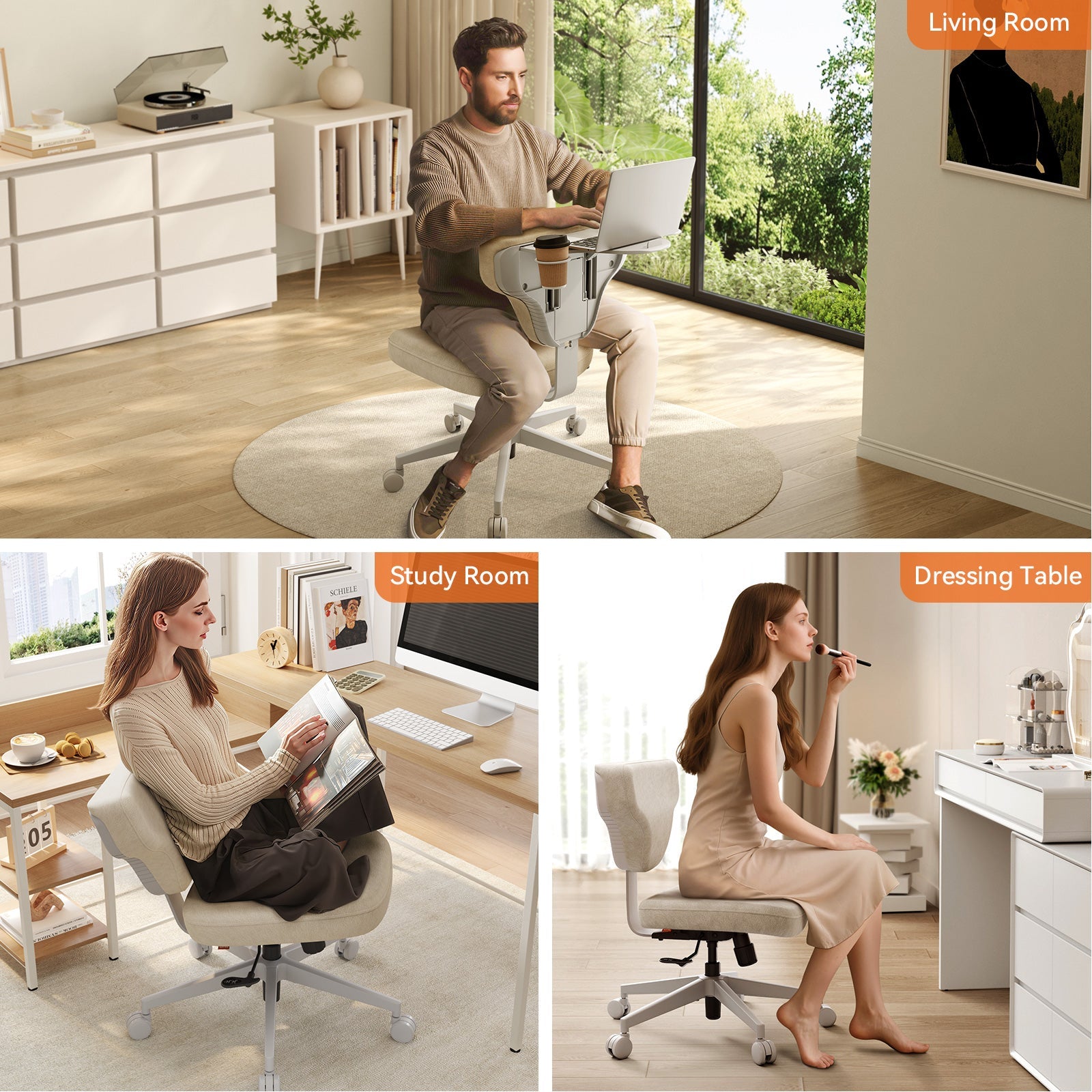
Small space or dorm living. If square footage is tight, an attached-desk chair can genuinely solve a real problem. It works well in a studio apartment, a shared bedroom, or a dorm room where a full desk simply won't fit.
Occasional or mobile work. Anyone who needs a workstation for an hour here and there, or likes working from the living room in the evening, will likely find these chairs convenient rather than limiting.
Students and casual users. Students taking notes, reading, or doing light coursework on a laptop are a natural fit, especially in shared living situations.
Full-time or heavy computer users. Anyone who types for most of the day, uses multiple monitors, or works from the same spot every day will likely find the limited adjustability turns into discomfort within the first few weeks. A dedicated ergonomic setup is a better long-term fit for this group.
Comparing Attached-Desk Options
For readers weighing specific models, here's how two built-in tray chairs compare against an ergonomic chair paired with a detachable table:
|
Model |
Tray Type |
Lumbar Support |
Best Suited For |
|
Foldable, swing-away |
Auto-following |
Casual to moderate daily use |
|
|
Foldable, swing-away |
Auto-following |
Compact spaces, light tasks |
|
|
Fully detachable, add as needed |
Auto-following, with footrest |
Full-time work, 8+ hour days |
A Better Alternative for Long Hours
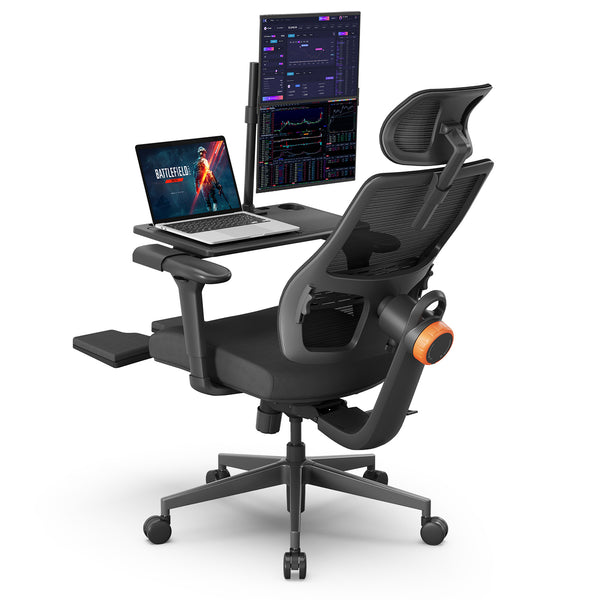
For daily, full-time work, a more sustainable setup pairs a proper ergonomic chair with a detachable laptop table rather than a fixed one. The NT002 is built with auto-following lumbar support and a built-in footrest, both aimed specifically at multi-hour desk sessions rather than short, casual use. Adding a detachable laptop table on top of a chair like this provides a work surface only when it's needed and removes it the rest of the time. The result keeps the space-saving benefit of an attached tray while still allowing independent seat height, lumbar, and armrest adjustment, something a fixed-tray chair can't offer. Readers deciding between the NT and Magic H lines can also review the NT Collection versus Magic H Collection for a fuller breakdown of the lumbar systems and build materials used in each.
Blog18
Blog18
How to Choose the Right Option?
Before buying, check these features:
- Tray size and weight capacity
- Whether the tray is removable or permanently fixed
- The level of lower back support the chair provides
- Whether seat height and armrests adjust independently of the tray
Getting the seat and tray height right matters as much as the features themselves. The ergonomic chair height calculator can help confirm the right seat height for your body before you buy. For general guidance on what a healthy desk setup should include, the ergonomics resources from the U.S. Department of Labor offer a useful reference point.

FAQs
Can I use a chair with an attached desk for full-time work?
It's possible, but not ideal. These chairs work best for short sessions or casual use. For a full workday, a dedicated ergonomic chair paired with a proper desk or a detachable laptop table supports posture better over time.
Are attached-desk chairs bad for posture?
They aren't inherently bad, but the fixed tray height and limited adjustability can encourage awkward wrist and shoulder positions during long stretches of use. Taking regular breaks and adjusting seat height as much as possible can help reduce strain.
What is the weight limit for a laptop tray on a chair?
Weight limits vary by model, and it's worth checking the manufacturer's specifications before placing anything on the tray besides a laptop, since most trays aren't designed to hold a monitor or other heavy equipment.
Can the tray be removed or adjusted?
Some models offer removable or foldable trays, while others have a tray built permanently into the frame. For flexibility, a chair with a detachable table option is a better fit than one with a fixed table.
Is a separate desk better than a chair with a built-in table?
For daily, long-term work, yes. A separate desk allows independent height adjustment and more surface space, which generally leads to better posture and less fatigue over a full workday.





Hinterlasse einen Kommentar
Alle Kommentare werden vor der Veröffentlichung geprüft.
Diese Website ist durch hCaptcha geschützt und es gelten die allgemeinen Geschäftsbedingungen und Datenschutzbestimmungen von hCaptcha.