
Filters
11 products



FAQs
What is the best office chair for sitting long hours?
There is no single chair that fits everyone. The best office chair for long hours should match your body dimensions and let you adjust the seat height, seat depth, lumbar support, armrests and recline rather than holding you in one fixed position.
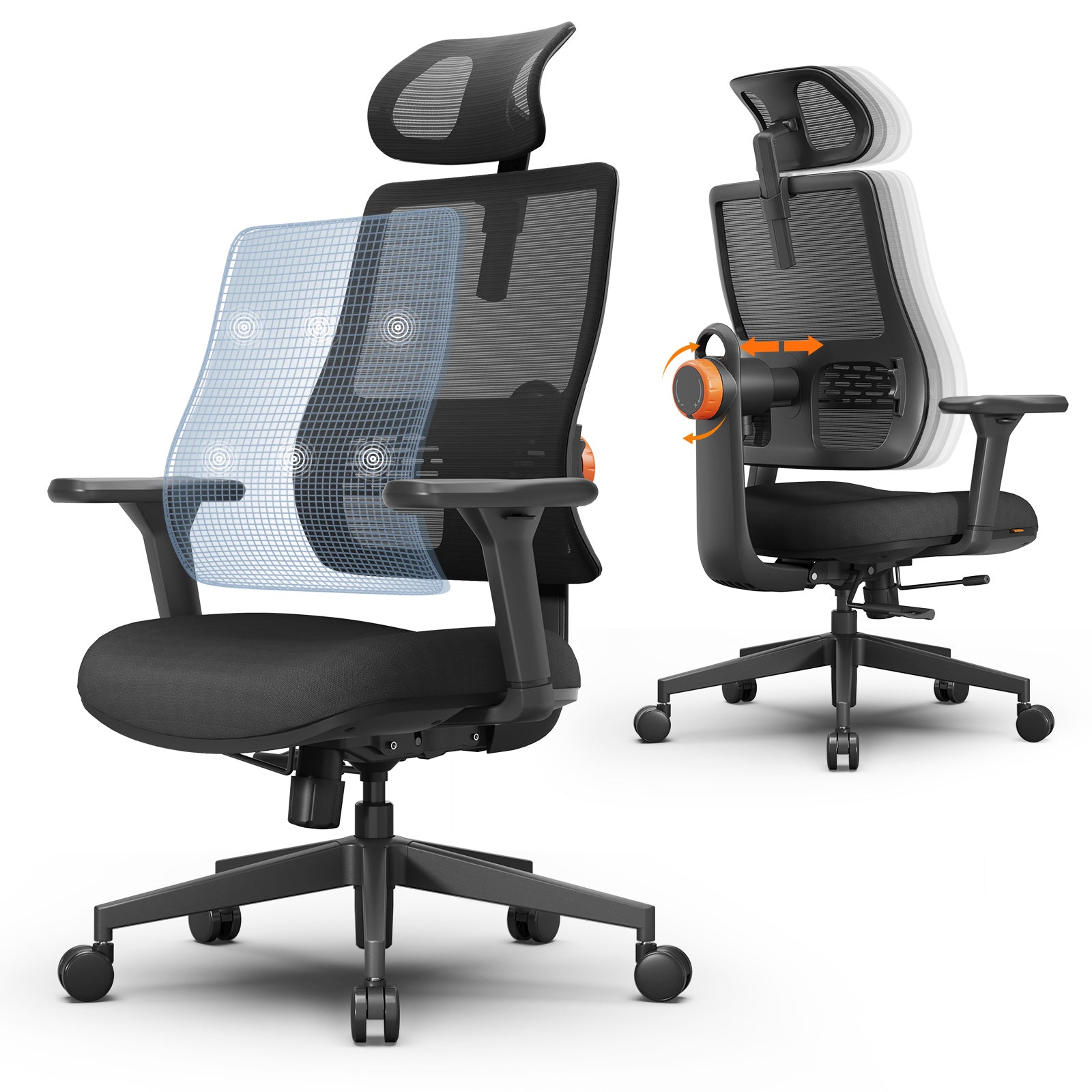
Several Newtral models combine adjustable seat depth and multidirectional armrests with auto-following lumbar support. This allows the back support to remain in contact as you lean forward, sit upright or recline—a practical advantage over the fixed lumbar pads found on many basic office chairs.
What makes an office chair comfortable for all-day use?
Soft cushioning may feel comfortable at first, but long-term comfort depends more on fit, consistent support and the ability to change positions. Important features include:
- A seat that supports the thighs without pressing behind the knees
- Lumbar support that matches the curve of the lower back
- Armrests that allow the shoulders to remain relaxed
- A reclining backrest with controlled resistance
- Breathable materials that help manage heat
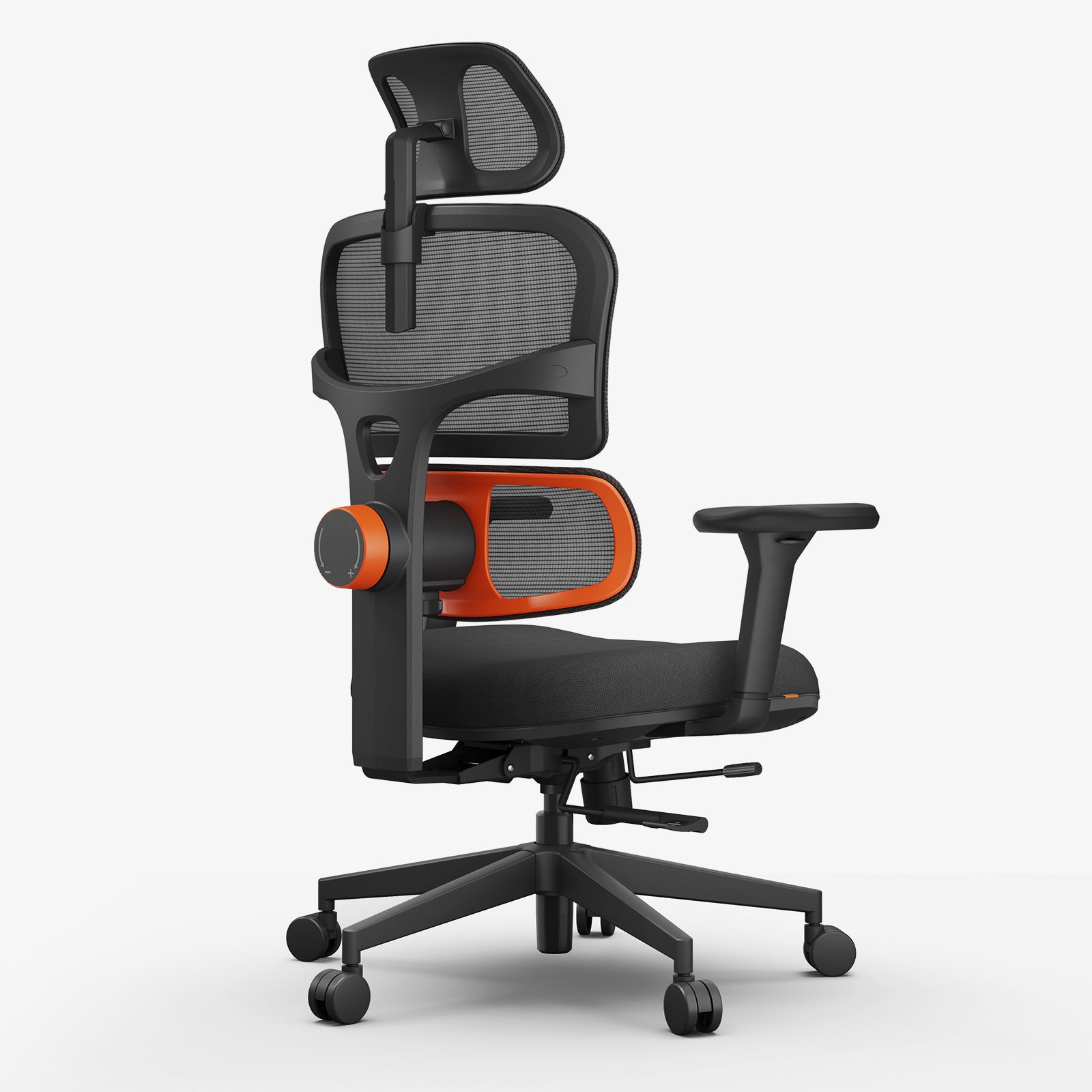
Newtral’s NT001 and NT002 pair a high-density foam seat with a breathable mesh back, while their dynamic lumbar systems adjust with the user’s movement.
Can an ergonomic office chair help with back discomfort?
A properly fitted ergonomic office chair can support the lower back and reduce strain associated with unsupported or poorly adjusted sitting. It cannot treat an injury or guarantee relief from back pain.
The NT001, NT002 and Magic-H models use auto-following lumbar support rather than a stationary lumbar pad. This design is particularly useful for people who move between focused forward sitting, an upright position and reclined work during a long day. Persistent or severe pain should still be evaluated by a qualified healthcare professional.
Which Newtral chair is best for a long-hours home office setup?
The right model depends on how you work and which sitting positions you prefer:
- Magic H003: A practical option for conventional desk work, with auto-following lumbar support, adjustable seat depth, 3D armrests and a recline of up to 126°.
- NT001: Suited to users who want greater adjustability, including a 15.7–18.8-inch seat-depth range, 4D armrests and a lockable recline of up to 137°.
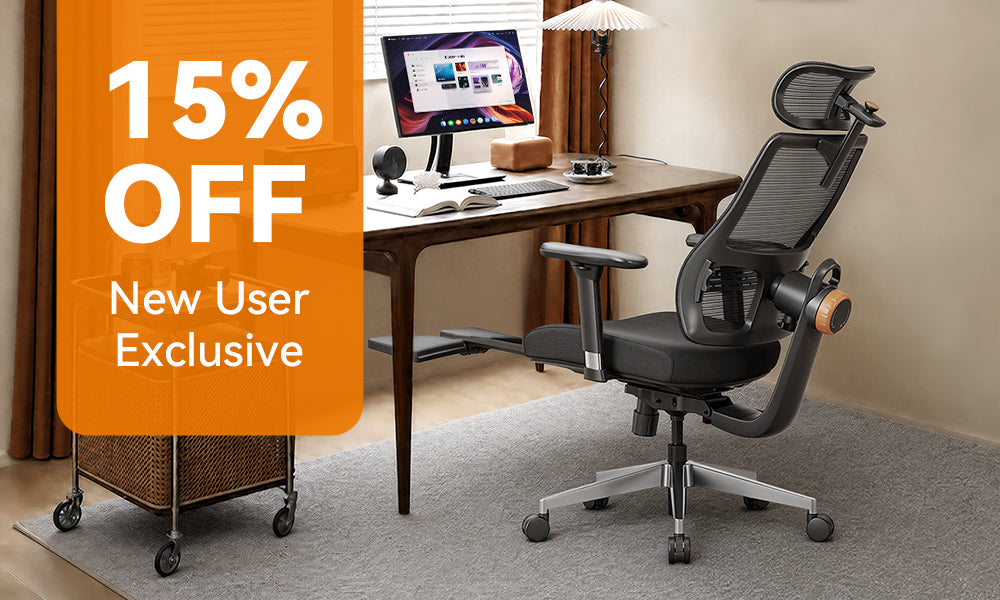
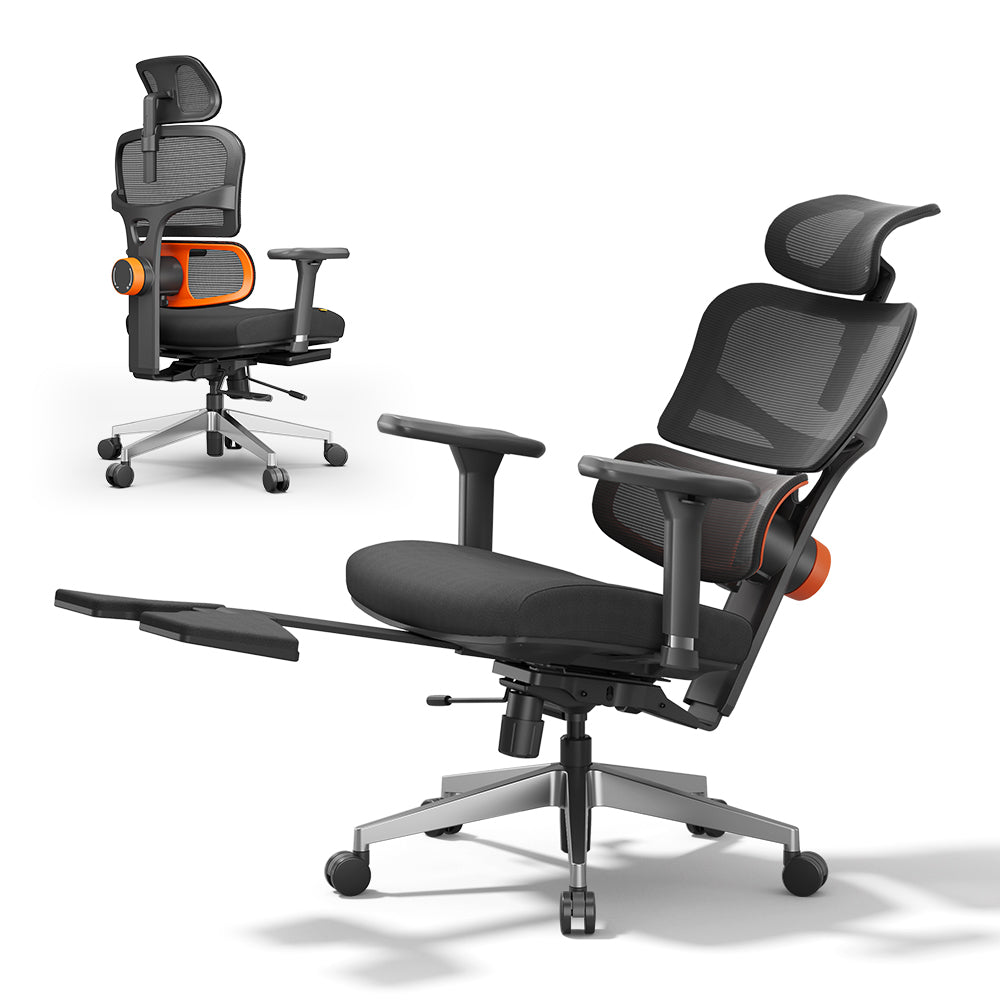
- NT002: Adds a foldable footrest to the dynamic lumbar support, adjustable seat depth and 136° recline, making it suitable for switching between focused work and short reclining breaks.
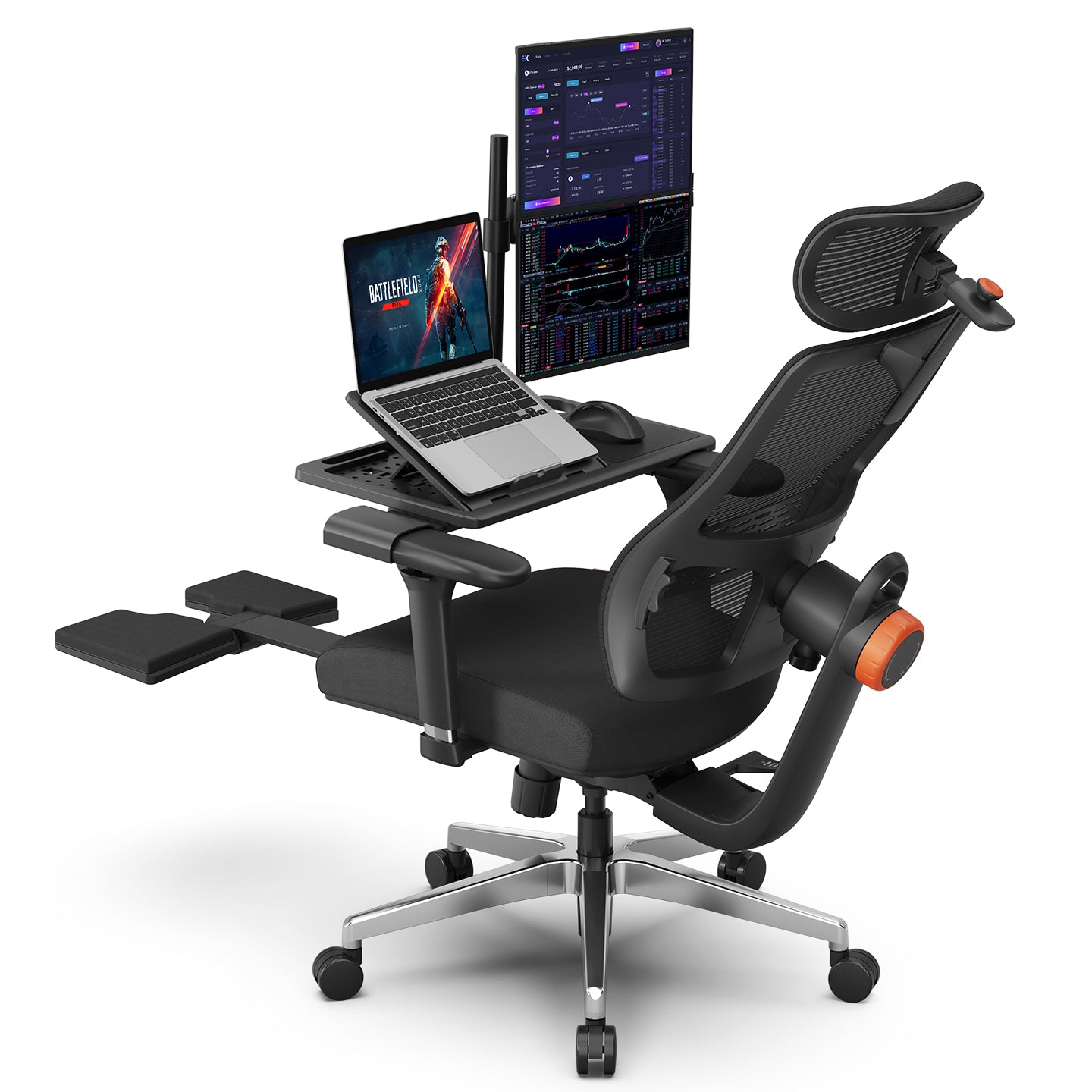
- Magic H-Bpro: Combines full-back auto-following support, a 5D headrest, footrest and optional laptop table for users who work in several positions.
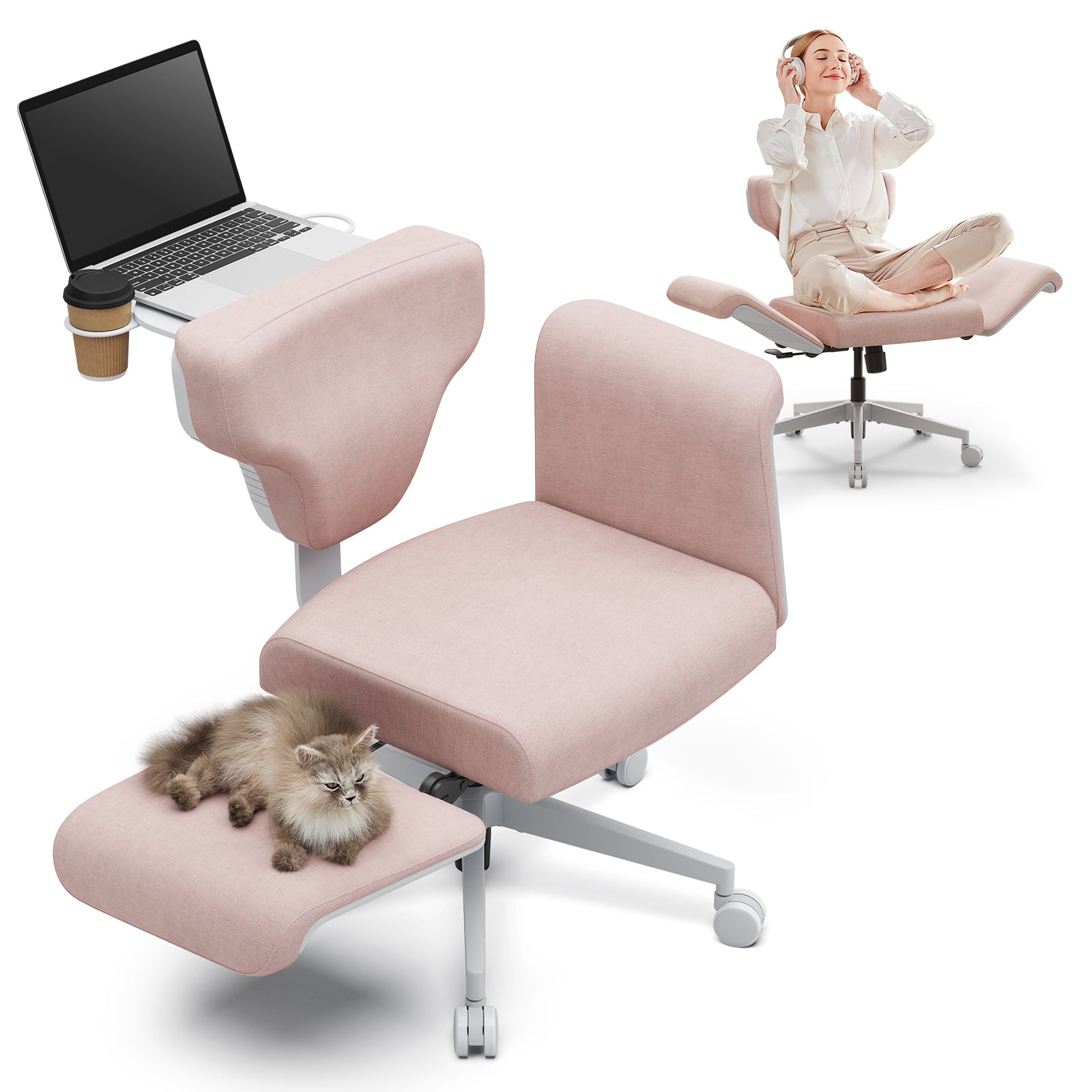
- Freedom-X: Designed for cross-legged and multi-posture sitting rather than a conventional forward-facing desk posture.
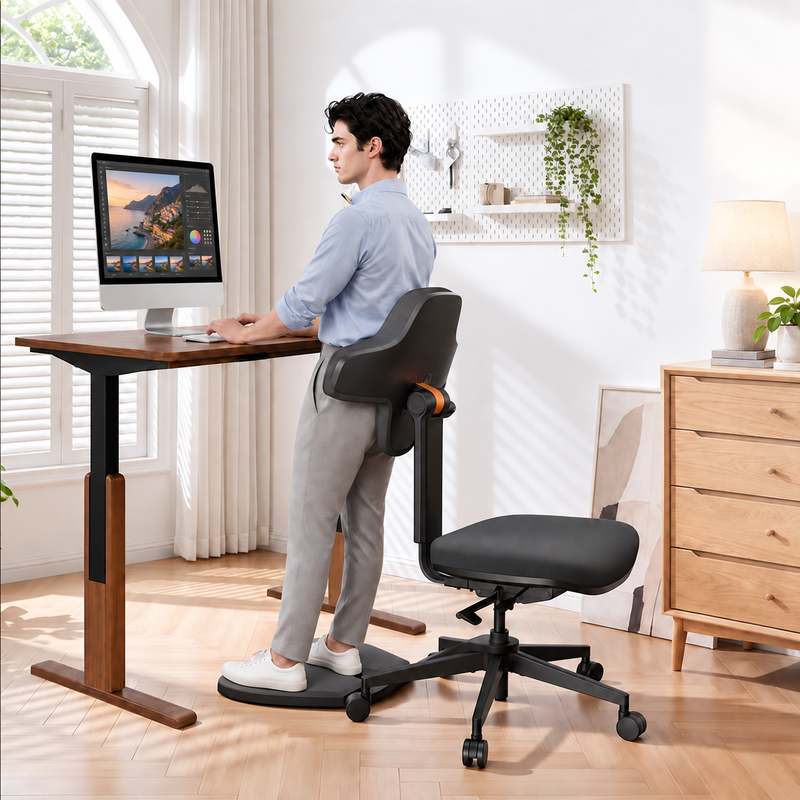
- Standing-Mate: Intended for standing desks and users who want to alternate among sitting, leaning, perching and supported standing.
Is an office chair with a footrest better for long work sessions?
A footrest is useful when reclining, reading or taking a short break, but it does not automatically make a chair better for active desk work. When typing, your feet should normally remain supported by the floor or an appropriate foot support.
The NT002 and Magic H-Bpro both include a foldable footrest and recline up to 136°. Their advantage is the ability to move from an upright working position to supported relaxation without changing chairs.
Which chair is suitable for tall or heavier users?
Always compare the stated height range, seat dimensions and weight capacity instead of relying only on a “big and tall” label.
- The NT002 is designed for users approximately 5'1"–6'3" and supports up to 300 lb.
- The Standing-Mate Small fits users from 5'0"–5'8" and supports up to 300 lb.
- The Standing-Mate Medium/Large fits users from 5'8"–6'4" and supports up to 330 lb.
- The Freedom-X Pro also has a stated weight capacity of 330 lb.
Most standard office chairs are designed for users under 275 lb, so the 300–330 lb capacities available in this collection provide additional options for users who need a higher-capacity chair. Dimensions should still be checked because weight capacity alone does not guarantee a comfortable fit.
Is a mesh office chair comfortable for long hours?
Mesh can improve airflow and may feel cooler than a fully upholstered backrest during extended computer work. Comfort still depends on the shape and tension of the mesh and whether the seat and lumbar support fit the user.
The NT001 and NT002 use breathable mesh for the backrest and headrest while retaining a high-density foam seat. This hybrid construction provides ventilation across the back without requiring the user to sit on a fully mesh seat.
Gaming chair vs. ergonomic office chair: which is better for long hours?
The label is less important than the chair’s fit and adjustments. For either work or gaming, prioritize lumbar support, an appropriately sized seat, adjustable armrests and a backrest that supports more than one position.
The NT and Magic-H models are designed for both office work and gaming, with dynamic lumbar support, adjustable headrests and lockable recline. Freedom-X is the more relevant option for users who prefer cross-legged or frequently changing sitting positions.
How should I adjust an office chair for extended computer work?
- Set the seat height so your feet rest flat on the floor and your knees are close to hip level.
- Adjust the seat depth so your thighs are supported without pressure behind the knees.
- Position the lumbar support against the natural curve of your lower back.
- Set the armrests so your elbows stay close to your body and your shoulders remain relaxed.
- Use the recline and backrest tension to change positions rather than remaining rigidly upright.
Even the best ergonomic chair cannot remove the effects of uninterrupted sitting. Standing, walking and changing posture regularly should remain part of the workday.