
Ergonomic Computer Chair
Explore NEWTRAL ergonomic computer chairs designed for long hours at a desk. The collection includes adjustable computer desk chairs with back support, reclining options, breathable mesh backs, footrests, and cross-legged or armless designs for work, study, gaming, and relaxed sitting.
✅Ships in 2-8 Days from US/EU Warehouses.
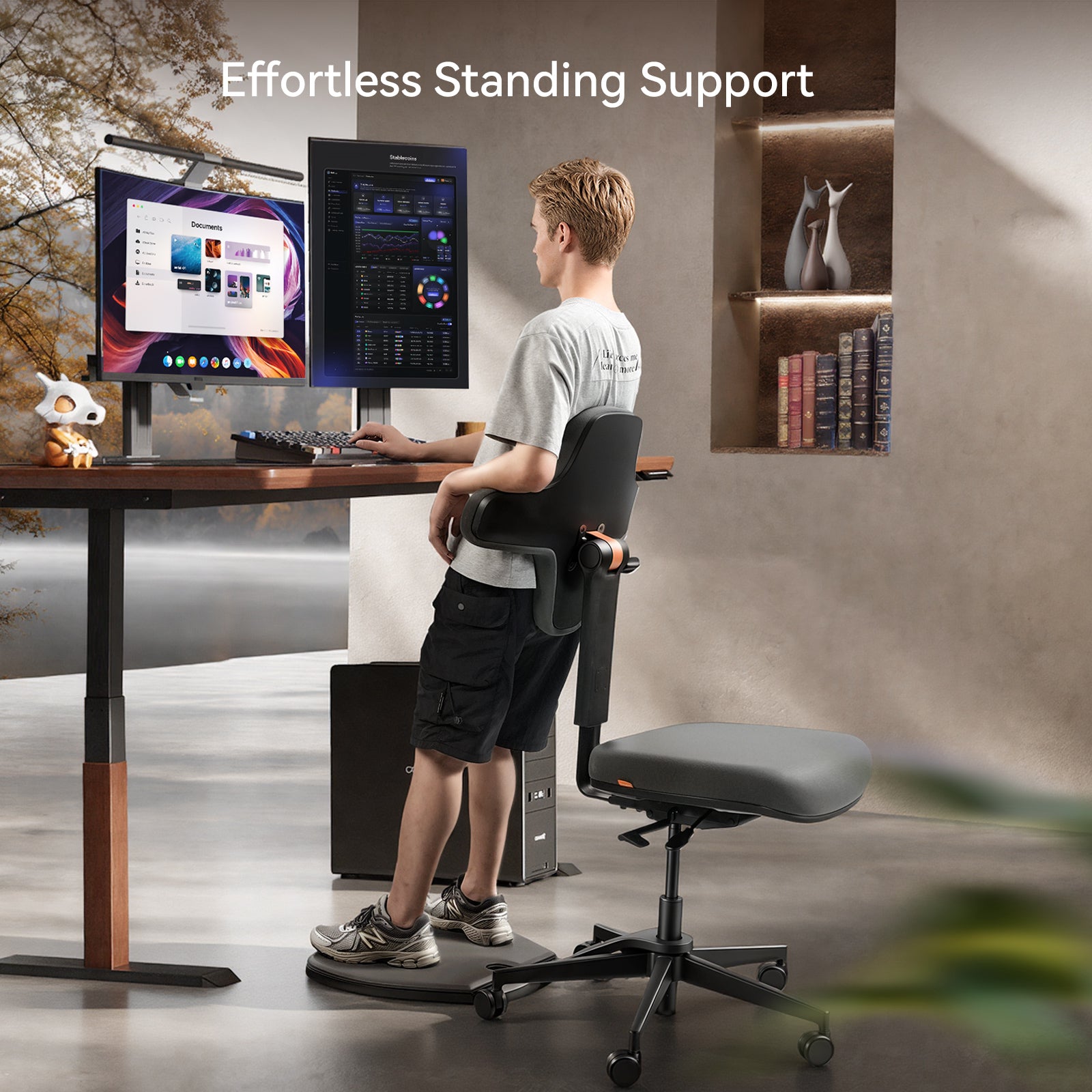
Ergonomic All-Day Support
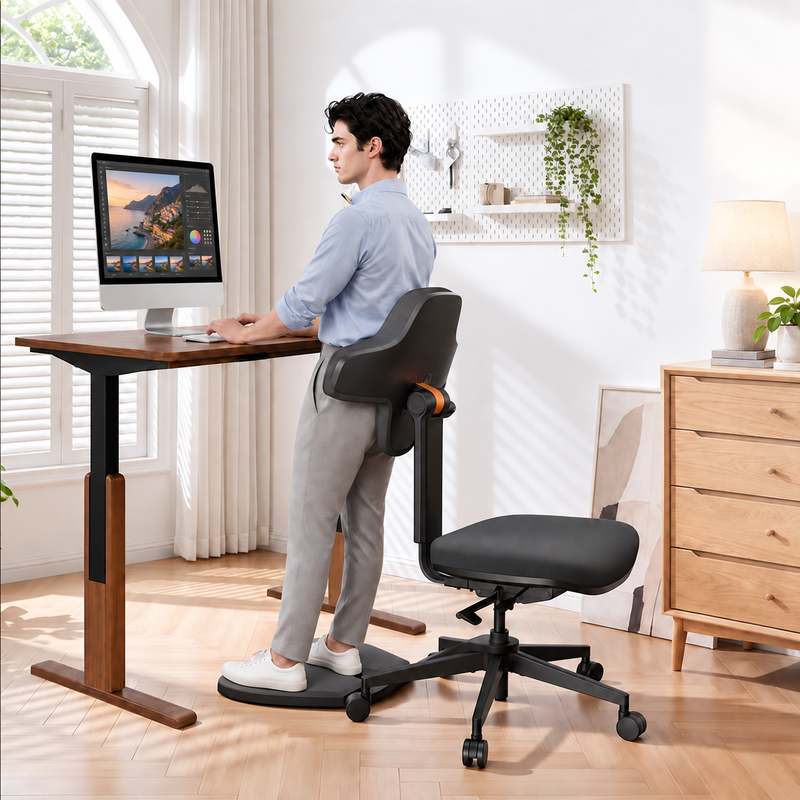
Many computer chairs keep you in one seated position. Standing-Mate supports sitting, leaning, perching, and standing, making it a more active option for people who spend long hours at a computer and prefer to change posture throughout the day.
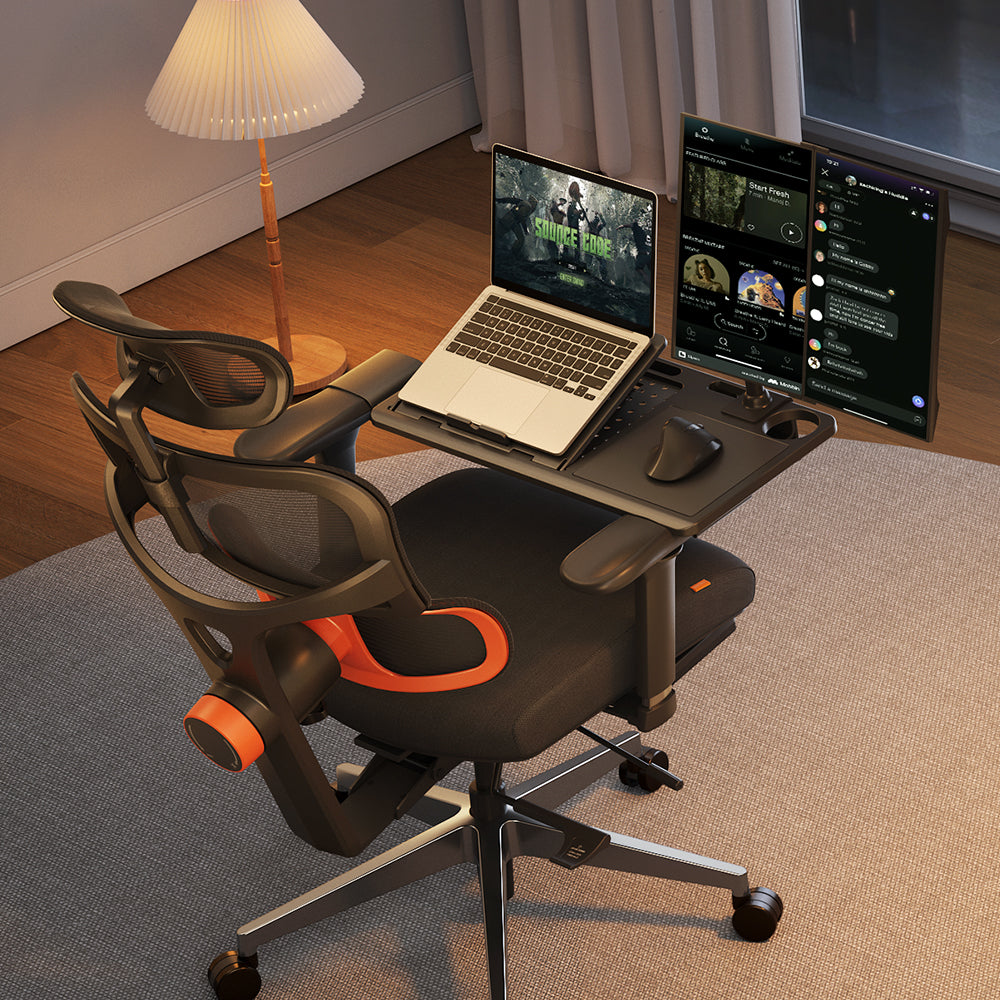
Gaming & Office Dual Use
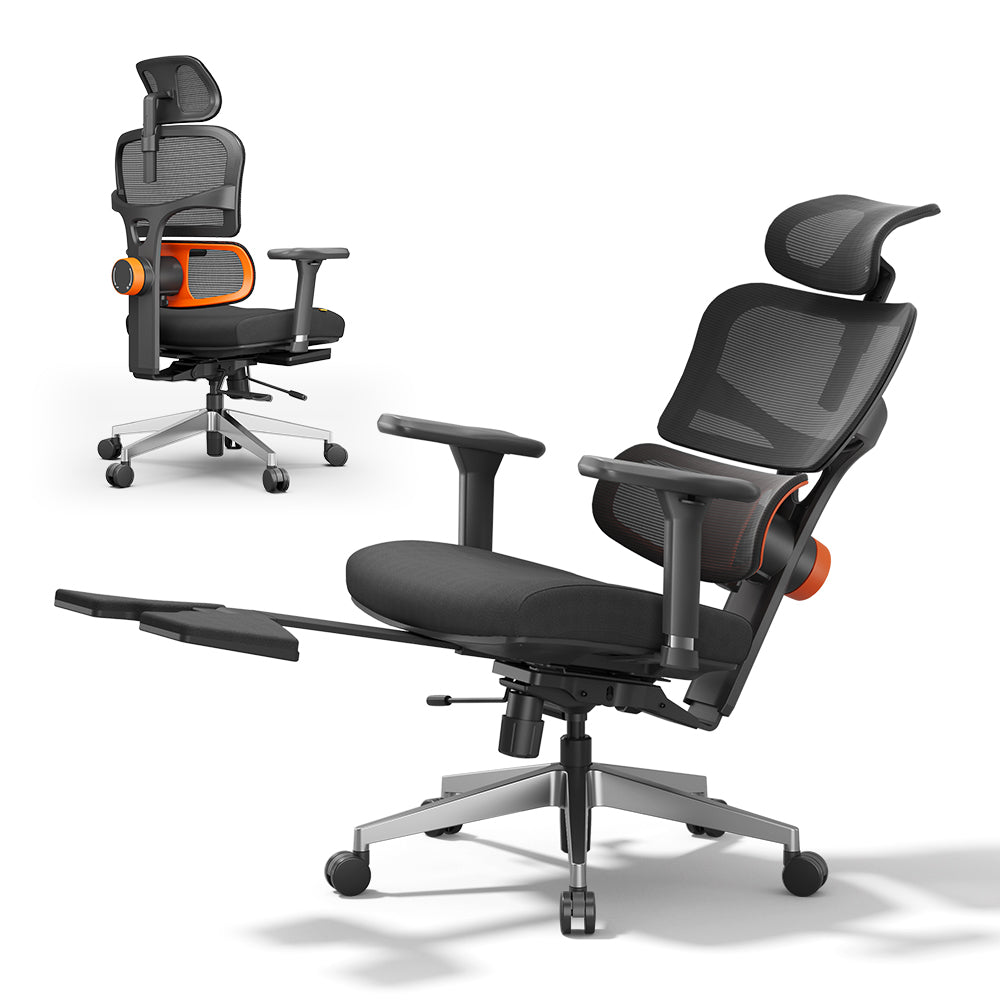
Whether you're deep in a work session or a long gaming stretch, NT002‘s auto-following backrest and adjustable armrest move with you — keeping you supported without constant readjusting.
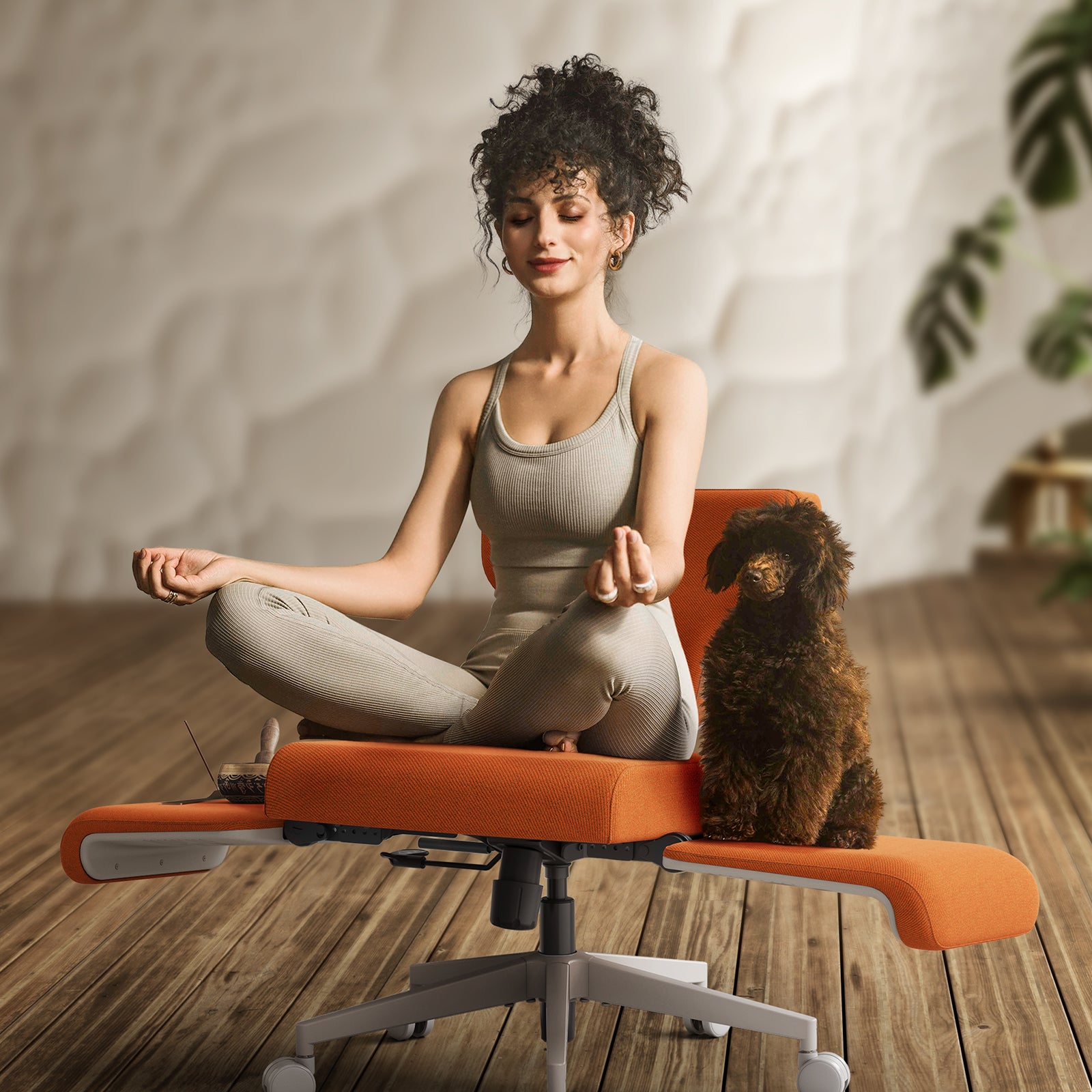
Reclining & Nap Friendly
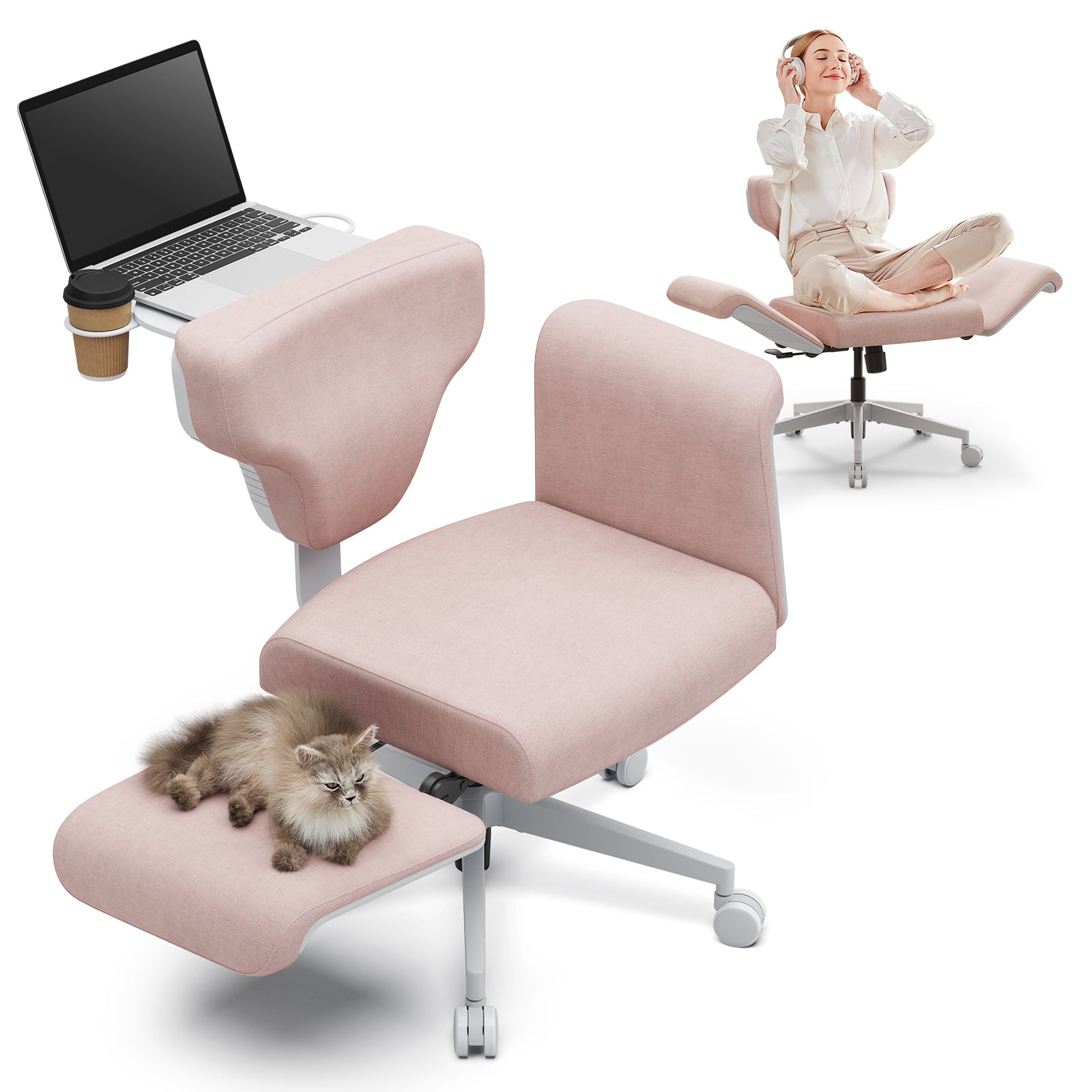
After hours at the computer, Freedom-X lets you recline into any position — cross-legged, sideways, fully reclined. Built for those who need to truly switch off between sessions.
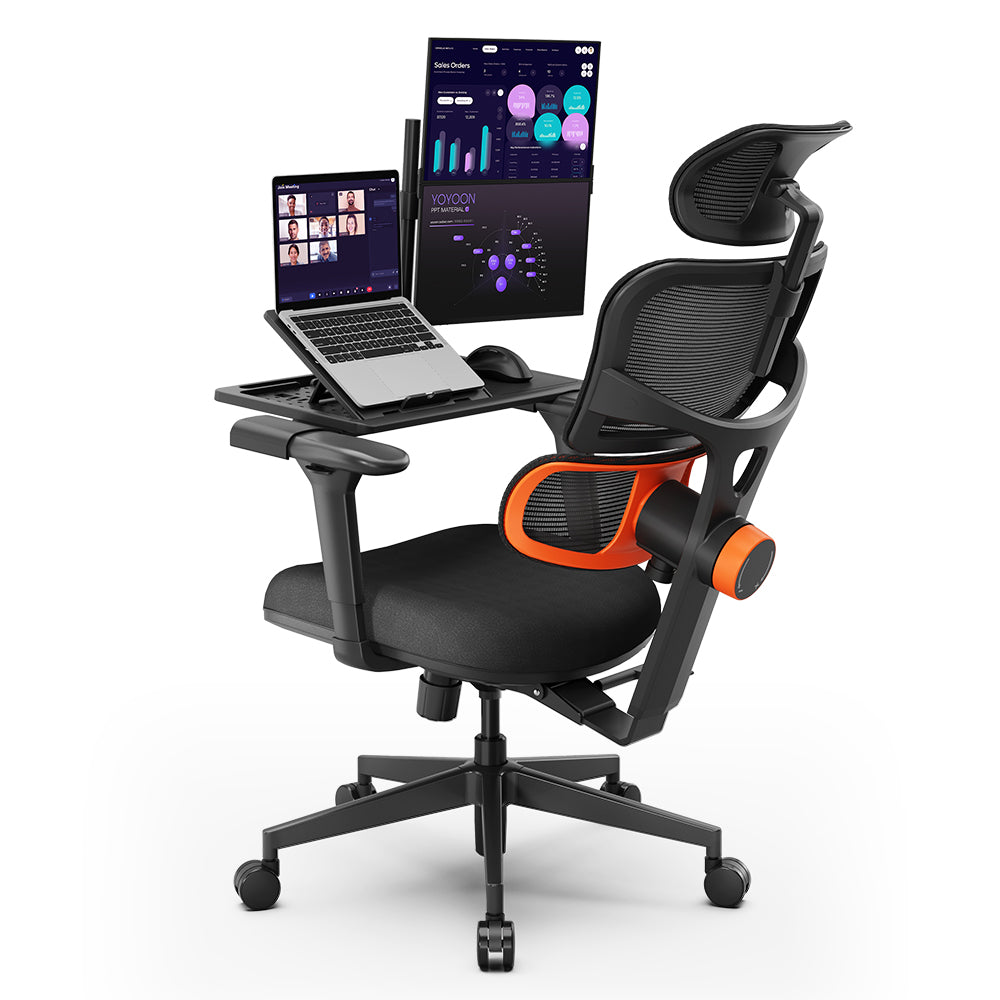
Budget Ergonomic Computer Chairs
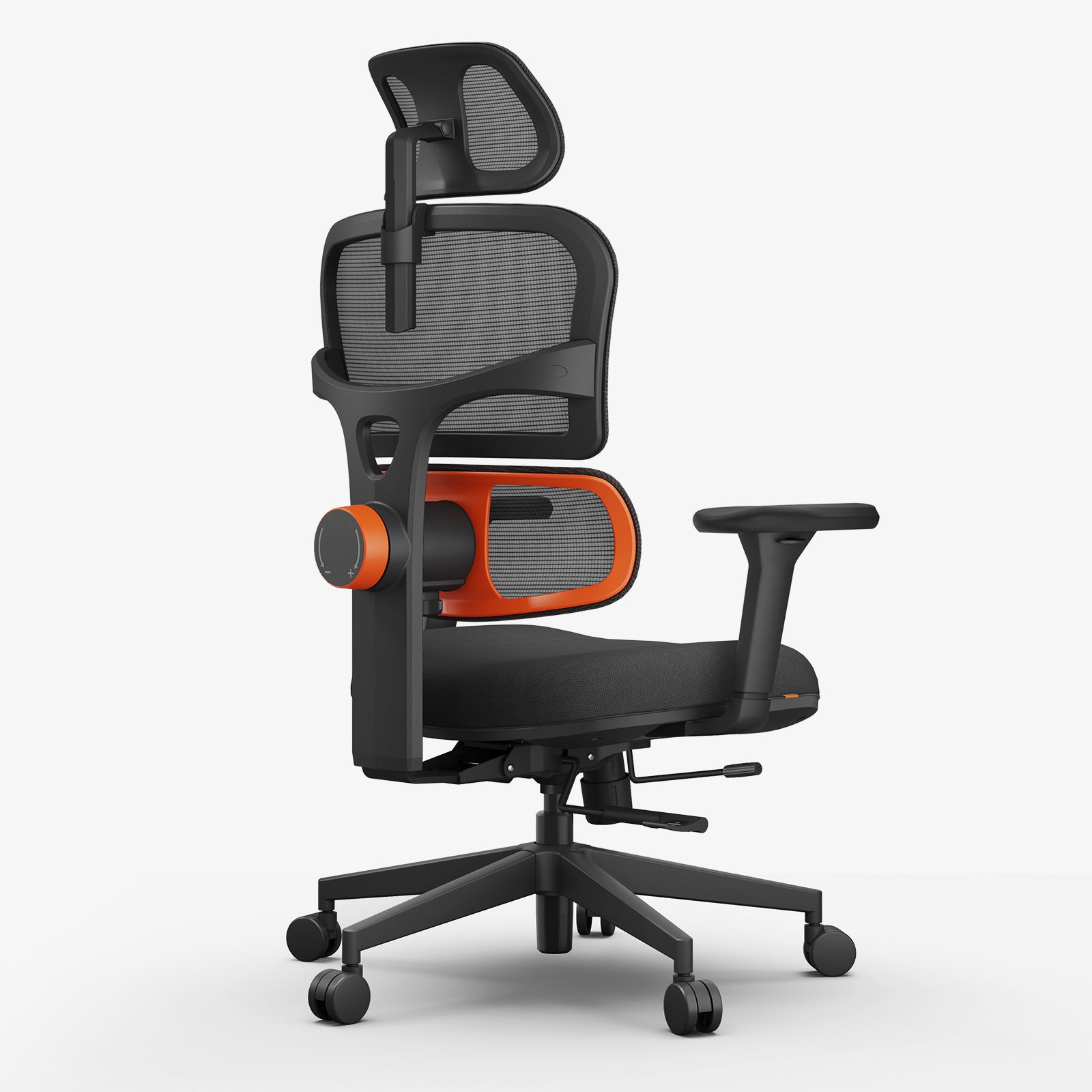
You don't need to spend a fortune for real lumbar support. H003's auto-following lumbar cushion tracks your spine as you move — giving you the feel of a premium computer chair at a more accessible price.
The Ergonomic Computer Chair Collection
Filtres
11 produits


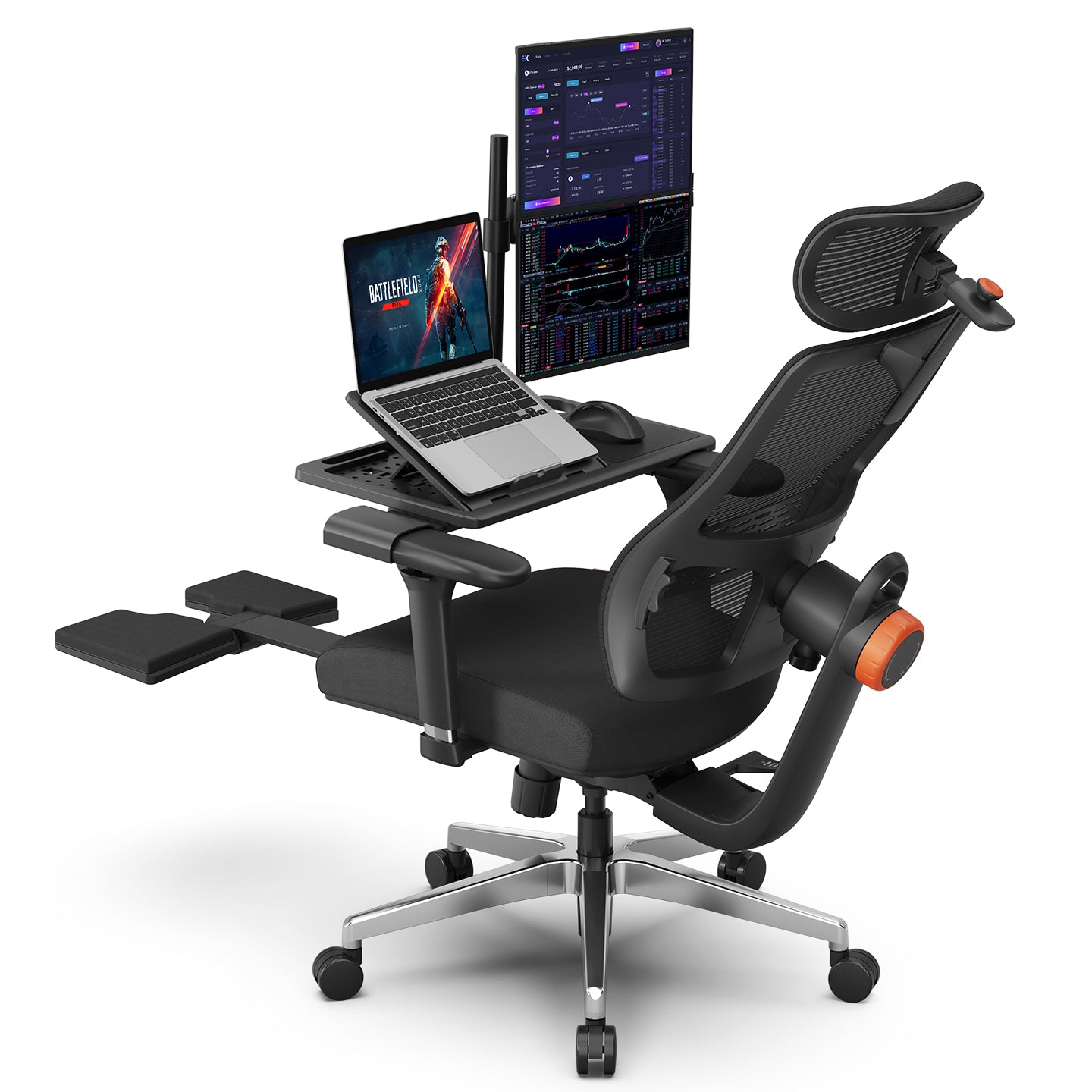
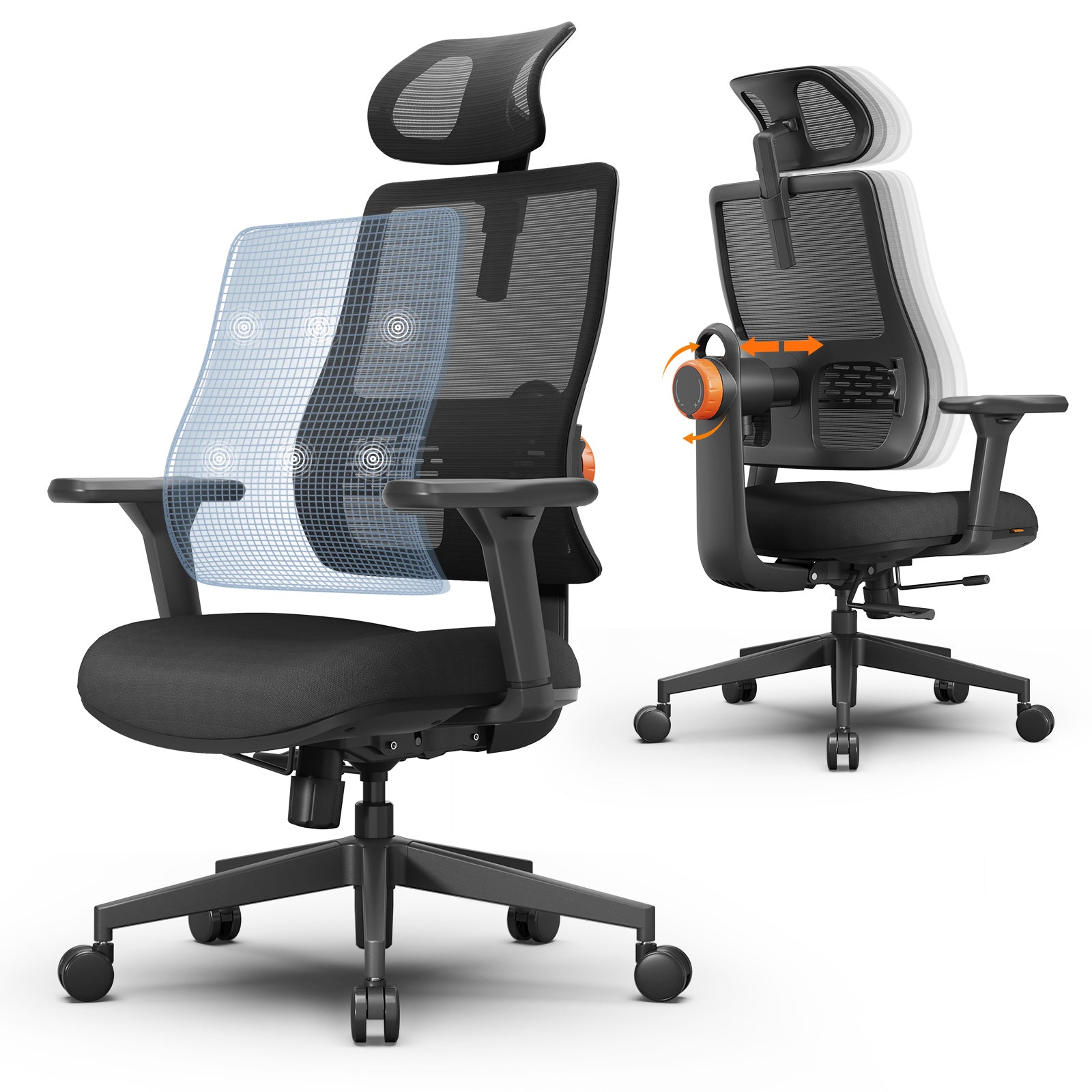


User Testimonials
Anna L.
NT002
I sit at a computer all day for work and have had multiple herniated discs in both my lower back and neck.This chair adjusts in ways that no other chair on the market does (at least not that I've seen). The lumbar support adjustment is KEY and the ability to put your legs up AND recline is great as well as a way to relieve pressure off your spine. The seat is also very comfortable and my butt never hurts from sitting for 8+ hours a day! Very thankful to the innovation introduced with this chair!!!
Heather M.
Standing Mate
This ergonomic computer chair is a game changer for long computer hours! I love the versatility and it’s great for my hip pain and adhd when I can’t sit still for hours in the same position. As soon as my friends saw it they wanted to know where to get one!
Evgeniya N
NT002
I've been using this ergonomic chair for a few weeks now, and it has made a noticeable difference in my comfort and posture. The adjustable features—like lumbar support, armrests, and seat height—make it easy to customize to my body. It’s well-padded and provides great support during long hours at the desk. Overall, it’s a great investment for anyone who spends a lot of time working at a computer.
POV: What's It Like to Work 10 Hours on Computer with Ergonomic Chair?
Find the Computer Chair That Fits Your Needs
Compare back support, seat width, recline, armrest style, materials, and sitting positions to find the right computer chair for your body and workspace. The collection includes mesh computer chairs, computer chairs with footrests, adjustable-arm and armless computer chairs, and wide cross-legged designs across different price ranges.
Active sitting + standing + leaning support
Traditional ergonomic sitting
Multi-posture sitting
Standing desk users & developers, remote workers, office employees,students
Long-hour computer work — office employees, students
Flexible sitting & premium comfort — creatives, gamers, freelancers
Dynamic movement, 6–8+ hrs with posture changes
Focused sitting, 6+ hrs of desk work
Multitasking across postures, 6–8+ hrs
Integrated standing mat
No footrest
No footrest
Minimalist standing-support design for modern sit-stand workspaces.
Professional ergonomic styling with a breathable mesh back.
Contemporary multi-position design with vibrant colors and smart integrated features.
Regular PU wheels, no obvious noise
Regular PU wheels, no obvious noise
Crystal wheels, more silent
Cushioned Upholstery with Memory Foam Support
Breathable Mesh Back
Soft Breathable Woven Fabric
Armless for unrestricted movement and effortless posture changes.
3D nylon adjustable armrests for ergonomic desk work.
Flip-up armrests designed for work, relaxation, and cross-legged sitting.
FAQs
What is the best ergonomic computer chair for long hours?
The best ergonomic computer chair for long hours is one that fits your body and supports how you sit. Prioritize adjustable seat height and depth, back support, recline, and armrests that align with your desk. The most comfortable computer chair is not always the one with the most features, but the one you can adjust correctly and use without uncomfortable pressure points.
Can you sleep in an ergonomic computer chair?
Yes, many ergonomic computer chairs with a deep recline can be used for short breaks or power naps. A recline chair with proper headrest and lumbar support helps your body relax more naturally than a standard office chair. However, it is not intended to replace a bed for overnight sleep.
What’s the best budget ergonomic computer chair?
The best budget ergonomic computer chair offers essential features like adjustable lumbar support, seat height adjustment, and breathable mesh without unnecessary extras. Choosing a well-designed ergonomic chair provides better long-term comfort and value than purchasing a low-cost chair with limited adjustability.
Is an ergonomic computer chair good for gaming?
Yes. An ergonomic computer chair can work well for gaming when it provides the support and adjustments needed for long sessions. Features such as adjustable armrests, lumbar support, recline, and seat-depth adjustment can be useful for both desk work and gaming, although the best choice depends on your preferred sitting position.
Can an ergonomic computer chair improve posture?
An ergonomic computer chair cannot correct posture by itself, but a properly adjusted chair can support a more neutral sitting position and make slouching less likely. Set the seat height, back support, armrests, and desk position to fit your body, and change positions regularly during long computer sessions.
What’s the difference between a computer chair and gaming computer chair?
A computer chair usually prioritizes adjustable support, desk fit, and comfort for work or study. A gaming chair often uses a high-back, sport-inspired design and may emphasize recline or visual styling. There is significant overlap, so compare the actual support, seat dimensions, and adjustment range rather than choosing by label alone.
Should you choose a mesh computer chair or a padded chair?
A mesh computer chair can provide better airflow and a firmer feel, while a padded fabric chair may feel softer and suit users who prefer more cushioning. Neither option is automatically more comfortable, so consider your climate, preferred seat feel, support needs, and typical sitting time.
Best Computer Chairs Blog
What Are the Best Computer Chairs for Long Hours of Comfort?
Discover how the right ergonomic
Computer chair helps reduce back strain, support better posture, and improve your daily work experience.
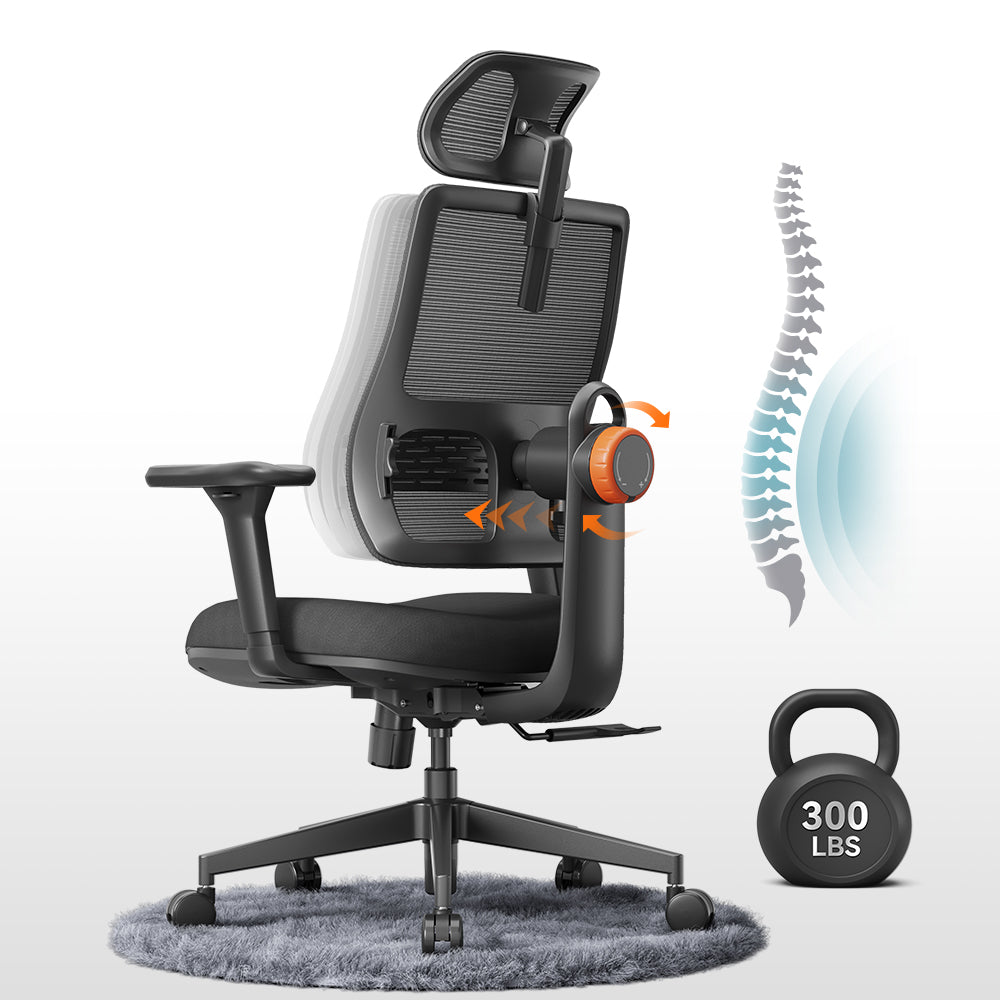
Best Comfortable Computer Desk Chair for Long Hours?
Find your ideal Computer companion that balances soft cushioning, ergonomic contours and sleek design for all-day relaxed productivity.
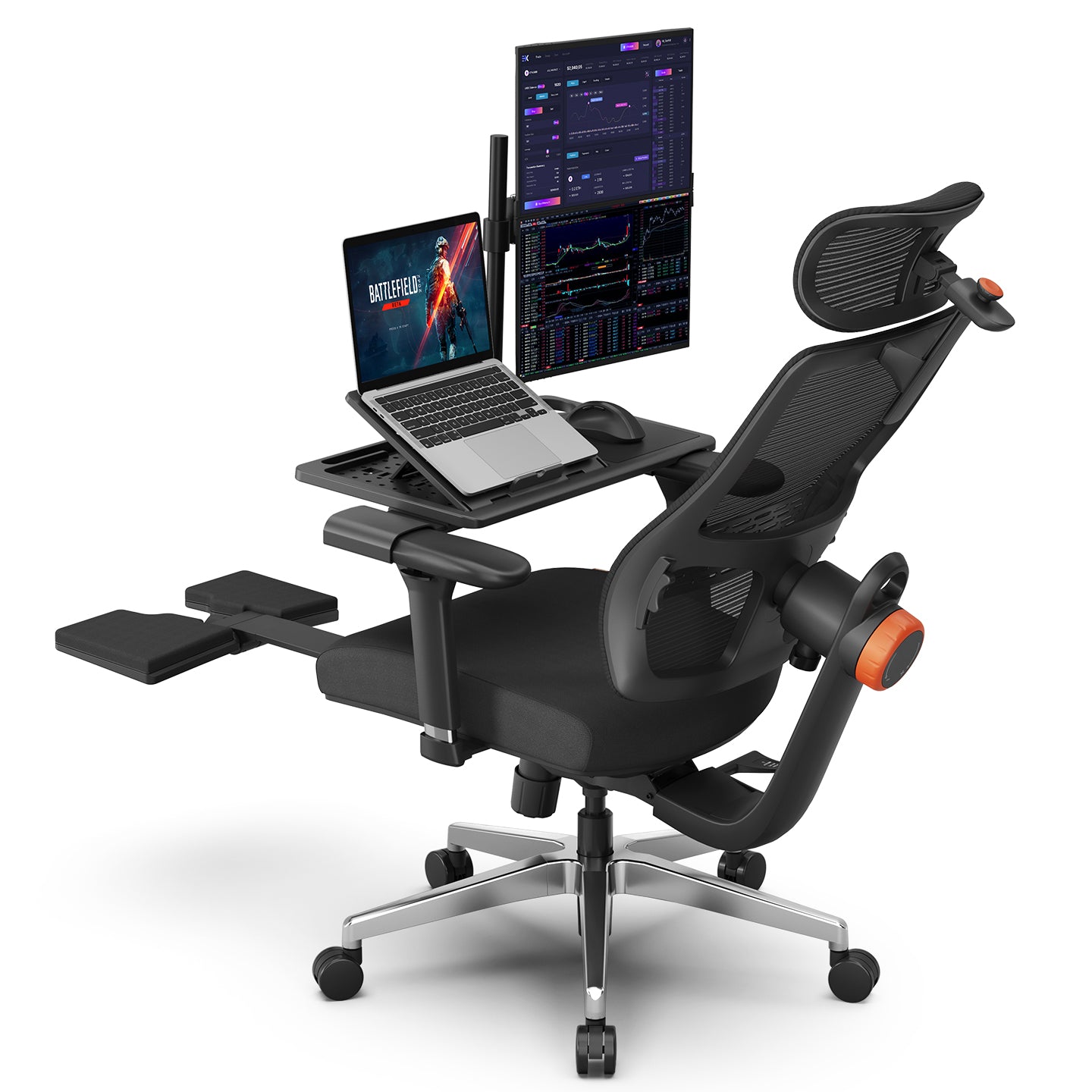
Computer Chair With a Desk Attached: Pros, Cons
Built-in desk chair good for you? Check space pros & posture downsides before buying.
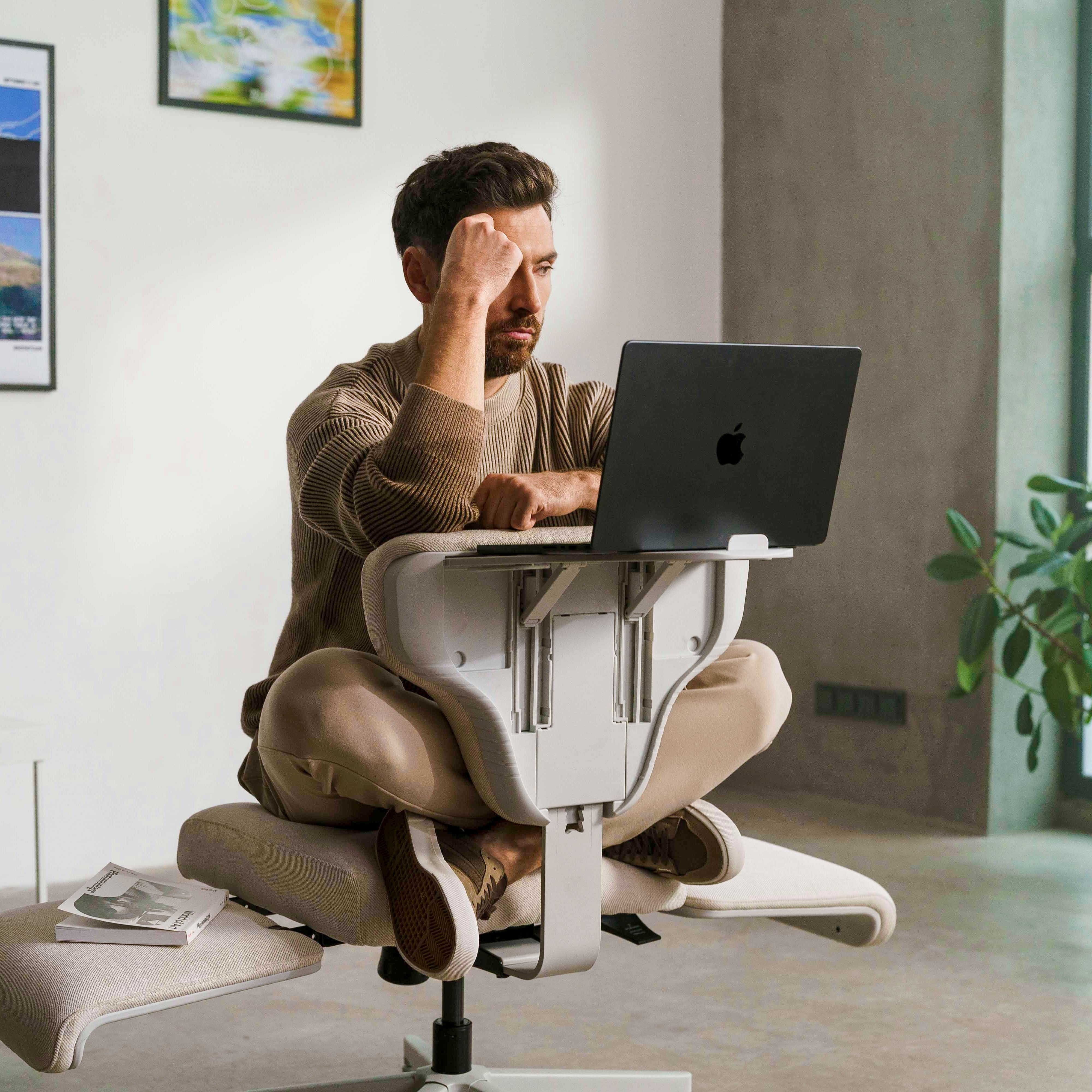
Computer Chair With or Without Armrests: Which Is Better?
Computer with Armrest vs armless chairs: See which fits cross-legged work and long desk hours better.