
Table of Contents
A dull ache in the lower back, hip, or buttock after sitting for a while is often a sign that the sacroiliac joint (SI joint), not the spine itself, is under strain. Small changes to how and where you sit can make a real difference. This guide covers what SI joint pain is, why sitting tends to trigger it, and how to build a sitting routine that supports your joints instead of straining them.
What Is SI Joint Pain?
Location and Function
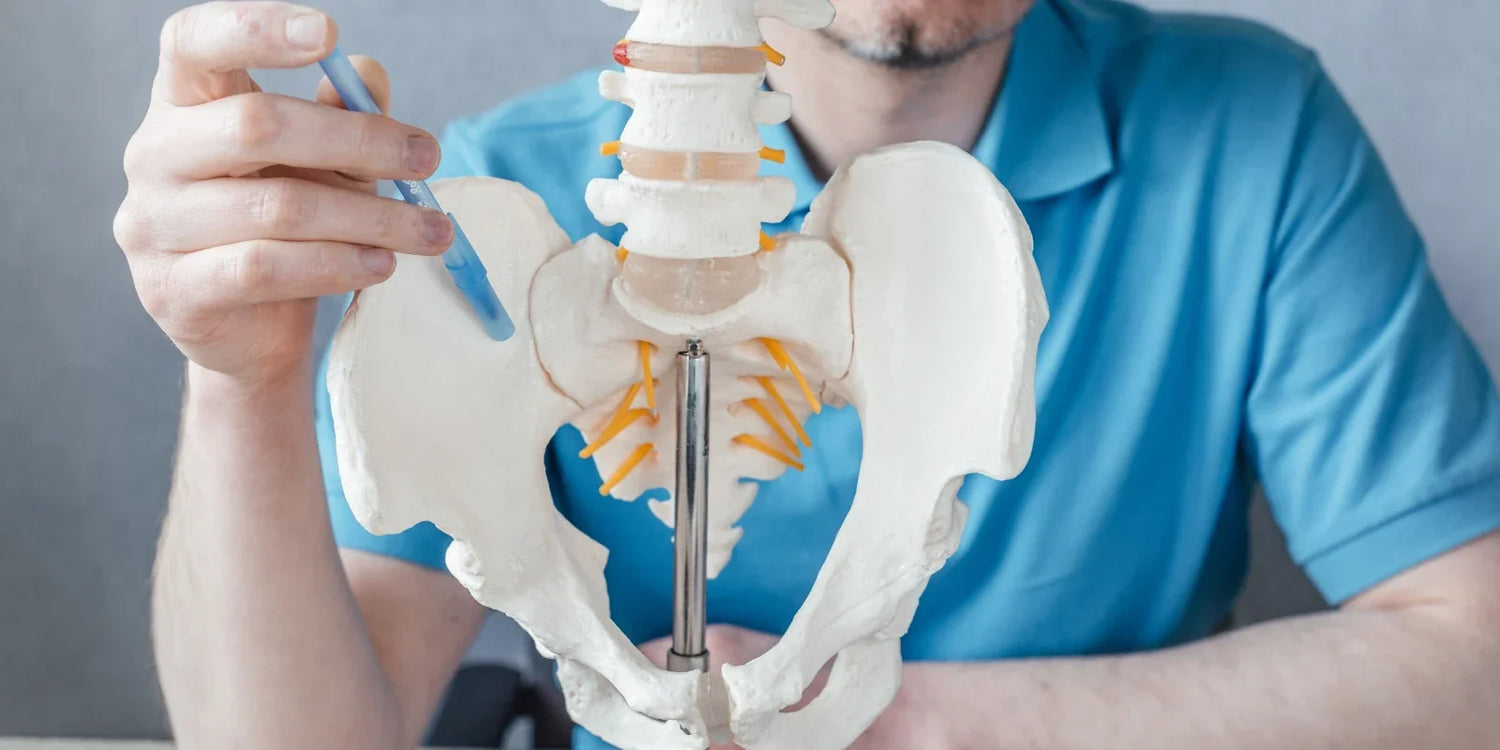
The SI joints sit on either side of the lower spine, connecting the sacrum to the pelvis. Though small, they carry a lot of responsibility: absorbing shock, transferring load between the upper body and legs, and stabilizing the pelvis during standing, walking, and sitting. Because they handle so much movement and weight, they are easily irritated when posture stays off balance for long periods.
Common Symptoms
SI joint pain typically feels like a dull, aching sensation on one side of the lower back, hip, or buttock. It can also radiate down the back of the thigh, which is sometimes mistaken for sciatica. Sitting for long stretches, standing up after sitting, or shifting weight from one leg to the other often makes the discomfort more noticeable.

What Causes SI Joint Pain When Sitting?
Prolonged Sitting
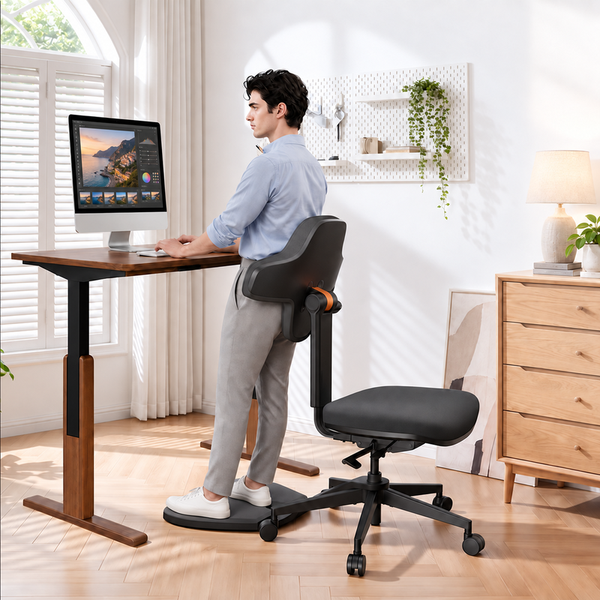
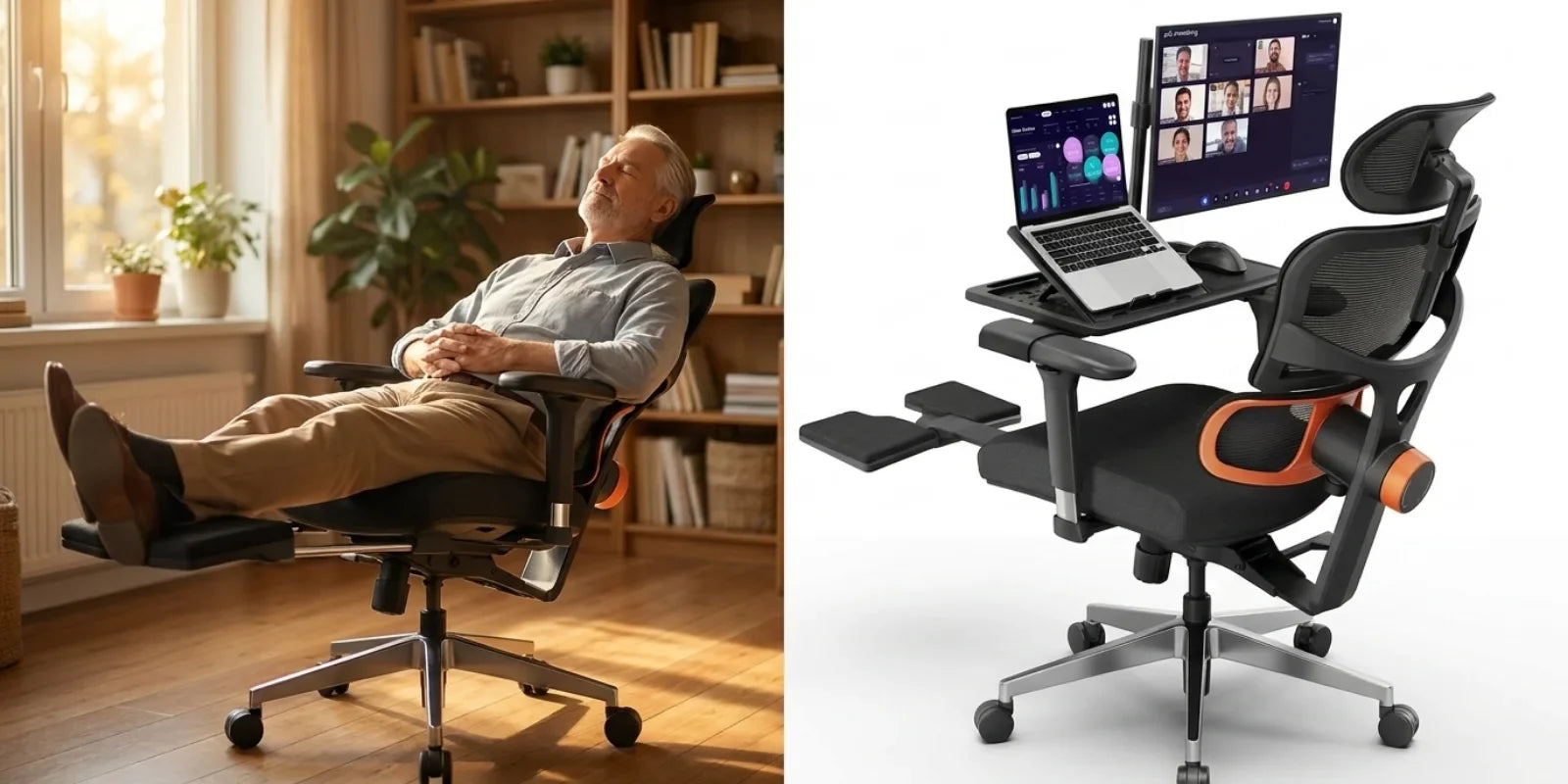
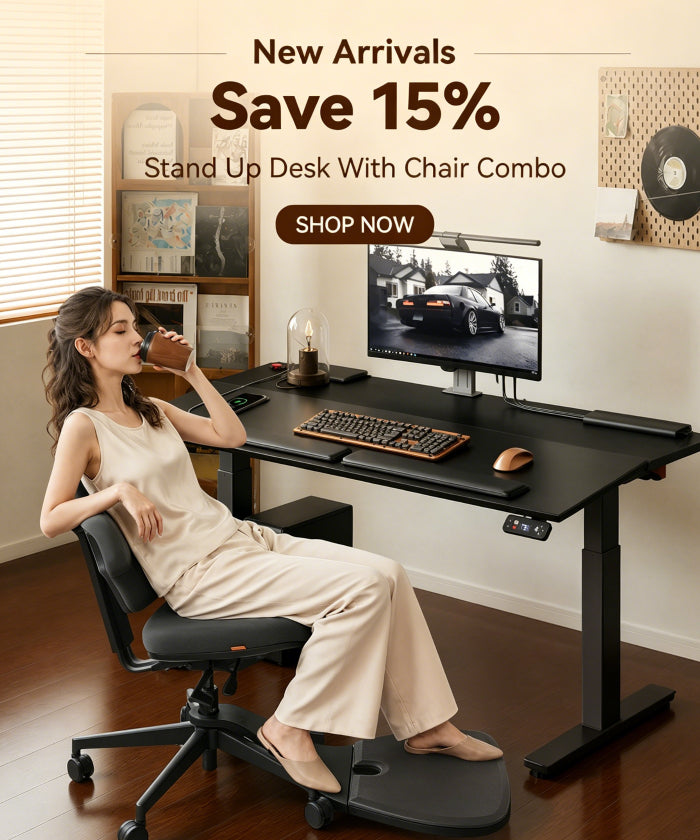
Sitting for hours without moving keeps the SI joints in a fixed, compressed position, which reduces circulation and increases stiffness over time. Breaking that static load with regular position changes, moving between sitting, leaning, and standing, helps keep the joint from staying compressed for too long. Newtral's standing desk chair is built around this idea: it supports several working postures, including sitting, leaning, and perching, and includes on-demand knee support designed to decompress the spine and encourage a neutral pelvic position during transitions.
Uneven Weight Distribution
Slouching, sitting on a wallet, or favoring one hip shifts pressure unevenly across the pelvis. This asymmetry overloads one SI joint while leaving the other underused, and the imbalance can eventually lead to inflammation on the overloaded side.
Weak Core and Hip Muscles
The core and hip muscles help stabilize the pelvis and take pressure off the SI joints. When these muscles are weak, the joints end up compensating for the lack of support, which makes them more vulnerable to irritation during long periods of sitting.
Blog12
Best Sitting Posture for SI Joint Pain
A few posture adjustments can significantly reduce the load placed on the SI joints throughout the day:
1. Align hips and knees. Keep the hips and knees at roughly the same height, with the knees slightly lower than the hips if possible. This keeps the pelvis in a neutral position rather than tilting it forward or backward.
2. Distribute weight evenly. Sit with your weight centered across both sit bones rather than shifted to one side. The table below covers the specific habits that most commonly throw this balance off.
3. Support the lower back. A neutral spine, neither overly arched nor rounded, keeps the pelvis stable. A chair with adjustable lumbar support helps maintain this position without requiring constant conscious correction.
Positions to Avoid
|
Habit |
Why It Strains the SI Joint |
|
Crossing the legs |
Tilts the pelvis and shifts weight to one side |
|
Sitting on a soft, sagging couch |
Lacks support, letting the pelvis sink out of alignment |
|
Perching on the edge of a chair |
Removes lower back support and increases spinal load |
|
Staying in one position for hours |
Compresses the joint and limits circulation |
Choosing an Ergonomic Chair for SI Joint Pain
The right chair will not cure SI joint pain on its own, but it can remove much of the daily strain that makes symptoms worse. A few features are worth prioritizing when choosing one.
Adjustable Lumbar Support
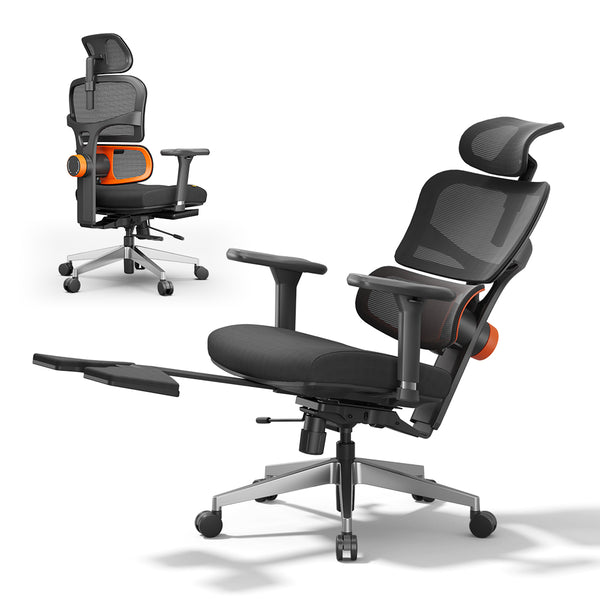
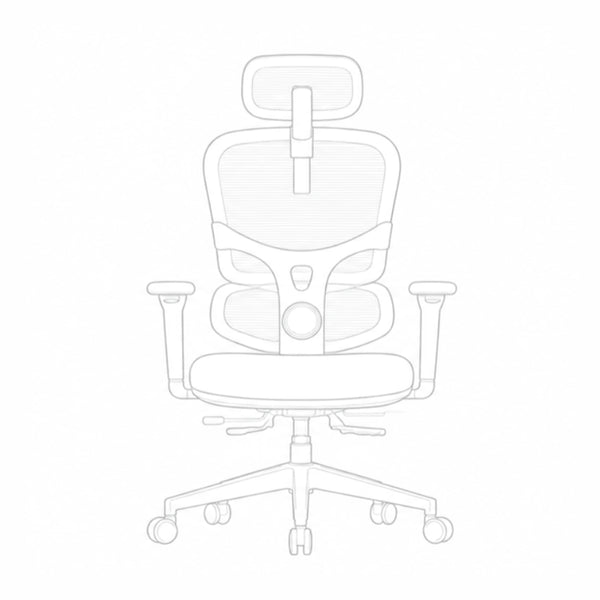
A fixed lumbar pad only supports the lower back in one position. As soon as posture shifts forward or into a recline, that support stops doing its job. The NT002 ergonomic office chair addresses this with a patented auto-following lumbar system that tracks the lower back in real time, along with adjustable support tension and a backrest that adjusts across multiple positions to fit different body heights. That combination keeps the lumbar spine, and by extension the pelvis, supported whether you are leaning forward to type or reclining to rest.
Seat Depth and Cushioning
A seat that is too deep or too shallow forces the body into slouching or perching, both of which unbalance the pelvis. Look for a seat depth that lets the back rest fully against the backrest while the knees clear the edge of the seat, paired with cushioning firm enough to support the sit bones evenly. An adjustable seat depth, available on chairs like the NT002, makes it easier to reach this position regardless of body size.
blog18
Chair Height and Armrests
Chair height should let the feet rest flat on the floor with the knees close to a 90-degree angle. The ergonomic chair height calculator can help determine the right setting based on individual measurements. Height-adjustable armrests also take pressure off the shoulders and upper back, which indirectly reduces the load the pelvis has to compensate for.
Comparing Chair Collections
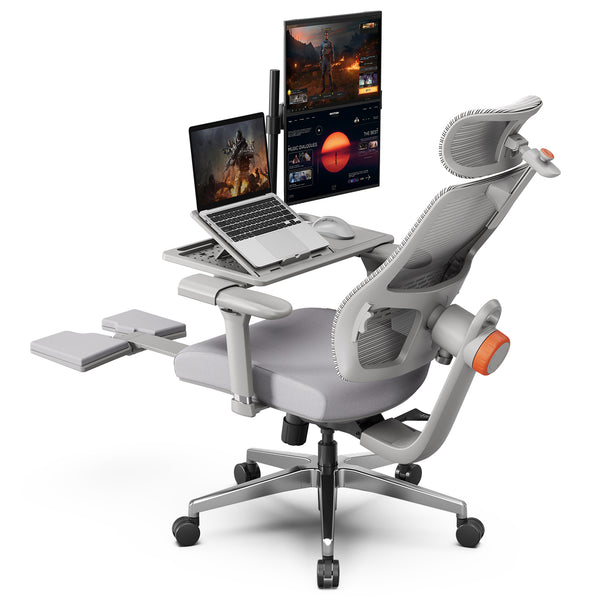
Different chair collections are built around different priorities. The comparison between the NT and Magic collections covers every model in detail, but the core difference in backrest design comes down to this:
|
Collection |
Backrest Design |
Best Suited For |
|
NT |
Two-piece backrest with independently flexing upper and lower panels, 5 lockable lumbar height positions |
Focused, targeted lumbar support |
|
Magic H |
Single curved panel providing full-spine coverage |
Broader back and neck support in one motion |
Anyone specifically managing SI joint or lower back pain will generally get more targeted support from the NT collection's lumbar-focused design, while the Magic H collection suits users who want fuller spinal coverage in a single adjustment.
Blog18
Stretches for SI Joint Relief
Gentle movement throughout the day helps keep the SI joints from stiffening up. A few stretches that are generally well tolerated include:
- Knee to chest stretch. Lying on the back, gently pull one knee toward the chest and hold for 20 to 30 seconds, then switch sides.
- Seated spinal twist. While seated, place one hand on the opposite knee and gently twist the torso, holding briefly before switching directions.
- Piriformis stretch. Cross one ankle over the opposite knee while seated and lean forward slightly to release tension around the hip and SI joint.
If any stretch increases pain, stop and check with a physical therapist before continuing.
When to See a Doctor?
Most mild SI joint discomfort improves with posture adjustments, movement breaks, and gentle stretching. See a doctor or physical therapist if the pain is severe, does not improve after a few weeks of self care, spreads down the leg, or comes with numbness, weakness, or fever. According to Mayo Clinic's overview of sacroiliac joint pain, numbness, tingling, or weakness can point to a different underlying condition and generally warrants a closer look from a provider. A professional can confirm whether the SI joint is the actual source of pain and recommend targeted treatment.

Quick Checklist
Before sitting down for a long stretch, run through this list:
- Hips and knees are roughly level, knees slightly lower than hips
- Weight is centered evenly across both sit bones
- Lower back is supported by the chair, not slouched or arched
- Feet rest flat on the floor with knees near a 90-degree angle
- A movement break is planned within the next 30 to 45 minutes
FAQs
Is sitting bad for SI joint pain?
Sitting itself is not harmful, but staying in one position for long periods without support can compress the SI joint and worsen discomfort. Taking regular breaks and using a chair with proper lumbar support helps minimize this effect.
What is the best chair position for SI joint pain?
Keep the hips and knees roughly level, distribute weight evenly across both sit bones, and support the lower back so the pelvis stays neutral rather than tilting forward or back.
Should I use a cushion for SI joint pain?
A supportive cushion can help distribute weight evenly and reduce pressure on the SI joint, especially on hard or flat seats. Choose one that keeps the pelvis level rather than one that is too soft and allows uneven sinking.
How often should I take breaks when sitting?
Standing up and moving for a minute or two every 30 to 45 minutes is a reasonable target for most people. If pain flares with sitting, shorter and more frequent breaks may work better.




Hinterlasse einen Kommentar
Alle Kommentare werden vor der Veröffentlichung geprüft.
Diese Website ist durch hCaptcha geschützt und es gelten die allgemeinen Geschäftsbedingungen und Datenschutzbestimmungen von hCaptcha.